Back to Alternatives

Free Alternative to Intercom

Talk to your first customers for free. When your support volume grows, you'll have the data to justify upgrading.

The best free alternative to Intercom is Tawk.to.

Tawk.to logo

1. Tawk.to

Free
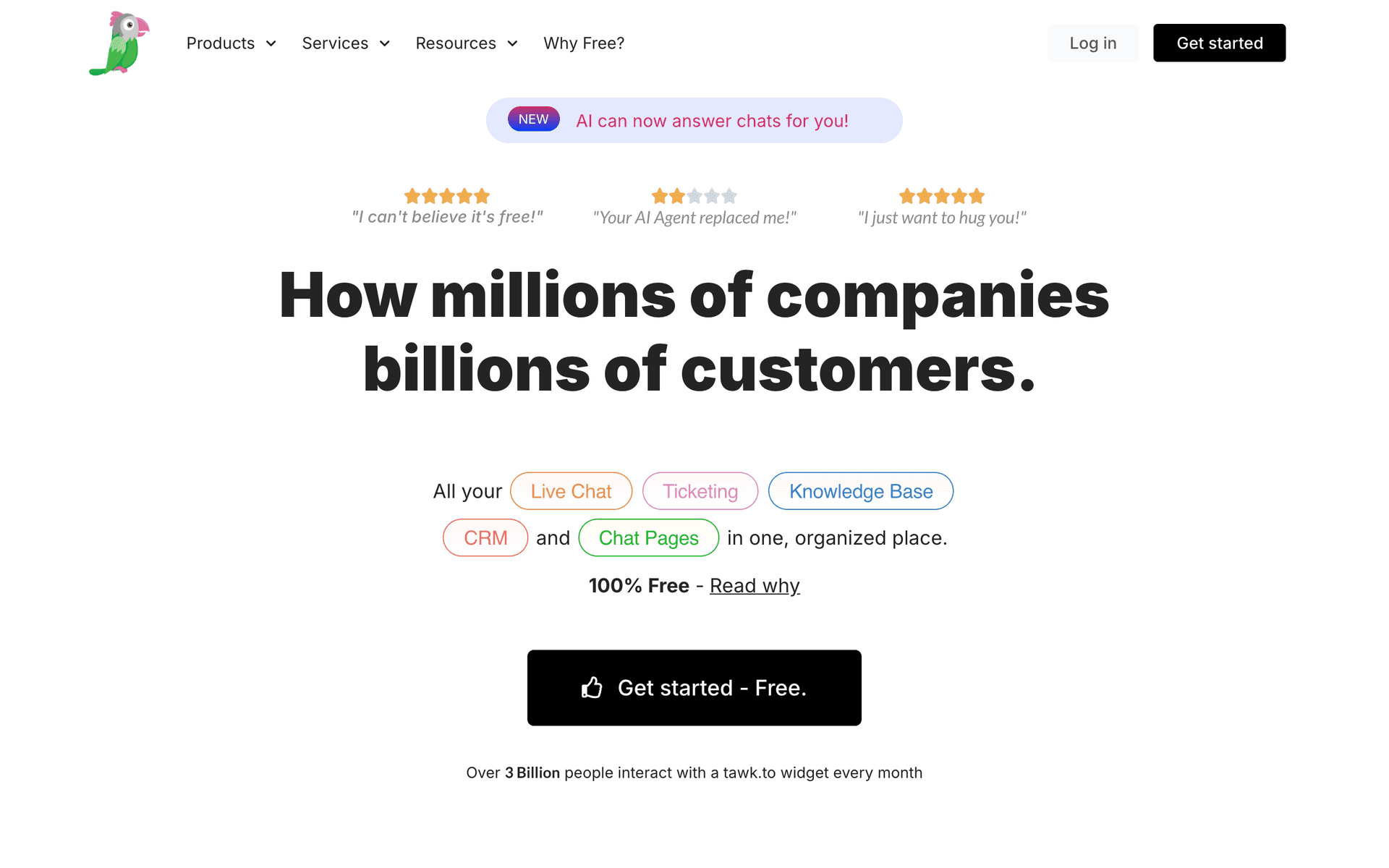
Tawk.to screenshot

Tawk.to is a live chat tool that is 100% free with no limits on agents, chat history, or features. It is one of the only business tools that is genuinely, completely free to use.

How Is It Free?

Tawk.to makes money through optional paid services: removing the "Powered by Tawk.to" branding ($19/month) and hiring chat agents ($1/hour). The live chat platform itself, including all features, is free forever.

What You Get

  • Unlimited agents - Add as many team members as you need
  • Unlimited chat history - All conversations saved permanently
  • Ticketing system - Convert chats into support tickets for follow-up
  • Knowledge base - Build a help center for self-service support
  • Chat pages - Create standalone chat pages you can link to from anywhere
  • Canned responses - Save and reuse common replies
  • File transfer - Share files directly in the chat
  • Visitor monitoring - See who is on your site in real time

What to Know

The main trade-off is the branding badge on the chat widget. Removing it costs $19/month. The interface is also less polished than competitors like Crisp or Intercom, but the feature set at zero cost is hard to beat.

Key features include:

  • Live chat
  • Ticketing system
  • Knowledge base
  • Chat pages
  • Canned responses
  • File transfer
  • Screen sharing
  • Agent dashboard

Pros

Completely free, forever

Unlimited agents

Feature-rich

Unlimited chat history

Cons

Branding removal costs $19/mo

UI feels dated

Setup can be confusing

Read more
Crisp logo

2. Crisp

Freemium
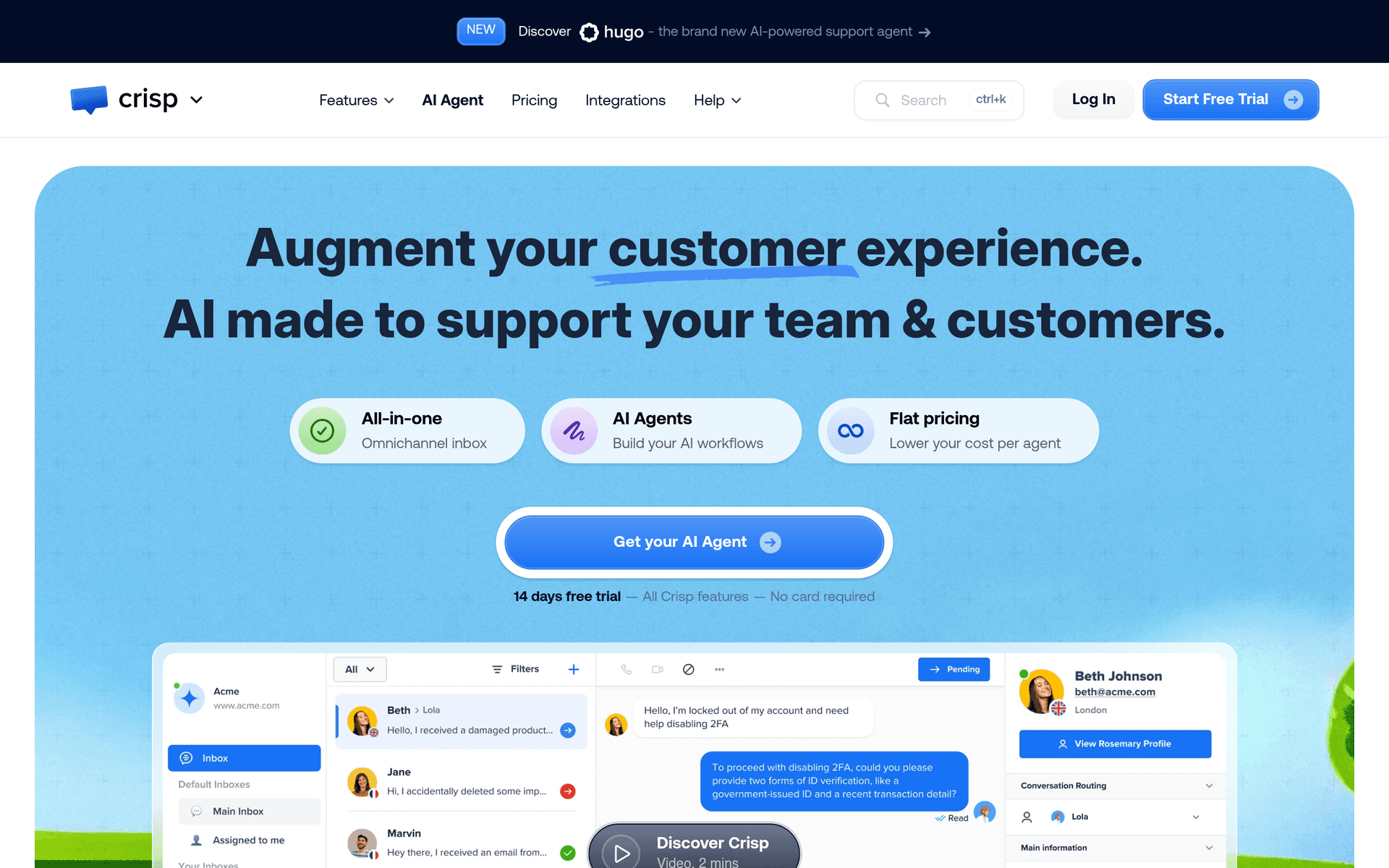
Crisp screenshot

Crisp is a customer messaging platform that combines live chat, a shared inbox, and a knowledge base in one tool. The free plan covers 2 agents, making it an excellent starting point for startups that want to talk to their first users.

Talk to Your Users from Day One

Adding Crisp to your site takes one line of code. Once installed, visitors can message you in real time, and you can respond from the web app or Crisp's mobile apps. The shared inbox means your co-founder sees the same conversations.

What You Get on the Free Plan

  • 2 agent seats - Enough for a founding team
  • Website chat widget - Customizable chat widget with online/offline modes
  • Mobile apps - Respond to customers from iOS and Android
  • Shared inbox - All conversations in one place for your team
  • Contact form - Collect messages when you are offline
  • Notifications - Get alerted when new messages arrive

Beyond the Free Plan

The free plan does not include chatbots, automations, or integrations (Slack, email, etc.). These require the Pro plan at $25/month per workspace. But for a new product with a small team, the free tier covers the essentials.

Key features include:

  • Live chat widget
  • Shared inbox
  • Chatbot builder
  • Knowledge base
  • CRM
  • Campaigns
  • Video calls
  • Co-browsing

Pros

Generous free plan

Modern, clean UI

Good mobile apps

Video chat included

Cons

Chatbot requires paid plan

Limited automation on free plan

Can get pricey for larger teams

Read more
Erxes logo

3. Erxes

Open Source
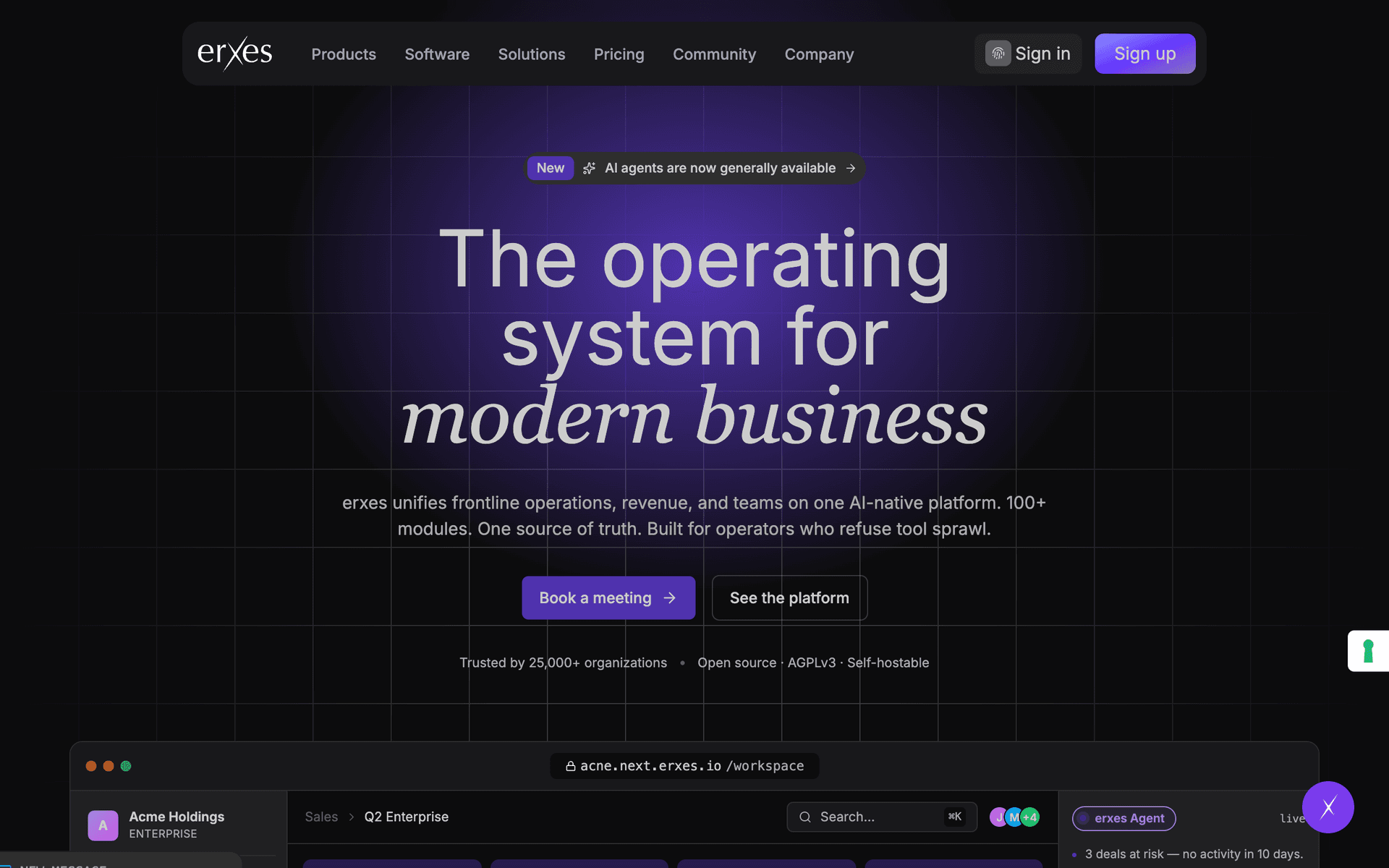
Erxes screenshot

Erxes is an open source experience operating system that bundles CRM, marketing automation, help desk, and more into a single platform. Self-host the entire suite for free.

All-in-One Open Source

Instead of paying for separate CRM, email marketing, live chat, and help desk tools, Erxes combines them all. The trade-off is complexity: setting up and maintaining a self-hosted instance requires technical expertise.

What You Get

  • CRM - Contact management, deal pipelines, and activity tracking
  • Marketing automation - Email campaigns, SMS, and automated workflows
  • Help desk - Ticketing system with SLA management
  • Team inbox - Shared inbox for customer conversations
  • Forms and popups - Lead capture tools for your website
  • Knowledge base - Self-service help center for customers
  • Segments - Group contacts and companies by behavior and properties

What to Know

Erxes is powerful but complex. Documentation has gaps, and the learning curve is steep. It is best suited for technical teams who want to replace multiple paid tools with a single self-hosted platform.

Key features include:

  • CRM
  • Marketing automation
  • Help desk
  • Forms & popups
  • Knowledge base
  • Team inbox
  • Segments
  • Automations

Pros

All-in-one platform

Open source

Replaces multiple tools

Cons

Complex to set up

Documentation gaps

Steep learning curve

Read more
Chatwoot logo

4. Chatwoot

Open Source
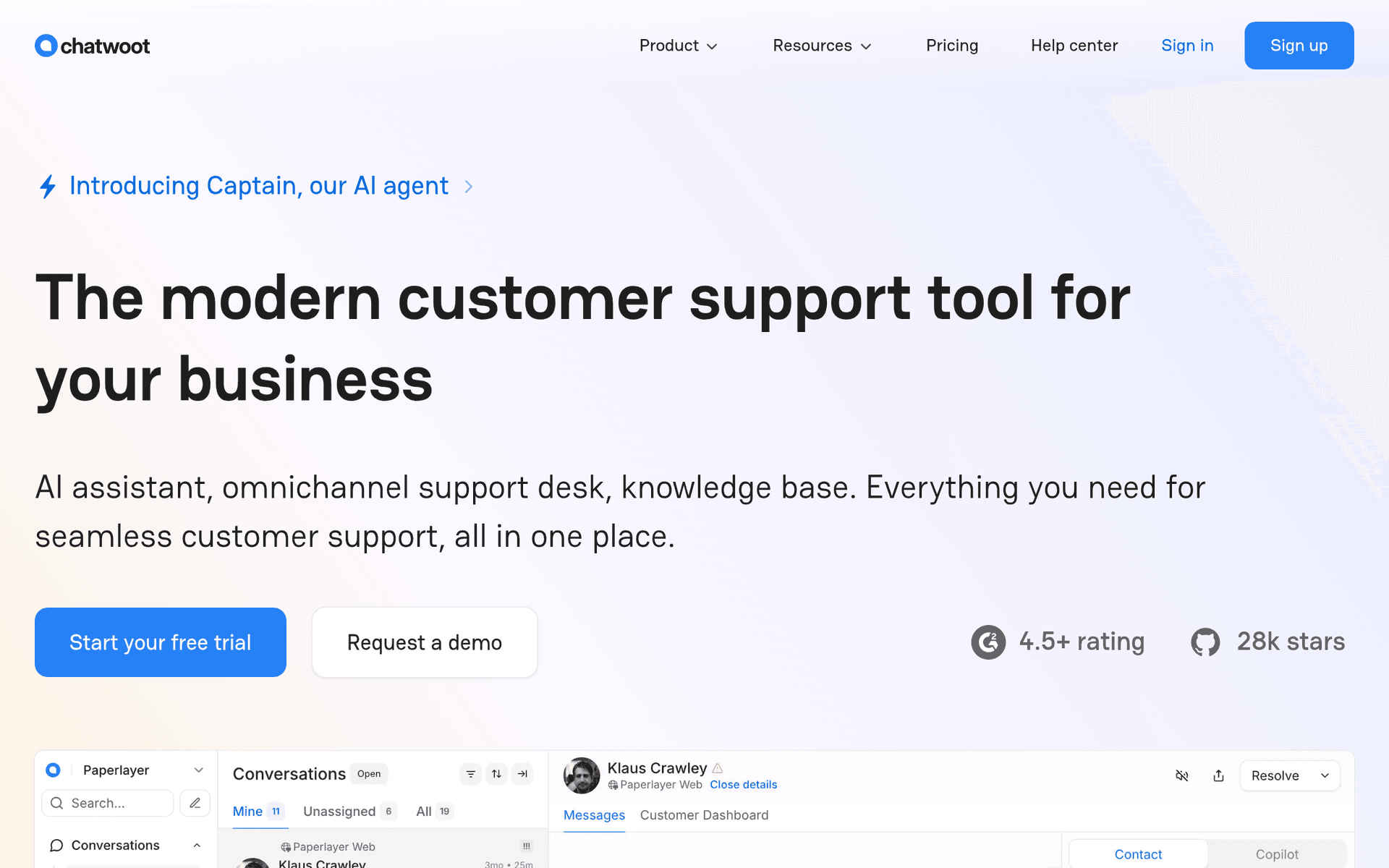
Chatwoot screenshot

Chatwoot is an open source customer engagement platform that serves as a free alternative to Intercom. It supports live chat, email, social media, and API channels in a single shared inbox.

What You Get

  • Live chat widget - Add a chat widget to your website
  • Shared inbox - Manage conversations from chat, email, and social media in one place
  • Social media integration - Connect Facebook, Twitter, WhatsApp, and more
  • Chatbot - Build simple automation flows
  • Knowledge base - Create help articles for self-service support
  • Canned responses - Save and reuse common replies
  • Team collaboration - Assign conversations, add notes, and mention teammates
  • Reporting - Track response times, resolution rates, and agent performance

What to Know

Self-hosting is free with no limits. The cloud version has a free tier with limited agents. Chatwoot is actively developed and has a growing community. The feature set is competitive with paid tools like Intercom and Zendesk.

Key features include:

  • Live chat
  • Email inbox
  • Social channels
  • Chatbot
  • Knowledge base
  • Automations
  • Reports
  • CSAT surveys

Pros

Open source Intercom alternative

Multi-channel

Self-hostable

Active community

Cons

Self-hosting needs devops

Fewer integrations than Intercom

Read more
Freshdesk logo

5. Freshdesk

Freemium
Freshdesk screenshot

Freshdesk by Freshworks is a help desk platform with ticketing, a knowledge base, and team collaboration tools. The free plan supports up to 2 agents with basic ticket management.

What You Get on the Free Plan

  • 2 agents - Two team members can manage tickets
  • Email ticketing - Convert customer emails into trackable tickets
  • Knowledge base - Create help articles for self-service
  • Ticket dispatch - Route tickets based on rules
  • Team collaboration - Internal notes and mentions on tickets
  • Reporting - Basic ticket analytics and trends

What to Know

The free plan is limited to email-based ticketing (no phone or chat). Automations, SLA management, and advanced reporting require paid plans starting at $15/agent/month. For a small team handling customer emails, the free plan covers the basics.

Key features include:

  • Ticketing
  • Knowledge base
  • SLA management
  • Automations
  • Reporting
  • Multi-channel
  • Self-service portal
  • Satisfaction surveys

Pros

Good free plan

Well-established product

Multi-channel support

Cons

2 agent limit

Limited customization on free plan

Read more
Tidio logo

6. Tidio

Freemium
Tidio screenshot

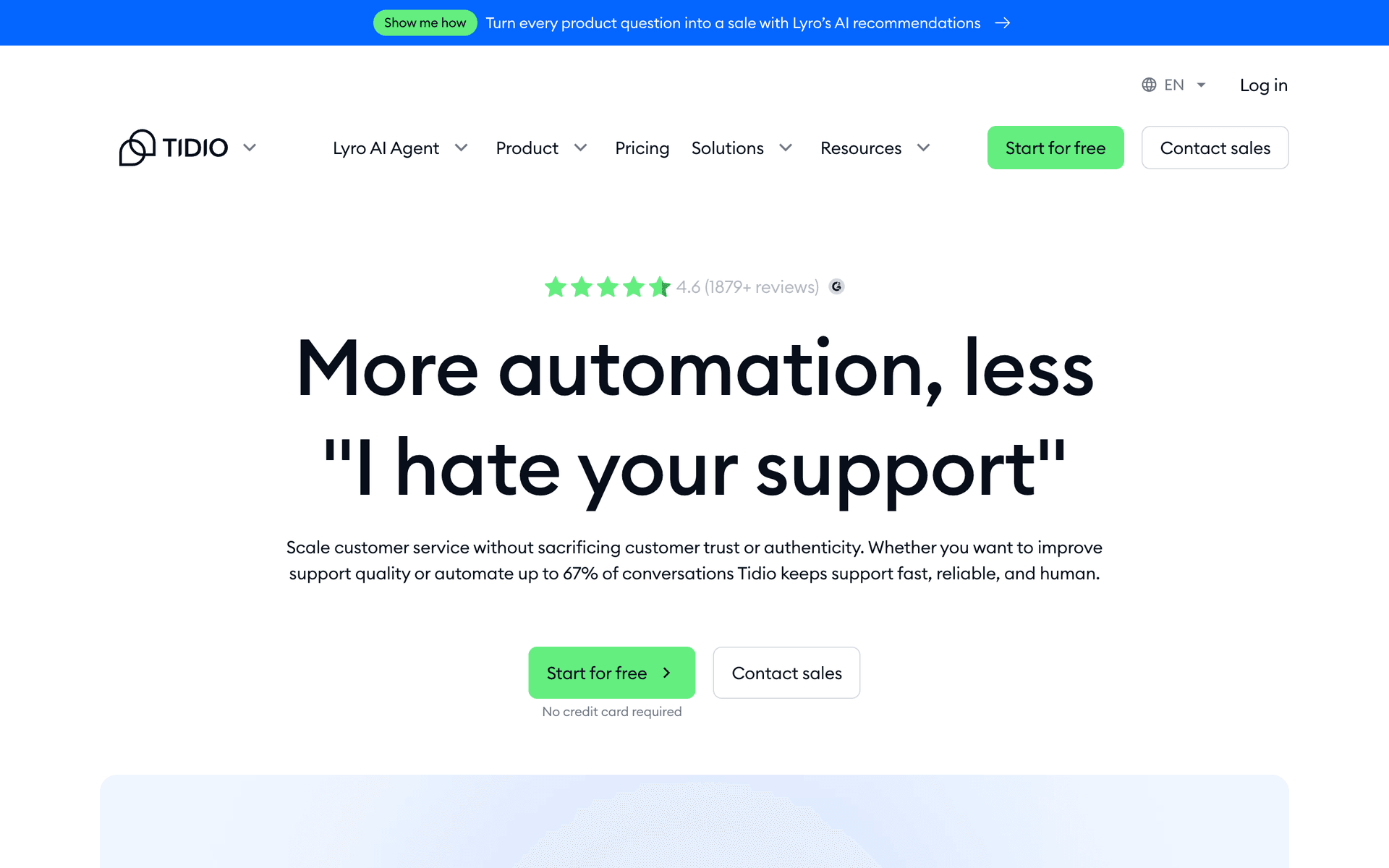
Tidio combines live chat, chatbots, and email marketing in one platform. The free plan includes 50 live chat conversations per month and unlimited chatbot interactions.

What You Get on the Free Plan

  • 50 live chat conversations per month - Handle up to 50 customer chats
  • Unlimited chatbot conversations - Automate common questions
  • Email marketing - Send up to 500 emails per month
  • Visitor tracking - See who is on your site in real time
  • Shopify and WordPress integrations - Easy installation on popular platforms
  • Mobile app - Respond to customers from your phone

What to Know

The 50 live chat conversation limit means Tidio's free plan is best for low-traffic sites. The chatbot feature is the real value: set up automated responses for common questions to handle unlimited inquiries without counting against your live chat quota.

Key features include:

  • Live chat
  • Chatbots
  • Email marketing
  • Visitor tracking
  • Ticketing
  • Analytics
  • Shopify integration

Pros

Easy setup

Good chatbot builder

Shopify integration

Cons

50 conversation limit

Can get expensive

Branding on free plan

Read more

Why start free before committing to Intercom?

Intercomis a great product. But committing to a paid plan before you've tested it in your workflow means you're guessing about what you actually need.

The tools listed above let you start free and get real experience. You'll learn which features matter to your business, which ones you never use, and whether upgrading to Intercom or staying with an alternative makes more sense long-term.

Start free, test thoroughly, and upgrade with confidence when the time is right.

Frequently Asked Questions

Why start with a free alternative to Intercom?

Testing tools on a free plan lets you evaluate them in your actual workflow. You'll know exactly what you need before committing to a paid plan, whether that's Intercom or one of these alternatives.

Are these tools good enough to grow with?

These tools are used by thousands of businesses at every stage. Their free plans are designed to let you evaluate thoroughly. When you're ready to scale, upgrading is straightforward.

When should I upgrade from the free plan?

Upgrade when you consistently hit the free plan's limits and a paid tier would save you meaningful time or unlock features your business needs. You'll know when it's time.