
freestack.tools
Browse Tools

Best lists / The free startup stack: one tool per job

The free startup stack: 10 free tools, one for each job a new company has

10
Tools ranked
10
With a free plan
Linear
Top pick

Free limits last checked October 2026 · No paid placements

This list is different from the others. It does not rank ten tools for one job. It picks one tool for each of the ten jobs a new company has, so you can set up a working stack in an afternoon and pay nothing. Where one job deserves a closer look, a separate list goes deeper, for example the free invoicing tools compared by client and invoice limits.

Every free plan has one limit that eventually makes you pay. For each pick we name that limit, because it tells you how long the plan will last for a team like yours.

The short answer

  • Project management: Linear. Unlimited members, up to 250 issues.
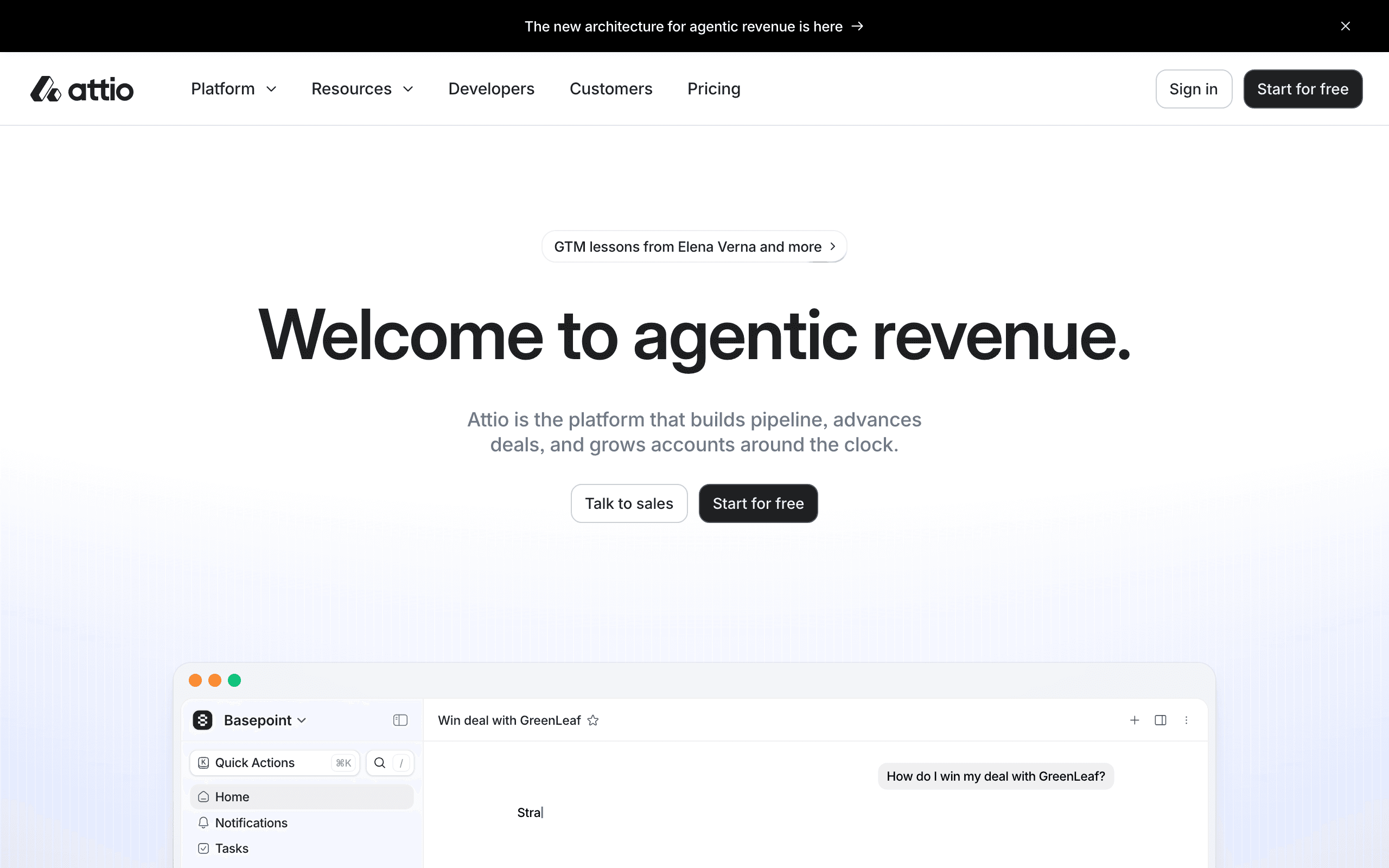
  • CRM: Attio. 3 users and 50,000 records.
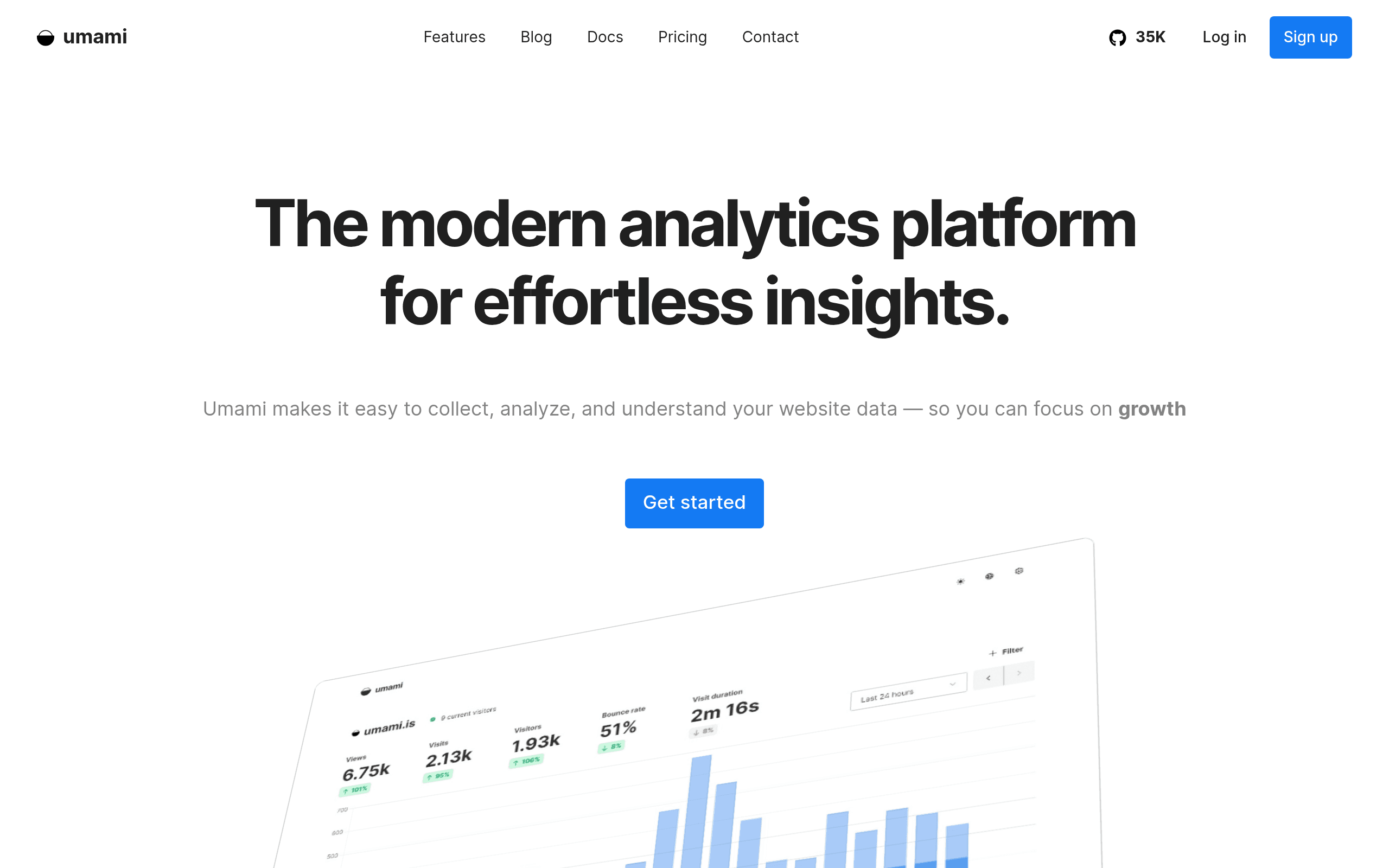
  • Web analytics: Umami. 100K events a month for 1 website.
  • Invoicing: Wave. Unlimited invoices on the $0 plan.

At a glance

#ToolBest forFree limitPaid from
1LinearProject managementUnlimited members, 250 issues, 2 teams$10/user/month (Basic, billed yearly)
2AttioCRM3 users, 50,000 records€35/month (Plus, 1 user, billed yearly)
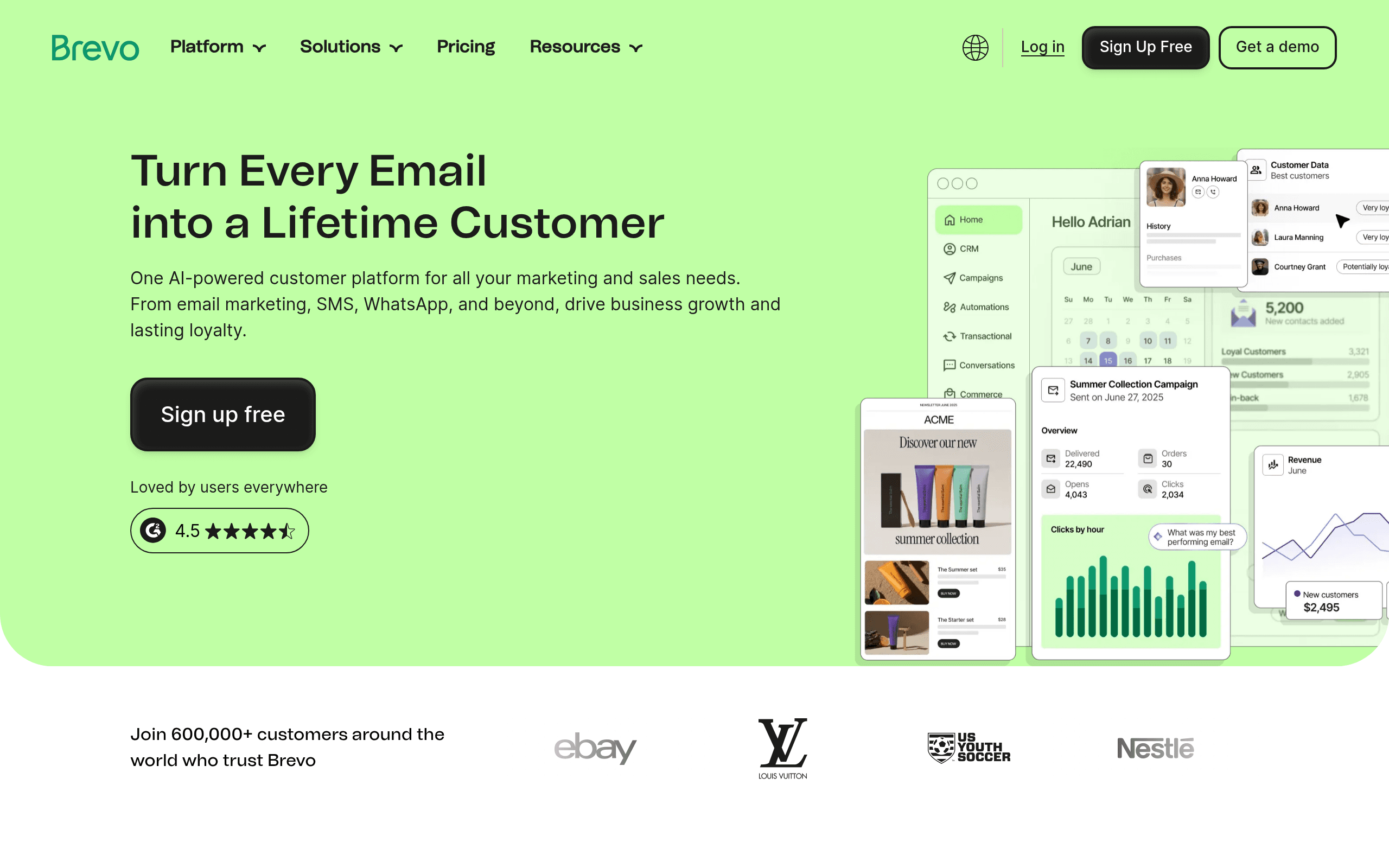
3BrevoEmail marketing100,000 contacts, 300 emails/daySee the tool page
4UmamiWeb analytics100K events/month, 1 website$20/month (Pro)
5Tawk.toCustomer supportUnlimited agents and historySee the tool page
6WaveAccounting and invoicingUnlimited invoicing and accountingSee the tool page
7SlackTeam chatFree plan with 90 days of message historySee the tool page
8FigmaDesign3 Figma + 3 FigJam filesSee the tool page
9TallyFormsUnlimited forms and responses on free€20/mo
10Cal.comScheduling1 user, unlimited event types and calendars; open source$12/user/mo
Linear logo
#1

Linear

Top pickGenerous Free Tier

Best for: Project management
Linear screenshot

Blazing-fast project management for software teams. Free for small teams.

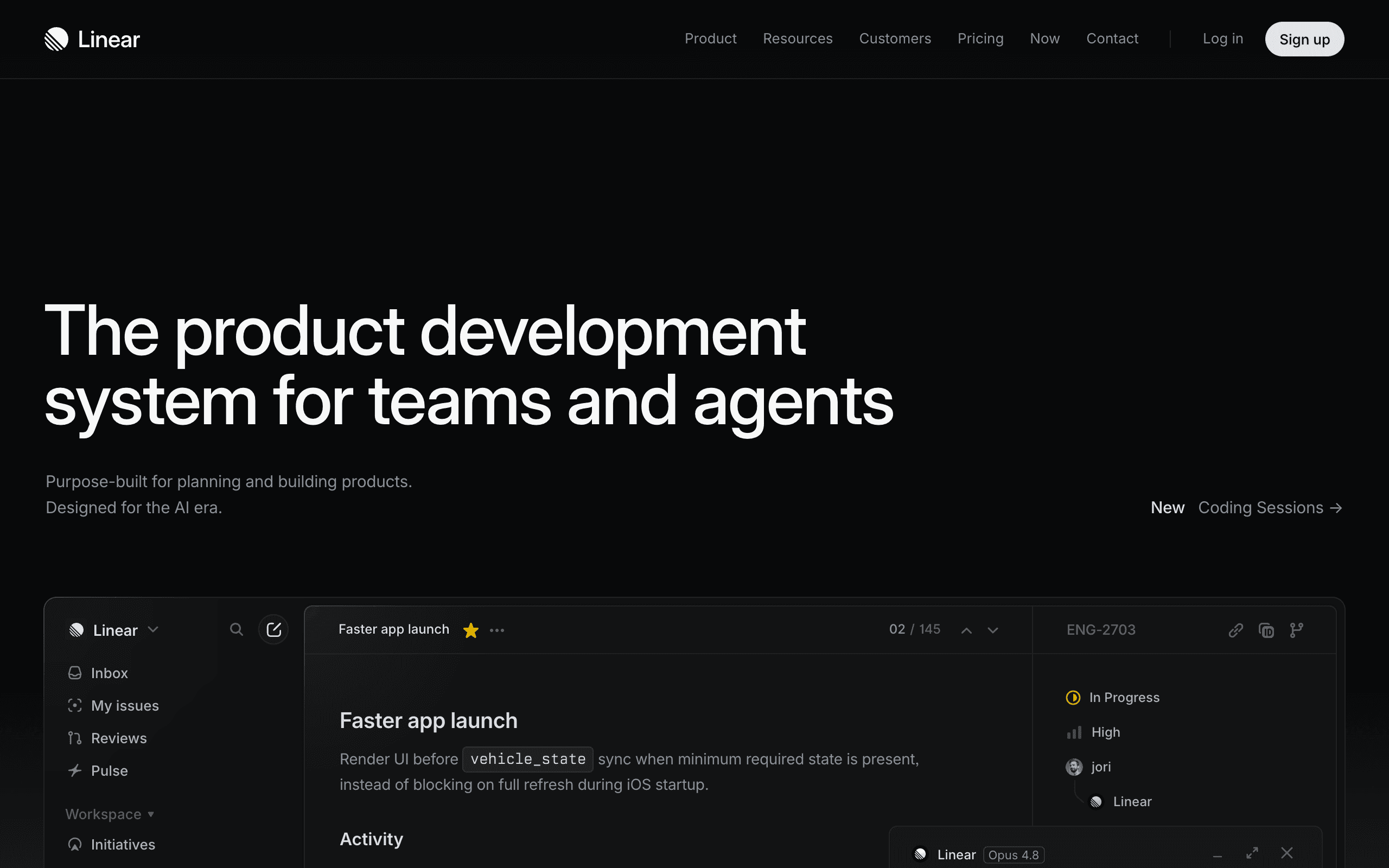
Linear's free plan has unlimited members, which is rare, because most rivals limit seats first. What it limits is the work itself: 250 issues and 2 teams, with file uploads up to 10MB (pricing page read 17 November 2026). A small team that ships every week reaches 250 issues in a few months, and Basic is then $10 per user a month billed yearly. If you want boards, Trello is the alternative, with 10 boards and 10 collaborators per Workspace.

What's good

  • Incredibly fast UI
  • Beautiful design
  • Excellent keyboard shortcuts
  • Great GitHub integration

What's not

  • Opinionated workflow
  • Less customizable than Jira
  • No free self-hosting

Pricing

Free, paid from $10/user/month (Basic, billed yearly)

Attio logo
#2

Attio

Limited Free Tier

Best for: CRM

Attio screenshot

Modern CRM with automatic data enrichment. Free for up to 3 users.

Attio's free plan covers 3 users and 50,000 records, with workflows and email and calendar sync included (pricing page read 17 November 2026). That is enough for founders who sell themselves. The limit that ends it is the fourth user: Plus is priced per workspace at €35 a month billed yearly with 1 user included. HubSpot's free CRM is the alternative if you want forms and live chat in the same account, with 2 users and 1,000 contacts.

What's good

  • Auto data enrichment
  • Clean modern UI
  • Flexible data model

What's not

  • Small free tier
  • Newer product
  • Limited integrations

Pricing

Free, paid from €35/month (Plus, 1 user, billed yearly)

Brevo logo
#3

Brevo

Generous Free Tier

Best for: Email marketing

Brevo screenshot

All-in-one marketing platform with 300 emails/day free and unlimited contacts.

Brevo stores 100,000 contacts free and caps sending at 300 emails a day. That fits a startup, where the list grows long before the send volume does. The daily cap is what ends it: one send to 2,000 people takes a week.

What's good

  • Unlimited contacts on free plan
  • Multi-channel marketing
  • Built-in CRM
  • Transactional email support

What's not

  • Daily email limit on free plan
  • Brevo branding on free plan
  • Interface can feel cluttered

Pricing

Free plan available

Umami logo
#4

Umami

Generous Free Tier

Best for: Web analytics

Umami screenshot

Simple, fast, privacy-focused open source web analytics.

Umami's free cloud plan covers 1 website and 100K events a month, with 6 months of data retention, and it uses no cookies (pricing page read 17 November 2026). It is also open source, so you can host it yourself and remove the limits. On the cloud plan the 6 months of retention is the thing to check if you want year-over-year comparisons. Pro is $20 a month.

What's good

  • Very easy to self-host
  • Clean modern UI
  • Generous free cloud tier
  • Active development

What's not

  • Less mature than Plausible
  • Fewer integrations

Pricing

Free, paid from $20/month (Pro)

Tawk.to logo
#5

Tawk.to

Unlimited Free Tier

Best for: Customer support

Tawk.to screenshot

100% free live chat with unlimited agents and chat history. Forever free.

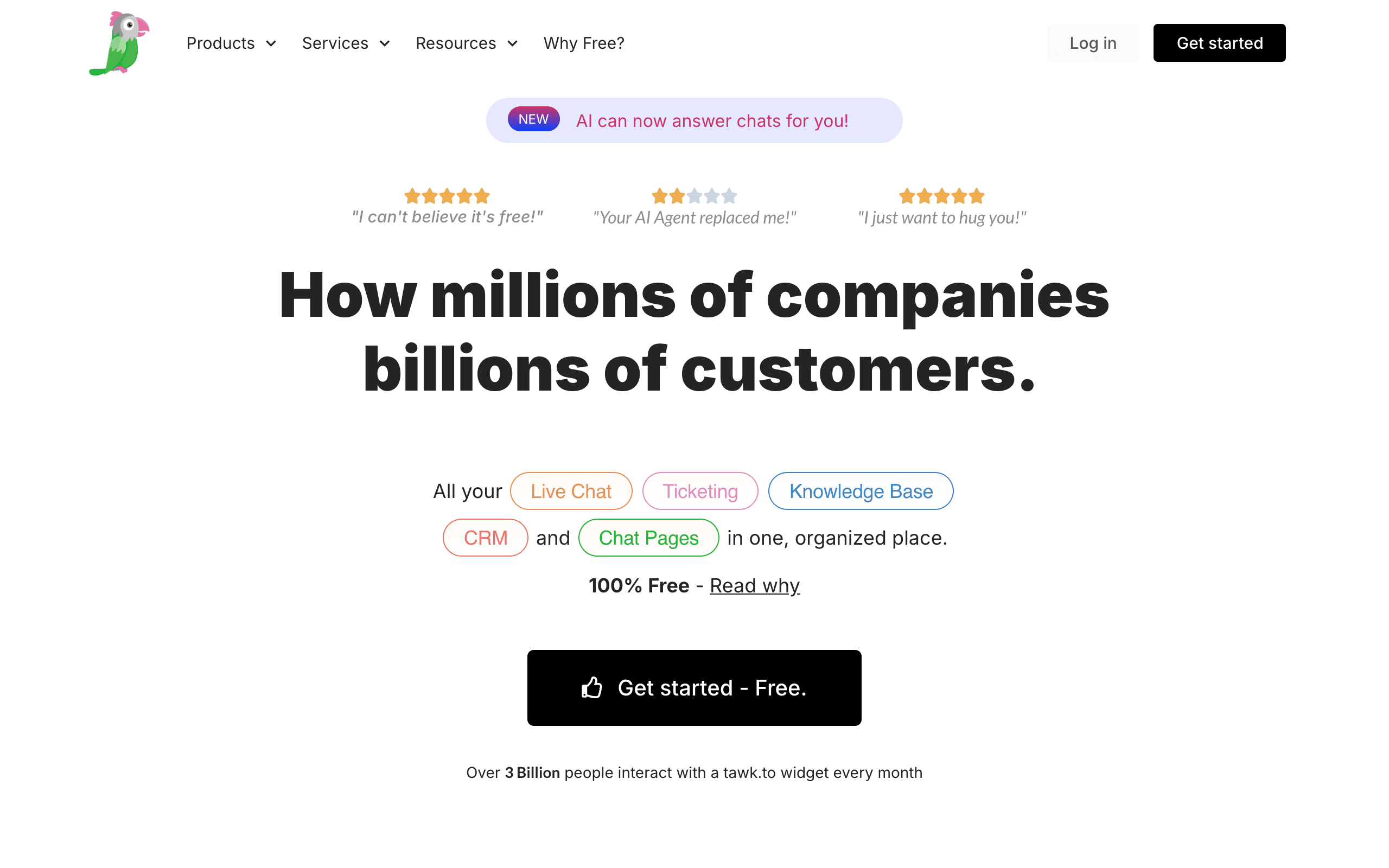
Tawk.to is free for unlimited agents and unlimited chat history, with ticketing and a knowledge base. The vendor earns from add-ons, so the core product is not a trial. The cost of free is the branding on the chat widget, which is a paid removal.

What's good

  • Completely free, forever
  • Unlimited agents
  • Feature-rich
  • Unlimited chat history

What's not

  • Branding removal costs $19/mo
  • UI feels dated
  • Setup can be confusing

Pricing

Free plan available

Wave logo
#6

Wave

Unlimited Free Tier

Best for: Accounting and invoicing

Wave screenshot

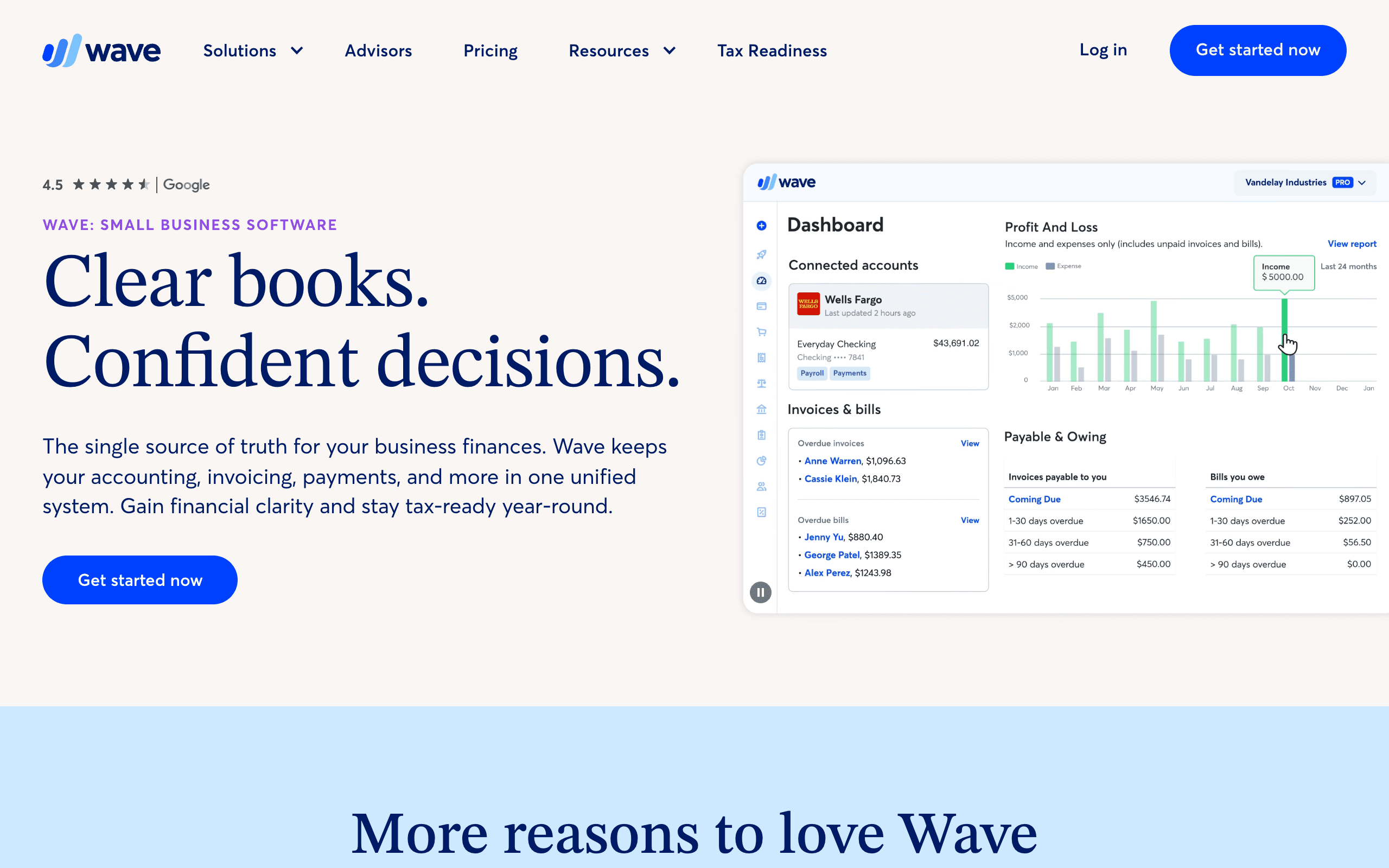
Completely free accounting, invoicing, and receipt scanning for small businesses.

Wave gives you unlimited invoicing and bookkeeping at no cost. It earns from payment processing and payroll, so the software has no cap. You pay a fee per transaction when a customer pays an invoice by card.

What's good

  • Completely free core features
  • No limits on invoicing
  • Easy to use
  • Professional reports

What's not

  • US/Canada focused
  • Payroll is paid
  • Limited integrations

Pricing

Free plan available

Slack logo
#7

Slack

Limited Free Tier

Best for: Team chat

Slack screenshot

Boost productivity and save time with Slack‌ — ‌the AI work platform for managing projects…

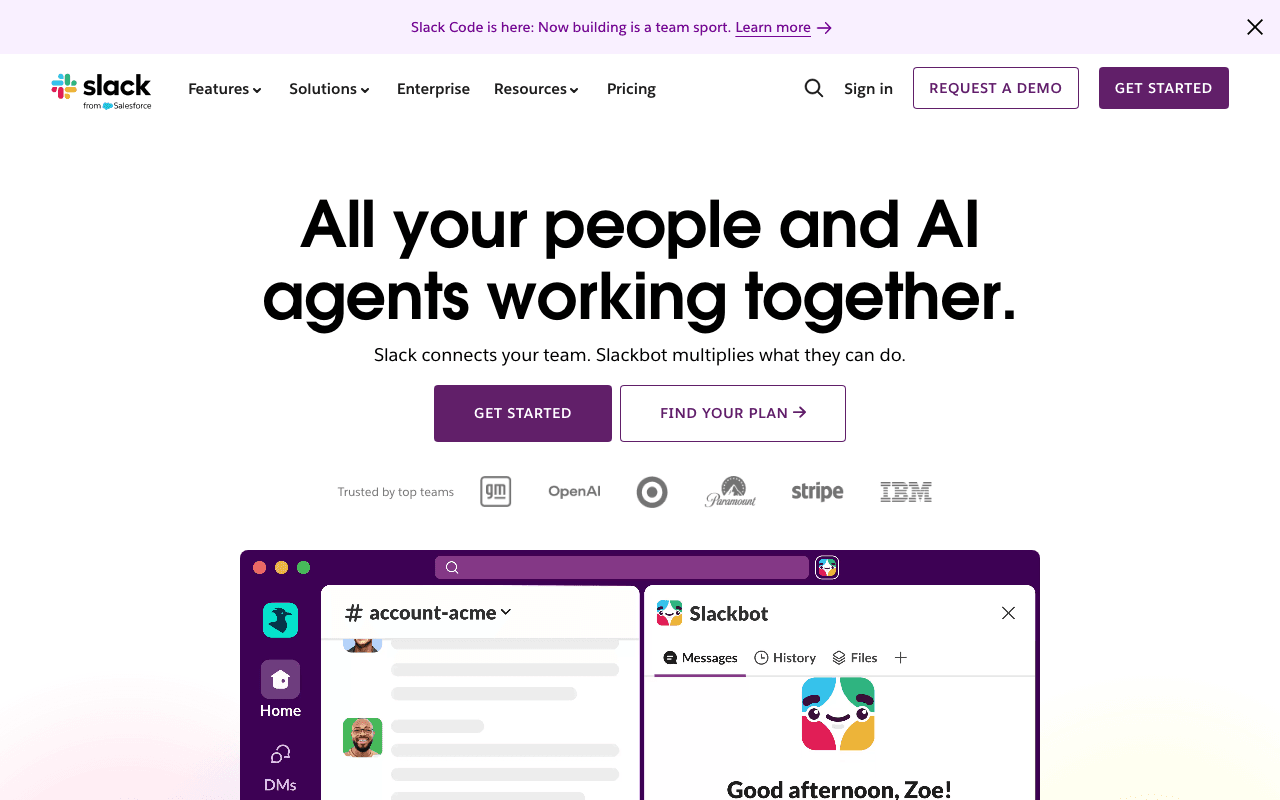
Slack's free plan has channels, direct messages and file sharing. The one real restriction is 90 days of message history. After that, older messages drop out of search, so keep decisions in your project tool and not in chat.

What's good

  • Free plan limits are published clearly
  • Covers canvas Table of Contents on the free plan
  • Free plan verified against the vendor's pricing page

What's not

  • Free plan is bounded: free plan with 90 days of message history
  • Hosted only — no self-hosting escape hatch

Pricing

Free plan available

Figma logo
#8

Figma

Generous Free Tier

Best for: Design

Figma screenshot

Collaborative UI design tool. Free for 3 projects with unlimited drafts.

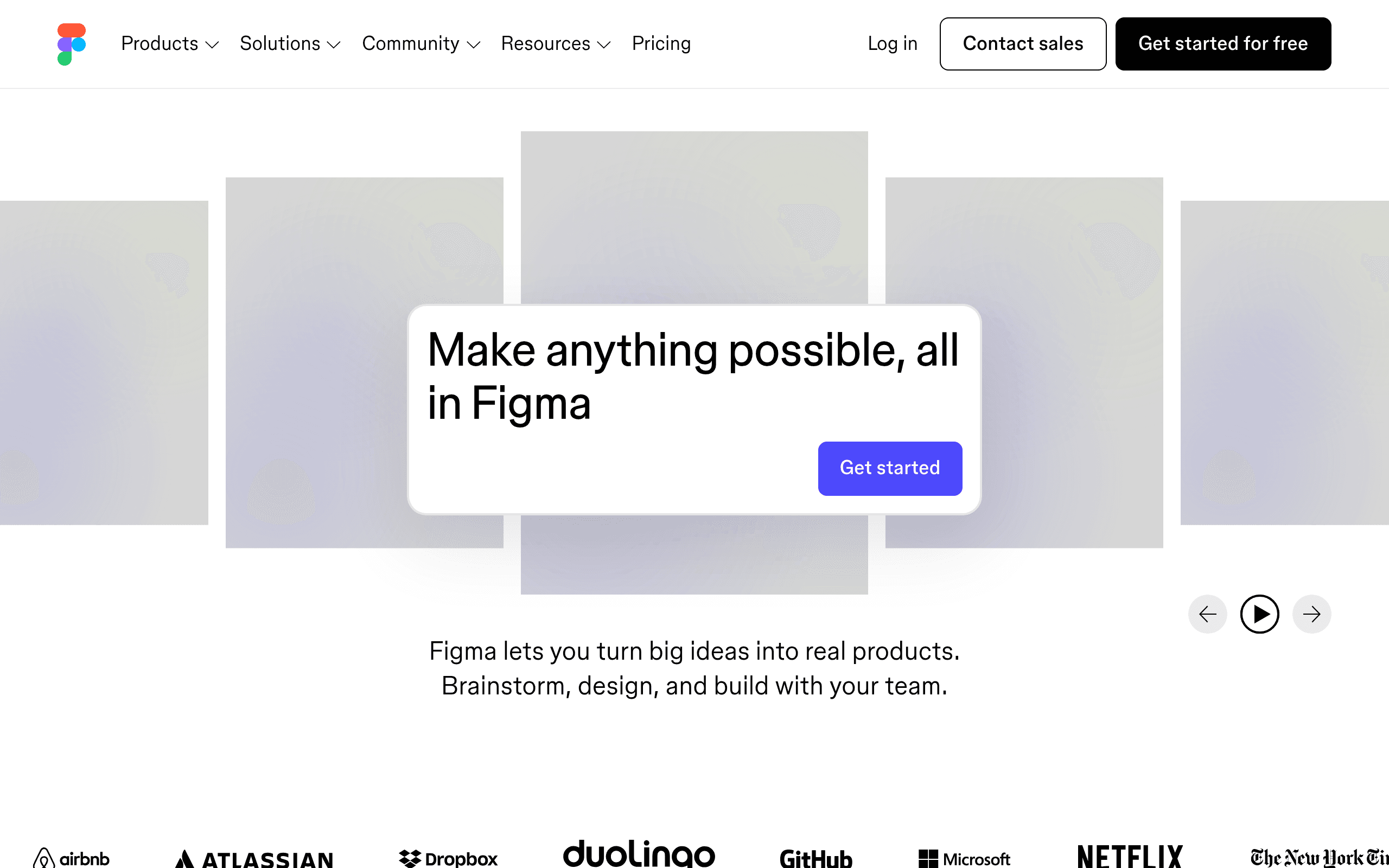
Figma's free plan gives you 3 Figma files and 3 FigJam files. Three sounds tight, but a landing page, a product file and a brand file is what a new company needs. The fourth shared file is where you start paying per editor.

What's good

  • Industry standard for UI design
  • Runs in browser
  • Excellent collaboration
  • Huge plugin ecosystem

What's not

  • File limit on free plan
  • Can be slow with complex files
  • Requires internet connection

Pricing

Free plan available

Tally logo
#9

Tally

Unlimited Free Tier

Best for: Forms

Tally screenshot

The simplest way to create beautiful, professional forms in seconds. Unlimited forms…

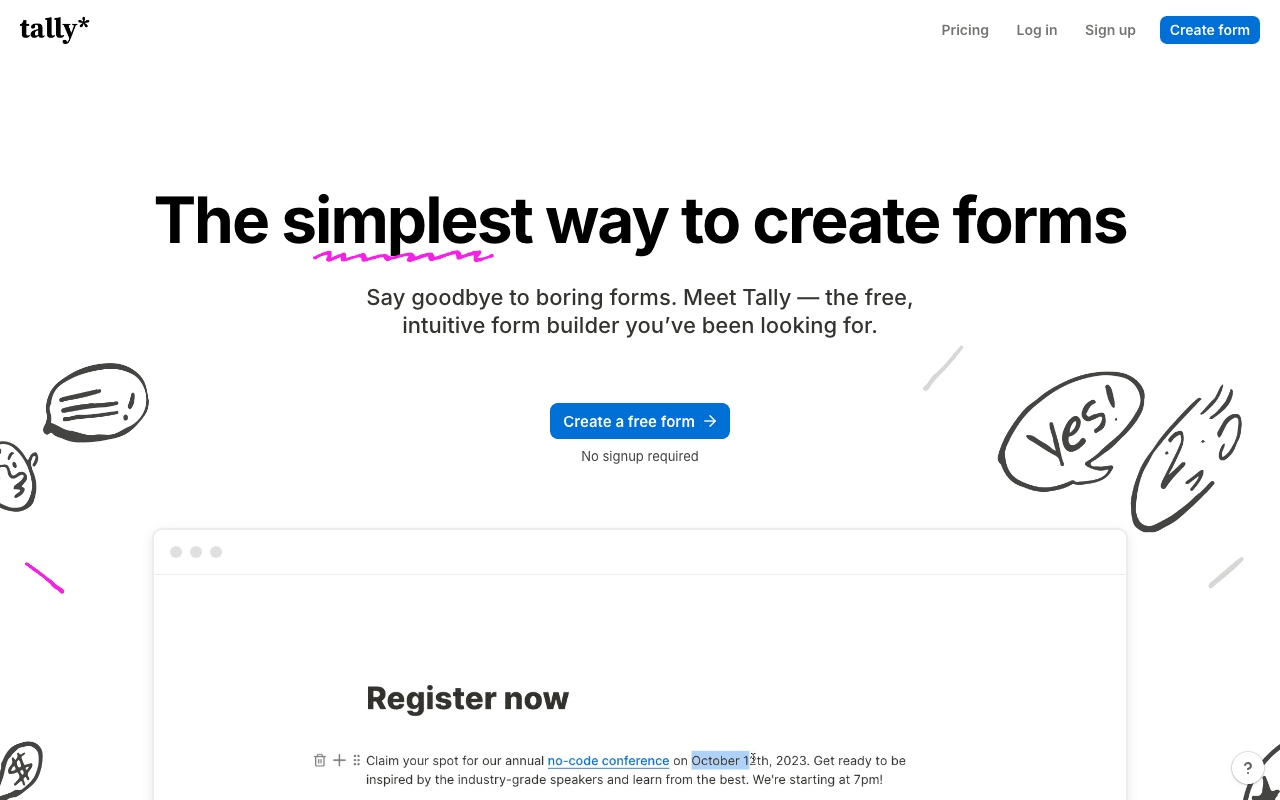
Tally has unlimited forms and unlimited responses on the free plan, which most form builders do not. Paid features are the extras: a custom domain and removing Tally branding.

What's good

  • Free tier has no hard usage ceiling
  • Covers just start typing on the free plan
  • Free plan verified against the vendor's pricing page

What's not

  • Hosted only — no self-hosting escape hatch
  • Vendor does not publish a clear free-plan breakdown

Pricing

Free, paid from €20/mo

Cal.com logo
#10

Cal.com

Unlimited Free Tier

Best for: Scheduling

Cal.com screenshot

A fully customizable scheduling software for individuals, businesses taking calls and…

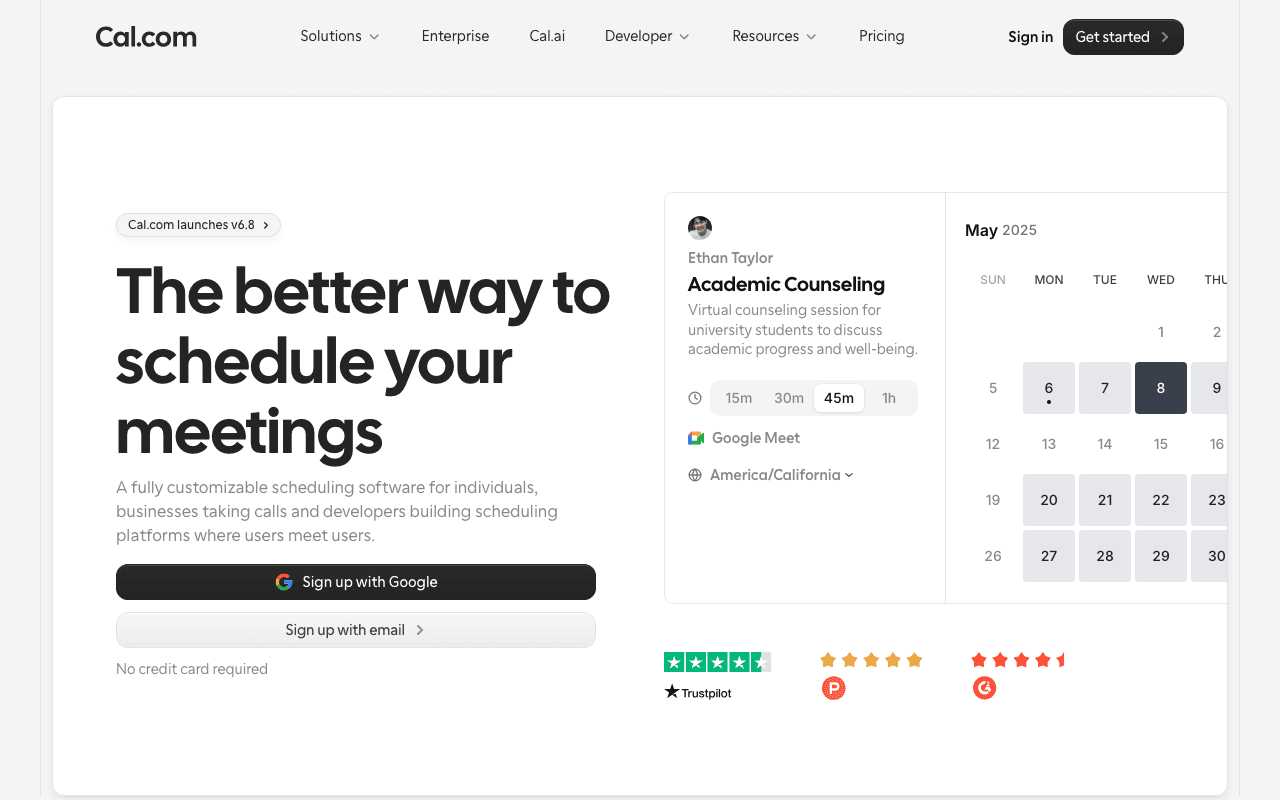
Cal.com is free for one user with unlimited event types and calendars, and the whole product is open source. Team features such as round-robin scheduling are where the paid plans begin.

What's good

  • Open source — self-host it for nothing
  • Free tier has no hard usage ceiling
  • Covers cal.com on the free plan
  • Free plan verified against the vendor's pricing page

What's not

  • Vendor does not publish a clear free-plan breakdown

Pricing

Free, paid from $12/user/mo

How we ranked these

  • The free plan covers a small team, not only one person
  • The limit you hit first is far enough away to matter
  • Paying customers use the same product, so you do not have to migrate later
  • One pick per job, so the stack stays small

Rankings follow the criteria above and the limits each vendor publishes, not paid placement. Some links are affiliate links, which never change where a tool ranks.

FAQ

Can you run a startup on free software?

Yes, for the first stage. The ten tools on this list cover project management, CRM, email, analytics, support, accounting, chat, design, forms and scheduling at $0 a month. Each one has a limit that a growing team will reach, and we name it for every tool.

What is the first tool a startup ends up paying for?

Usually email. Sending volume grows with the list, and daily or monthly send caps are the first limit most teams meet. Brevo's free plan, for example, sends 300 emails a day.

When should you move from a free plan to a paid plan?

When you work around a limit every week, when a paid feature has a clear return, or when you hire and the free plan caps seats. Paying before one of those is true is paying early.

Are these free plans or free trials?

Free plans. None of the ten picks expires after a set number of days. Where a tool on freestack.tools is a free trial only, its page says so.