


Cal.com
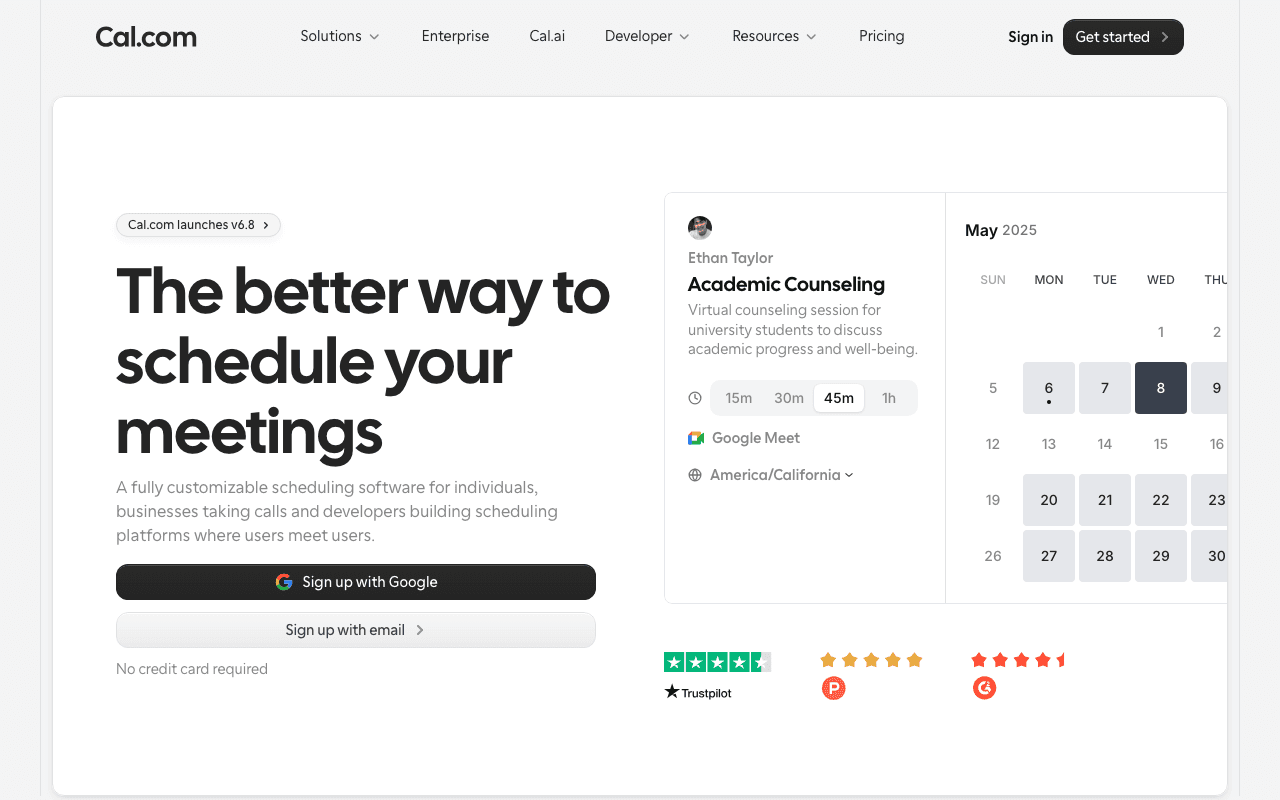
Open SourceA fully customizable scheduling software for individuals, businesses taking calls and…
Free plan checked against Cal.com's pricing page on . Re-checked monthly.
About Cal.com
Cal.com is an open-source scheduling tool that lets people book time with you from a public link, syncs with your calendars and handles reminders, payments and video links. Freelancers, consultants and sales teams use it as a Calendly alternative, and developers self-host or embed it. The Individuals plan is free forever, and Cal.com's page lists no usage caps on it.
What the free plan gives you
- 1 user with unlimited event types and unlimited connected calendars
- Email and SMS booking notifications
- 100+ app integrations, including Google Meet, Zoom and Cal Video
- Mobile app and browser extension
- Stripe and PayPal payments on bookings
- Two-way Salesforce and HubSpot sync
- One-click import of existing Calendly events
Because the code is open source, you can also run the whole platform on your own server with no per-user charge.
Where the free plan stops
The free plan is for one person. As soon as you need shared availability, round-robin assignment across a team, collective events or routing forms that send a lead to the right person, you are on the Teams plan at $12 per user per month, with 25% off annually and a 14-day trial. Teams also removes Cal.com branding, adds recurring events, customisable notifications, booking analytics and custom APIs. Organizations at $28 per user per month adds multi-team management, and Enterprise is custom.
Who it suits
An individual taking calls, coaching sessions or paid consultations can run entirely on the free plan without hitting a limit, and the payment and CRM sync features are unusual to see at no cost. Teams that route bookings across several people will pay $12 per seat, which is in line with Calendly, unless they self-host.
Key Features
Pros & Cons
The free plan in practice
What you can actually do on Cal.com's free plan (1 user, unlimited event types and calendars; open source), where it stops, and when it's worth paying.
What you can do free
- Unlimited event types and connected calendars
- Email and SMS notifications
- 100+ integrations including Zoom and Google Meet
- Stripe and PayPal payments on bookings
- Two-way Salesforce and HubSpot sync
- Open source and self-hostable
Where it stops
- Single user only
- No round-robin, collective events or routing forms
- Cal.com branding stays on booking pages
When to upgrade to a paid plan
Cal.com is open source, so self-hosting is free and unlimited. The only reason to pay is convenience: choose a hosted or cloud option when you'd rather not run and maintain it yourself, or need official support.
Categories
Free Plan Details
| Free Plan | |
| Free Tier | Unlimited Free Tier |
| User Limit | 1 user, unlimited event types and calendars; open source |
| Open Source |
What's the free tier actually like?
Used Cal.com's free plan? Tell people what it was really like — what you hit, what surprised you, whether the limits held. No account needed.
No comments yet. If you've used the free plan, you know something the pricing page doesn't say.

Something outdated or missing? Let us know