
Figma
FreemiumCollaborative UI design tool. Free for 3 projects with unlimited drafts.
Free plan checked against Figma's pricing page on . Re-checked monthly.
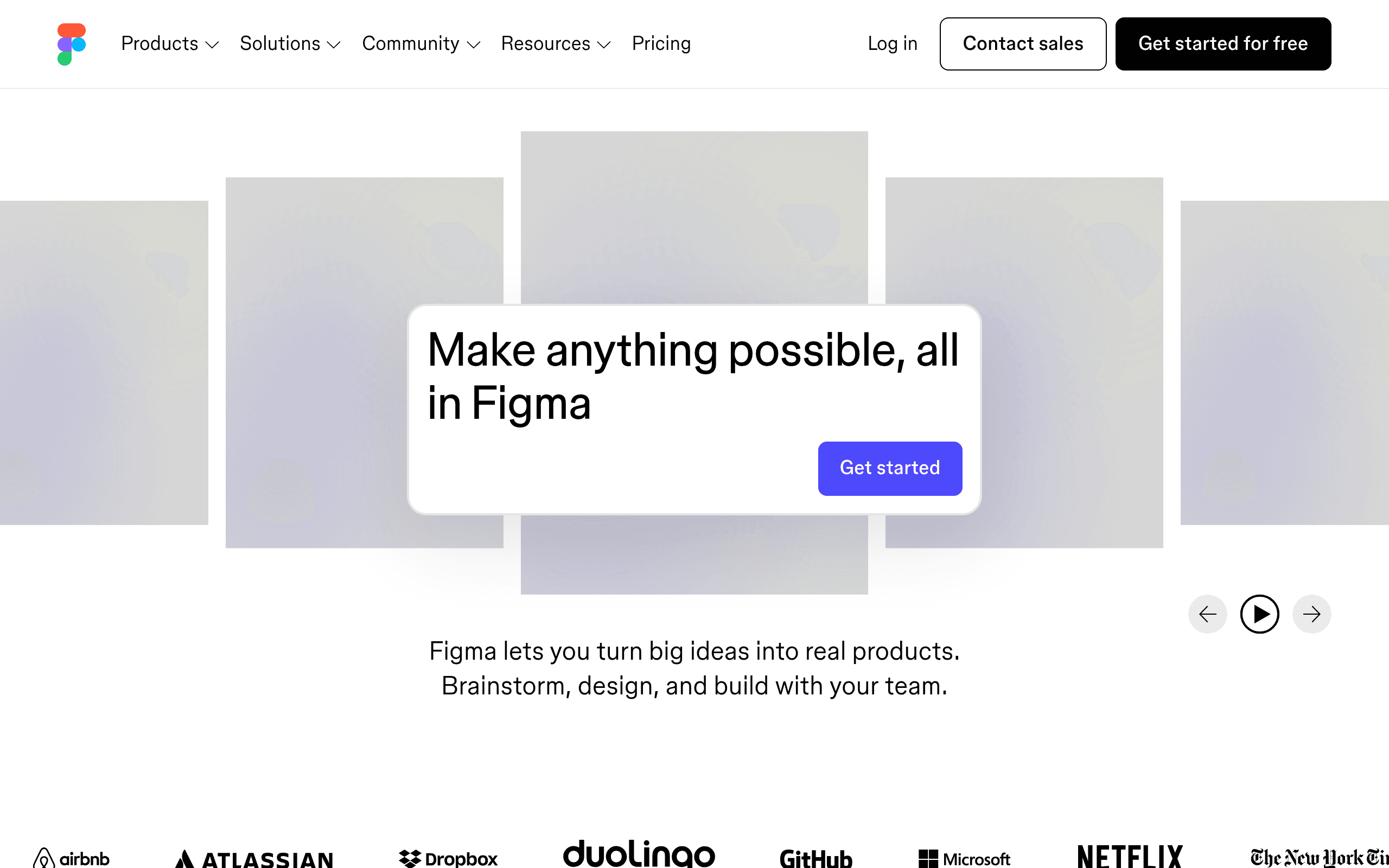
About Figma
Figma is the industry standard for UI and product design. It runs entirely in the browser, enabling real-time collaboration between designers, developers, and stakeholders without file version conflicts.
Why Teams Use Figma
Before Figma, design collaboration meant emailing files back and forth and dealing with version conflicts. Figma made design multiplayer: multiple people can work on the same file simultaneously, leave comments, and inspect designs for development.
What You Get on the Free Plan
- 3 Figma files - Full design files with unlimited layers and components
- 3 FigJam files - Collaborative whiteboard files for brainstorming
- Unlimited personal drafts - Work on as many designs as you want privately
- Unlimited viewers - Share designs with anyone for free
- Mobile app - Preview and present designs on your phone
- Plugin ecosystem - Access thousands of community-built plugins
Free Plan Limits
The 3-file limit is the main restriction. You cannot create team libraries or access advanced version history on the free plan. For a solo founder building their first product, 3 files (e.g., app design, marketing site, pitch deck) can go a long way.
Key Features
Pros & Cons
The free plan in practice
What you can actually do on Figma's free plan (3 Figma + 3 FigJam files), where it stops, and when it's worth paying.
What you can do free
- 3 Figma files
- 3 FigJam files
- Unlimited personal drafts
- Unlimited viewers
- Mobile app
- Plugin ecosystem
Where it stops
- 3 project file limit
- Limited version history
- No team libraries on free plan
When to upgrade to a paid plan
Stay on the free plan while you're comfortably under the free plan's limit (3 Figma + 3 FigJam files). It's worth moving to a paid plan once you consistently bump into that ceiling, need to remove branding, or want features the free tier holds back.
Categories
Tags
What's the free tier actually like?
Used Figma's free plan? Tell people what it was really like — what you hit, what surprised you, whether the limits held. No account needed.
No comments yet. If you've used the free plan, you know something the pricing page doesn't say.
Related Tools
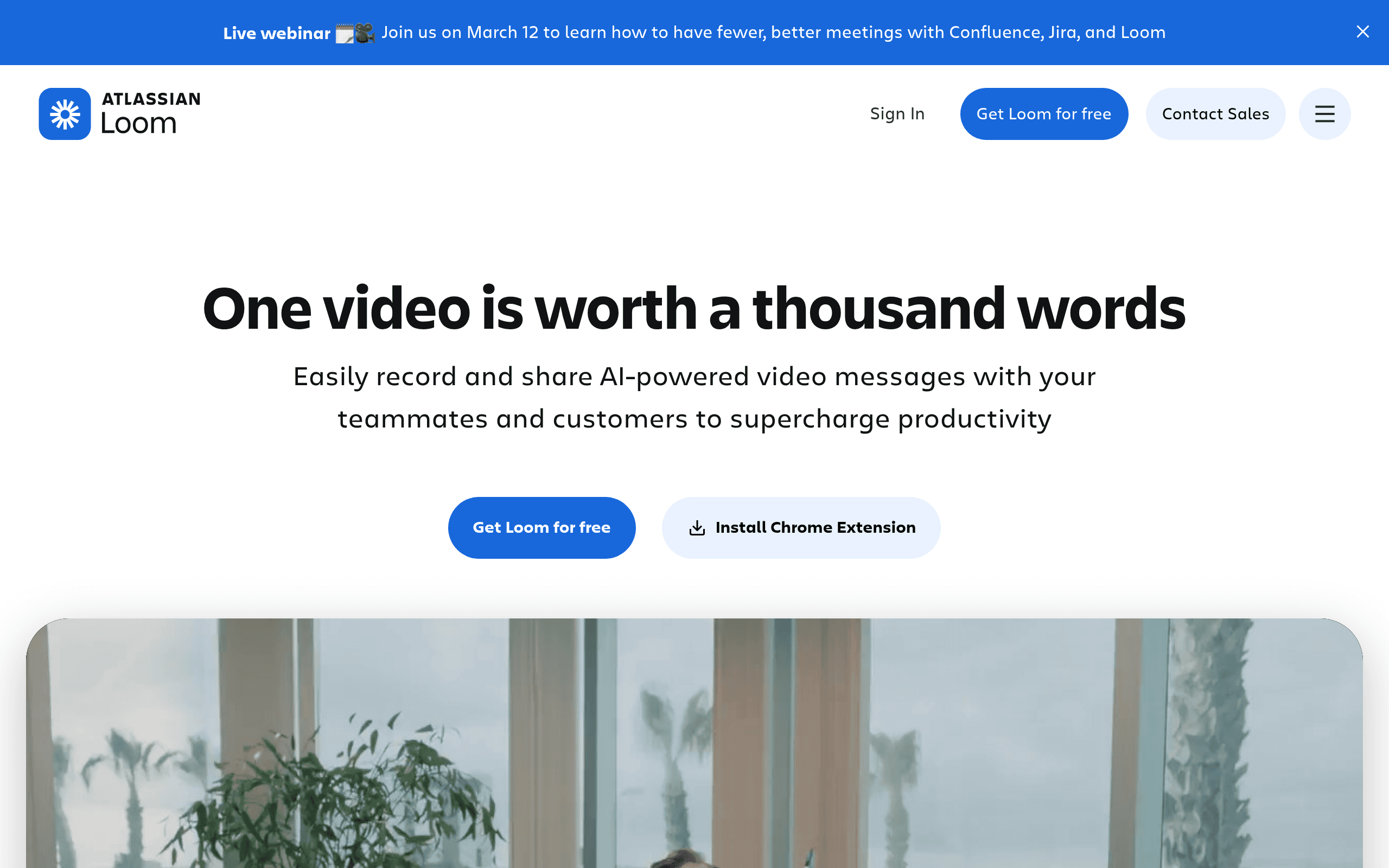

Loom
Quick screen recording and sharing. 25 videos up to 5 min each, free.
Notion
All-in-one workspace for notes, docs, wikis, and project management. Free for individuals.


NovelShaft
Fiction writing workspace with manuscript tools and an AI research assistant
Something outdated or missing? Let us know