Back to Alternatives

Free Alternative to Mailchimp

Email platforms with generous free tiers. Find the one that fits your audience before you start paying per contact.

The best free alternative to Mailchimp is MailerLite.

MailerLite logo

1. MailerLite

Freemium
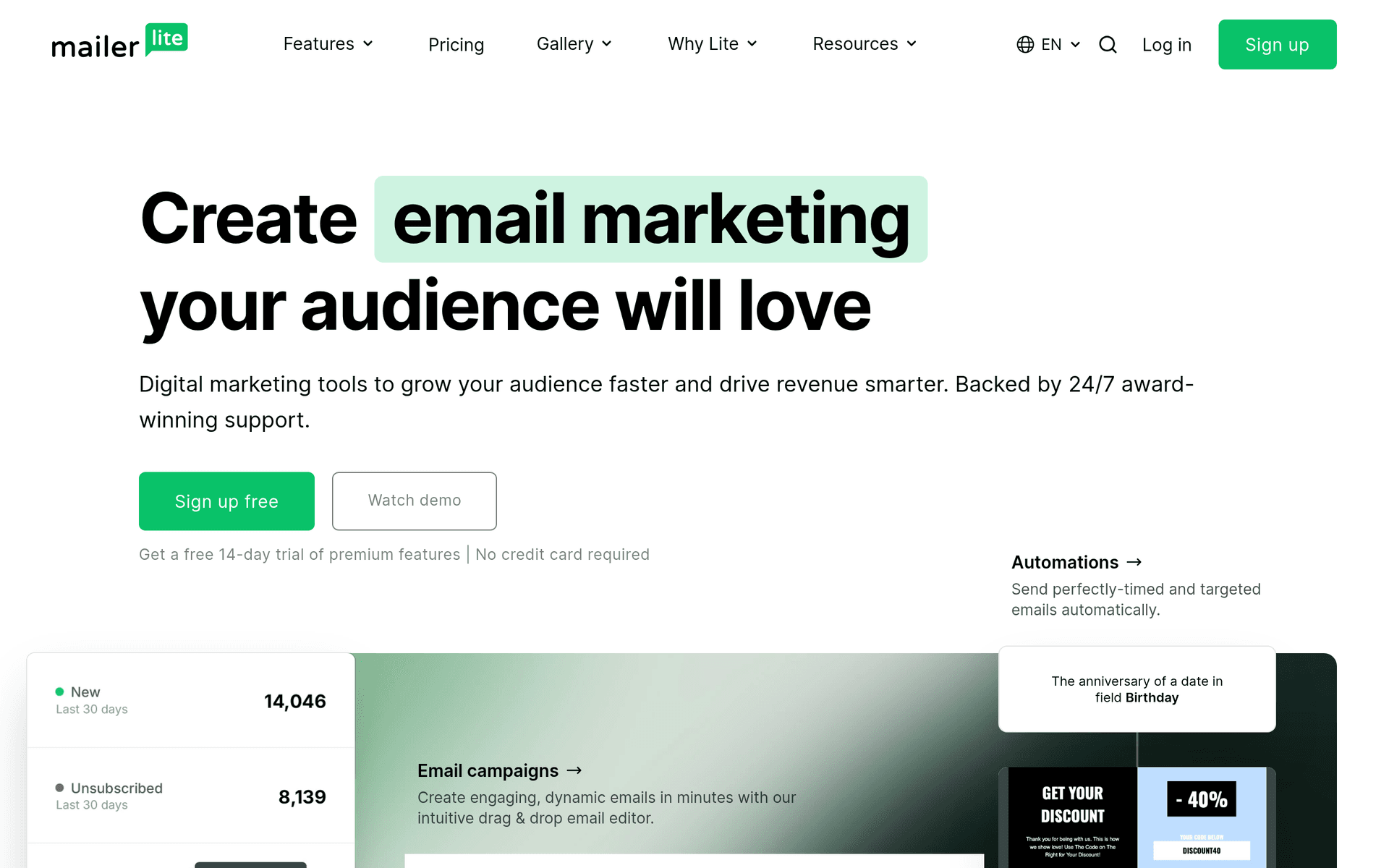
MailerLite screenshot

MailerLite is an email marketing platform known for its clean interface and genuinely useful free tier. Founded in 2010, it serves over 1 million businesses worldwide and has built a reputation for high deliverability rates.

Built for Small Businesses

MailerLite does not try to be everything. It focuses on email marketing and does it well: newsletters, automations, landing pages, and signup forms. The drag-and-drop editor is intuitive enough for non-designers to create professional-looking emails.

What You Get on the Free Plan

  • 1,000 subscribers - Enough for most early-stage businesses and side projects
  • 12,000 emails per month - Send up to 12 campaigns to your full list each month
  • Email automations - Set up welcome sequences and basic automated workflows
  • Landing pages - Create standalone pages to capture leads
  • Signup forms and popups - Grow your list with embedded forms and exit-intent popups
  • Website builder - Build a simple website alongside your email campaigns

What to Know

The free plan includes MailerLite branding on your emails. Newsletter templates are limited to the paid plan, but the drag-and-drop editor gives you plenty of flexibility to build your own.

Key features include:

  • Drag & drop editor
  • Email automations
  • Landing pages
  • Website builder
  • Signup forms & popups
  • A/B testing
  • Advanced segmentation
  • RSS campaigns

Pros

Very generous free tier

Easy to use

Great deliverability

Landing page builder included

Cons

Branding on free plan

Approval process for new accounts

Template selection limited on free tier

Read more
Brevo (ex-Sendinblue) logo

2. Brevo (ex-Sendinblue)

Freemium
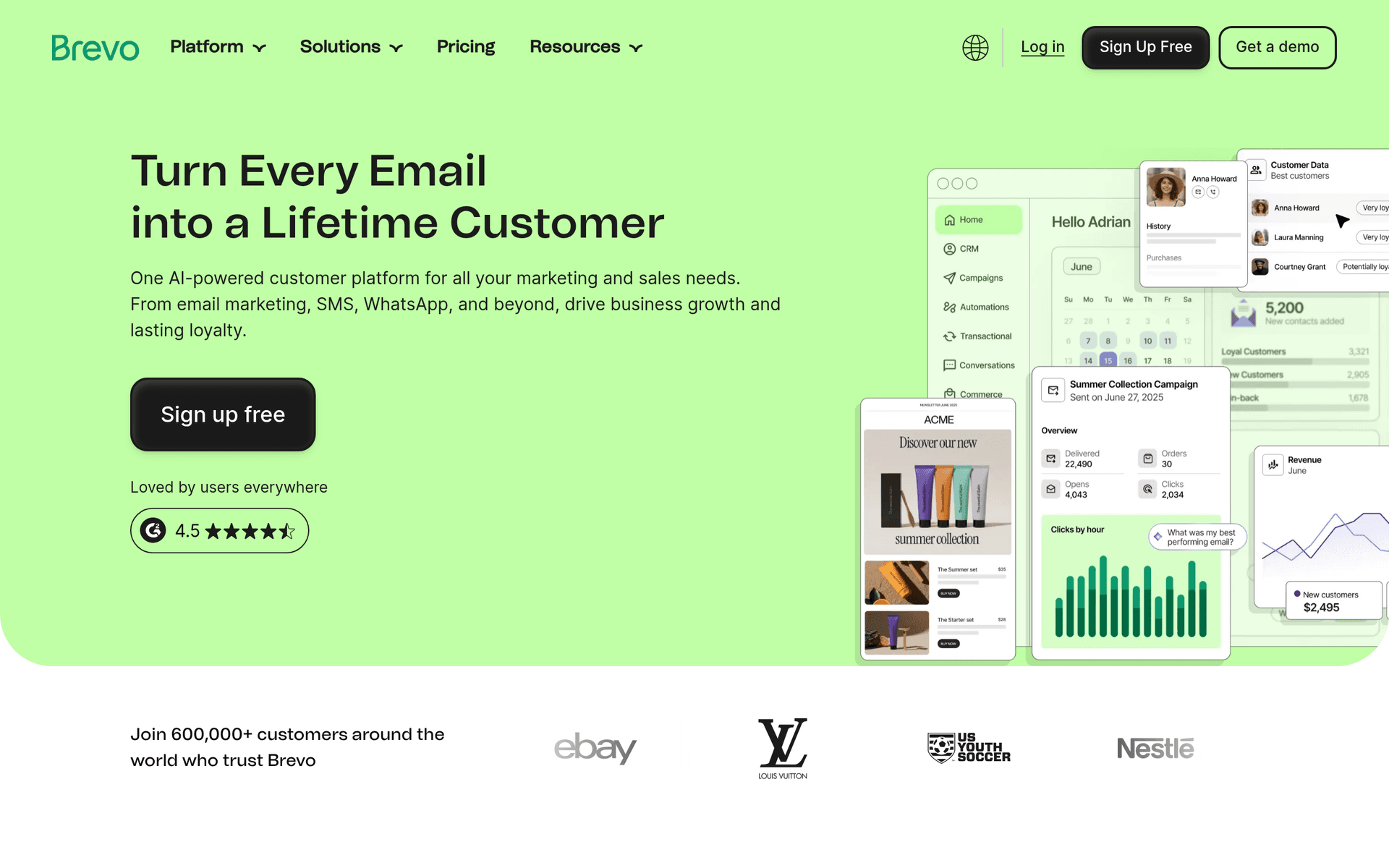
Brevo (ex-Sendinblue) screenshot

Brevo (formerly Sendinblue) is an all-in-one marketing platform that combines email marketing, SMS, WhatsApp campaigns, chat, and CRM. Founded in 2012, it stands out for offering unlimited contacts on every plan, including the free tier.

More Than Email

While most email platforms charge by subscriber count, Brevo charges by email volume. This means you can import your entire contact list without worrying about hitting a subscriber cap.

What You Get on the Free Plan

  • Unlimited contacts - Import and manage as many contacts as you want
  • 300 emails per day - Roughly 9,000 emails per month, enough for a growing newsletter
  • Email campaigns - Drag-and-drop editor with professional templates
  • Transactional emails - Send password resets, order confirmations, and notifications
  • SMS marketing - Send text messages (pay-per-message)
  • Chat widget - Add live chat to your website

Multi-Channel Marketing

Brevo is one of the few platforms where you can manage email, SMS, and WhatsApp campaigns from a single dashboard. The built-in CRM lets you track deals and customer interactions alongside your marketing efforts.

Key features include:

  • Email marketing
  • SMS marketing
  • WhatsApp campaigns
  • Chat widget
  • CRM
  • Marketing automation
  • Transactional emails
  • Landing pages

Pros

Unlimited contacts on free plan

Multi-channel marketing

Built-in CRM

Transactional email support

Cons

Daily email limit on free plan

Brevo branding on free plan

Interface can feel cluttered

Read more
Mailjet logo

3. Mailjet

Freemium
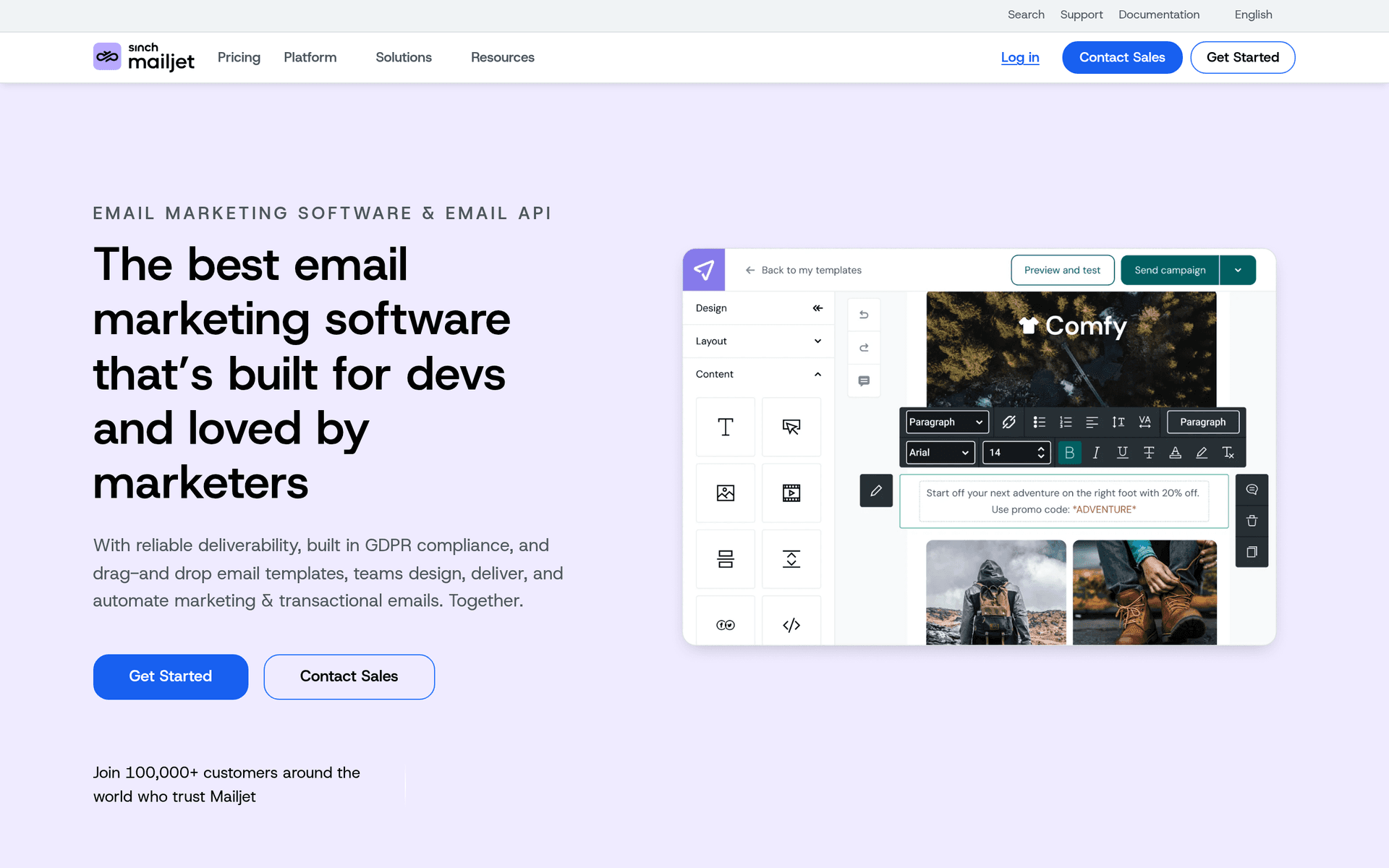
Mailjet screenshot

Mailjet is an email service provider that handles both marketing campaigns and transactional emails from a single platform. Founded in 2010, it is used by over 150,000 businesses for email delivery.

Marketing and Transactional in One

Most email tools force you to choose between marketing and transactional email. Mailjet does both: send newsletters and promotions through the marketing tools, and password resets and order confirmations through the API or SMTP relay.

What You Get on the Free Plan

  • 6,000 emails per month - Monthly allowance with a 200/day limit
  • Unlimited contacts - No cap on your subscriber list
  • Drag-and-drop editor - Build emails visually without coding
  • API and SMTP access - Send transactional emails programmatically
  • Real-time monitoring - Track delivery, opens, and clicks as they happen
  • Statistics - Basic campaign performance reporting

What to Know

The 200 emails/day limit can be restrictive if you have a large list. Mailjet branding appears on free plan emails. The real-time collaboration feature lets multiple team members work on the same email template simultaneously, which is unique in this space.

Key features include:

  • Email campaigns
  • Transactional emails
  • Drag & drop editor
  • Real-time monitoring
  • API & SMTP
  • Segmentation
  • A/B testing
  • Multi-user collaboration

Pros

Good free tier

Both marketing and transactional

Real-time collaboration on emails

Cons

Daily sending limit on free plan

Branding on free emails

Read more
EmailOctopus logo

4. EmailOctopus

Freemium
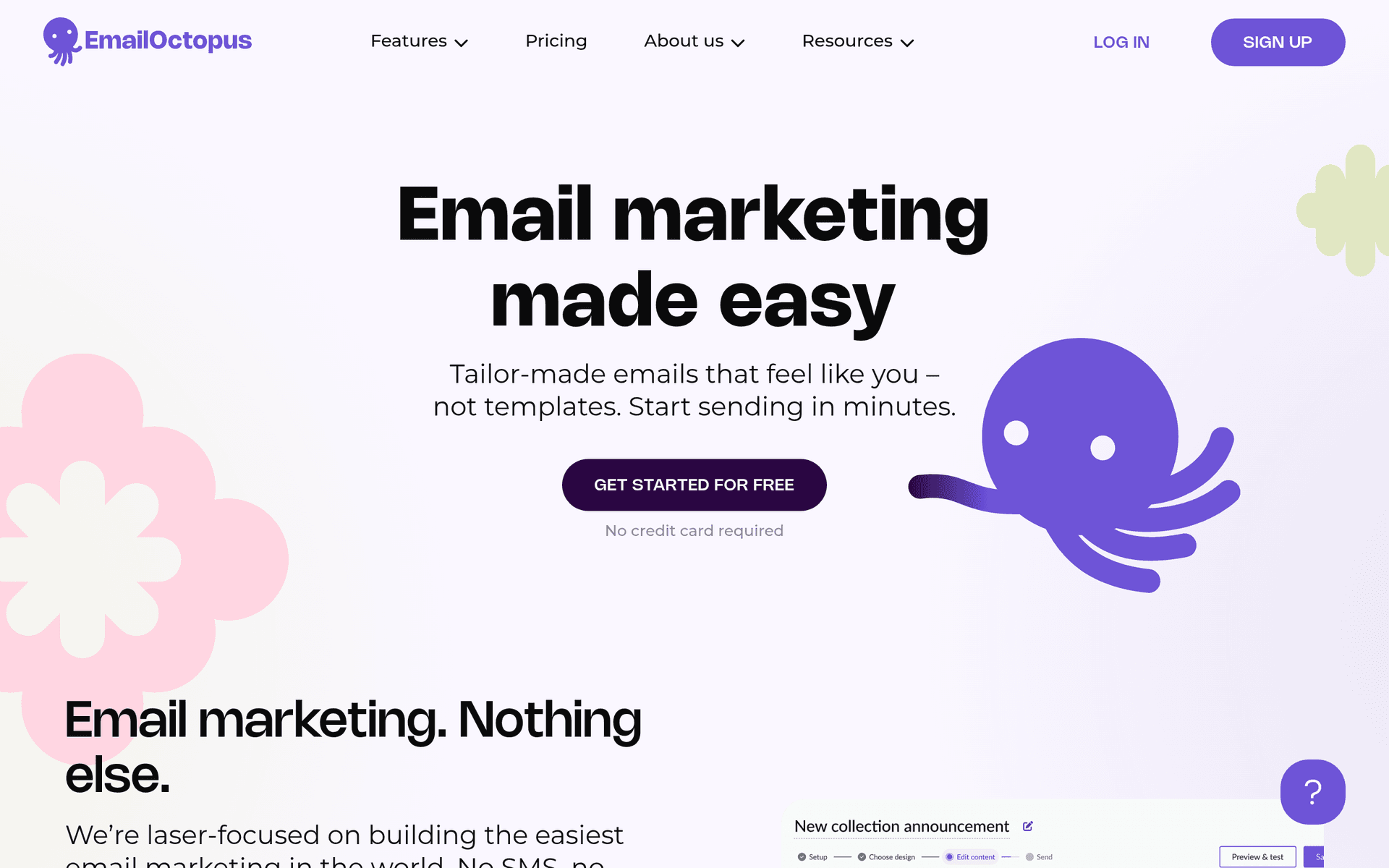
EmailOctopus screenshot

EmailOctopus is a simple, no-frills email marketing tool that keeps things straightforward. The free plan includes 2,500 subscribers and 10,000 emails per month, which is enough for a growing newsletter or early-stage product.

Simple Email Marketing

EmailOctopus does not try to be an all-in-one marketing platform. It focuses on email campaigns, basic automations, and landing pages. The result is a tool that is fast to learn and easy to use.

What You Get on the Free Plan

  • 2,500 subscribers - Room to grow your early audience
  • 10,000 emails per month - Send up to 4 campaigns per month to your full list
  • Landing pages - Create simple pages to capture email addresses
  • Signup forms - Embed forms on your website
  • Basic automations - Set up welcome sequences and simple workflows
  • Campaign reports - Track opens, clicks, and unsubscribes

What to Know

EmailOctopus branding appears on free plan emails. The automation features are basic compared to MailerLite or Brevo. But if you want a tool that just sends emails well without overwhelming you with features, it is a solid choice.

Key features include:

  • Email campaigns
  • Automations
  • Landing pages
  • Signup forms
  • Segmentation
  • Analytics
  • Integrations

Pros

Generous free tier

Very simple to use

Affordable paid plans

Cons

Fewer features than competitors

Basic automation

Limited templates

Read more
Listmonk logo

5. Listmonk

Open Source
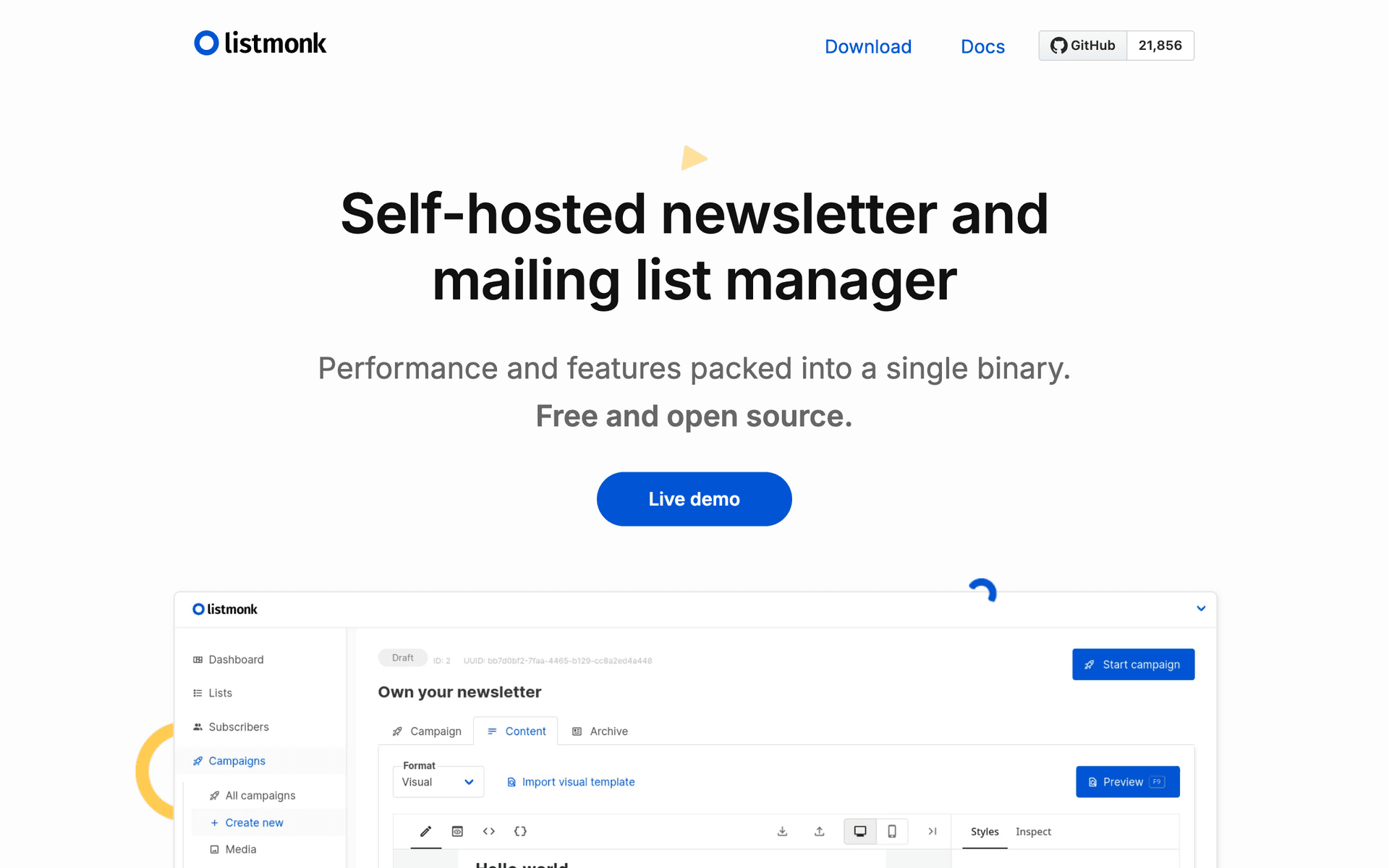
Listmonk screenshot

Listmonk is a high-performance, self-hosted newsletter and mailing list manager. It is completely free and open source, with no limits on subscribers, emails, or features.

Why Self-Host Your Newsletter

Using a self-hosted newsletter tool means no per-subscriber pricing, no monthly caps, and full control over your data. Listmonk connects to any SMTP provider (Amazon SES, Postmark, etc.), so your email sending costs stay minimal.

What You Get

  • Unlimited subscribers - No caps on your list size
  • Unlimited emails - Send as many campaigns as you need
  • Campaign management - Create, schedule, and track email campaigns
  • Template editor - Build email templates with a rich text editor
  • Analytics - Track opens, clicks, and bounces
  • Bounce handling - Automatically manage hard and soft bounces
  • API - Full REST API for programmatic access
  • Media management - Upload and manage images for your campaigns

What to Know

Listmonk requires a server to host (a $5/month VPS works fine) and basic technical knowledge to set up. There is no drag-and-drop visual editor; you work with HTML templates. But for the technically inclined, it is the most cost-effective way to run a newsletter at scale.

Key features include:

  • Campaign management
  • Subscriber management
  • Template editor
  • Analytics
  • Bounce handling
  • API
  • Media management

Pros

Completely free

No limits

Fast and lightweight

Active development

Cons

Self-hosting required

No visual drag & drop editor

Technical setup

Read more

Why start free before committing to Mailchimp?

Mailchimpis a great product. But committing to a paid plan before you've tested it in your workflow means you're guessing about what you actually need.

The tools listed above let you start free and get real experience. You'll learn which features matter to your business, which ones you never use, and whether upgrading to Mailchimp or staying with an alternative makes more sense long-term.

Start free, test thoroughly, and upgrade with confidence when the time is right.

Frequently Asked Questions

Why start with a free alternative to Mailchimp?

Testing tools on a free plan lets you evaluate them in your actual workflow. You'll know exactly what you need before committing to a paid plan, whether that's Mailchimp or one of these alternatives.

Are these tools good enough to grow with?

These tools are used by thousands of businesses at every stage. Their free plans are designed to let you evaluate thoroughly. When you're ready to scale, upgrading is straightforward.

When should I upgrade from the free plan?

Upgrade when you consistently hit the free plan's limits and a paid tier would save you meaningful time or unlock features your business needs. You'll know when it's time.