


SVGicons.com
Freemium312K+ open-source SVG icons from 227 sets, free to browse and use, no account needed
Free plan checked against SVGicons.com's pricing page on . Re-checked monthly.

About SVGicons.com
SVGicons.com is a search engine for open-source SVG icons, indexing 312,000+ icons across 227 complete icon sets (Material Symbols, Fluent UI System Icons, Tabler, Phosphor, Lucide, Simple Icons, and more), each with its license, author, and SPDX identifier tracked so you check licensing once per set rather than once per file. The Basic tier requires no account at all: browse and search the catalog, copy SVG markup, view SVG source, and preview PNG Export Studio options. Creating a free Member account (no card required) adds Favorites, Quick Copy and Quick Download from icon cards, advanced copy formats (React, Vue, Svelte, Solid, Astro, SwiftUI), Icon Studio exports (color, size, padding, rotation), free Icon Collections, and a one-time allowance of 15 Pro credits to try real Pro features like custom icons, saved styles, and ZIP exports. Paid Pro removes all limits and credit gating, and adds a scoped API, CLI, MCP server for AI coding tools, and VS Code collection sync, starting at €6/month (or a lifetime option) billed via Stripe.
Key Features
Pros & Cons
The free plan in practice
What you can actually do on SVGicons.com's free plan (Unlimited browsing and SVG copy free forever; downloads/exports beyond Quick Copy and 15 one-time Pro credits require Pro), where it stops, and when it's worth paying.
What you can do free
- Browse and search 312K+ icons across 227 open-source sets, no account needed
- Copy SVG markup and view SVG source from any icon page
- Preview PNG Export Studio options
- Free account: Favorites, Quick Copy/Download, Icon Collections
- Free account: React, Vue, Svelte, Solid, Astro, SwiftUI copy formats
- Free account: one-time 15 Pro credits to try Pro features
Where it stops
- No account required only covers browsing, copying, and previewing — downloads need a free account
- Custom icons, saved styles, and ZIP/collection exports are credit-gated (15 free, then Pro)
- No API, CLI, MCP server, or VS Code sync without paid Pro
When to upgrade to a paid plan
Stay on the free plan while you're comfortably under the free plan's limit (Unlimited browsing and SVG copy free forever; downloads/exports beyond Quick Copy and 15 one-time Pro credits require Pro). It's worth moving to a paid plan once you consistently bump into that ceiling, need to remove branding, or want features the free tier holds back. Paid plans start at €6/month.
Categories
Free Plan Details
| Free Plan | |
| Free Tier | Limited Free Tier |
| User Limit | Unlimited browsing and SVG copy free forever; downloads/exports beyond Quick Copy and 15 one-time Pro credits require Pro |
| Open Source |
What's the free tier actually like?
Used SVGicons.com's free plan? Tell people what it was really like — what you hit, what surprised you, whether the limits held. No account needed.
No comments yet. If you've used the free plan, you know something the pricing page doesn't say.
Related Tools
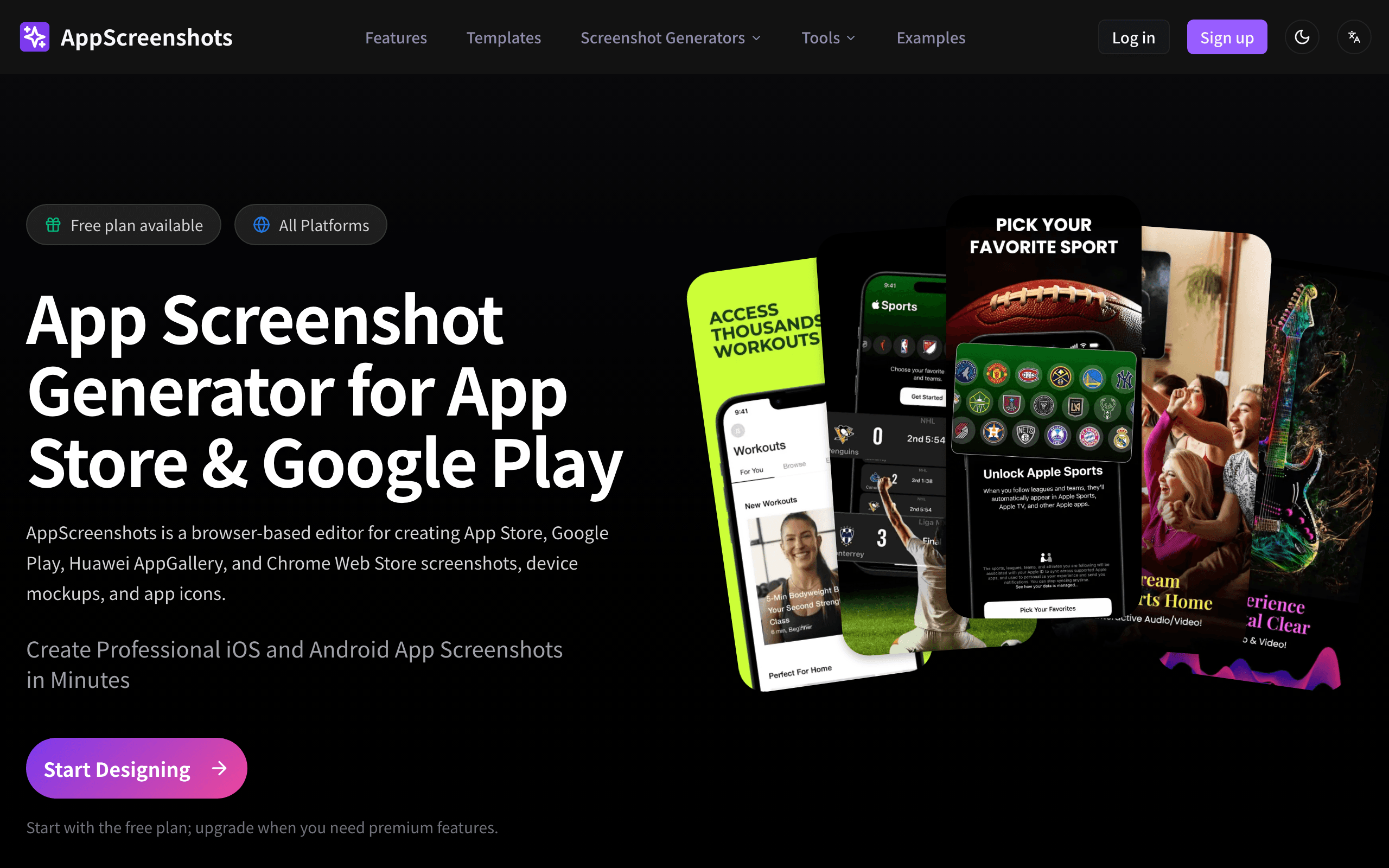

AppScreenshots
Browser-based App Store and Google Play screenshot editor with a free plan, no watermark

Blender
The Freedom to Create
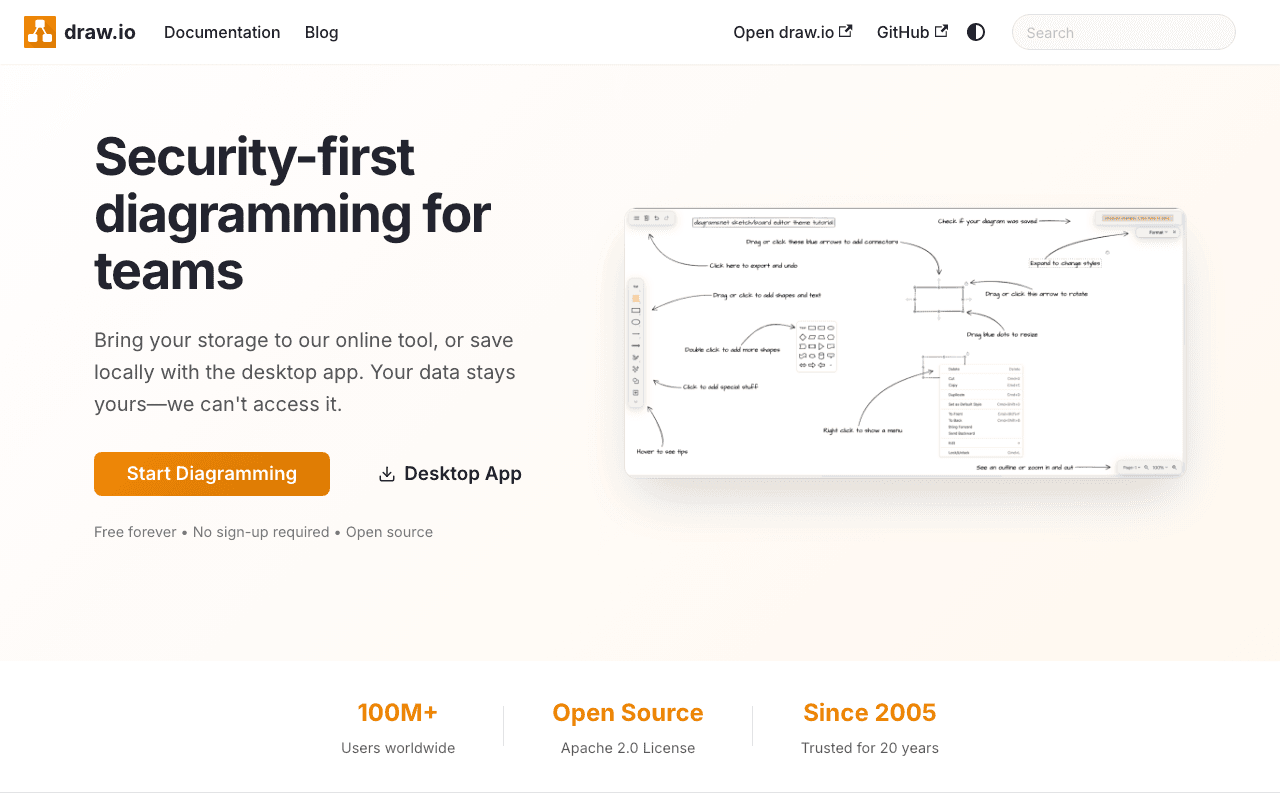

draw.io
Free, open source diagramming application with 100M+ users. Store your data wherever you…
Something outdated or missing? Let us know