
draw.io
Open SourceFree, open source diagramming application with 100M+ users. Store your data wherever you…
Free plan checked against draw.io's pricing page on . Re-checked monthly.
About draw.io
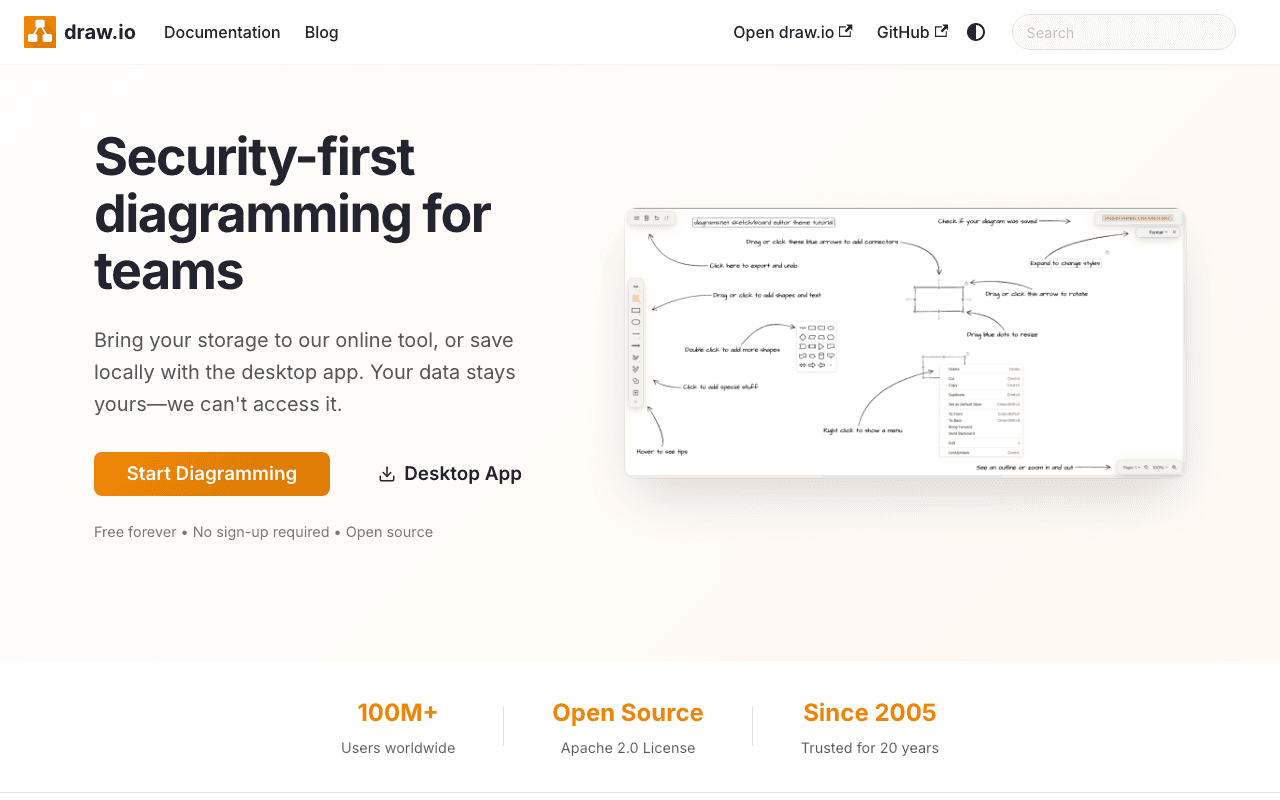
draw.io is a browser-based diagramming editor for flowcharts, architecture diagrams, network maps, UML and wireframes, used by engineers, product teams and students who want a whiteboard-grade tool without a subscription. The whole product is free: there is no paid tier at all.
What the free plan gives you
The site describes draw.io as free forever, no sign-up required and open source under the Apache 2.0 licence. You open app.diagrams.net and start drawing, with no account and no credit card. You choose where the file lives: Google Drive, OneDrive, Dropbox, GitHub, GitLab, your browser, or your own disk via the desktop app. draw.io itself never sees your data. The desktop app runs fully offline on Windows, macOS and Linux, and there are native integrations for Confluence, Jira, Google Workspace and Microsoft 365. Real-time collaboration works when the file is stored in a shared cloud drive. The vendor explicitly says there is no artificial scarcity and no enterprise tier for SSO.
Where the free plan stops
It does not. There is no usage cap, no diagram limit, no export watermark and no premium feature list. The only things you might pay for are the storage you choose to keep files in, or the Atlassian Marketplace apps if your Confluence or Jira instance requires a licensed app, and those are billed by that ecosystem rather than draw.io's web editor.
Who it suits
Anyone who needs technical diagrams and is happy with a file-based workflow rather than a hosted workspace. If you want a design-system style canvas with comments, version history and team admin built into the product, tools like Figma or Miro are a better fit. If you just need to draw and own the file, draw.io costs nothing and asks nothing.
Key Features
Pros & Cons
The free plan in practice
What you can actually do on draw.io's free plan (Completely free, no account required), where it stops, and when it's worth paying.
What you can do free
- Entire editor free, no sign-up or account needed
- Open source under Apache 2.0
- Store files in Google Drive, OneDrive, Dropbox, GitHub, GitLab or locally
- Desktop app for Windows, macOS and Linux works offline
- Native Confluence, Jira, Google and Microsoft integrations
- No watermarks, export limits or diagram caps
Where it stops
- No hosted workspace: you manage files yourself
- Collaboration depends on the cloud drive you pick
- Confluence/Jira apps are licensed through Atlassian, not draw.io
When to upgrade to a paid plan
draw.io is open source, so self-hosting is free and unlimited. The only reason to pay is convenience: choose a hosted or cloud option when you'd rather not run and maintain it yourself, or need official support.
Categories
Free Plan Details
| Free Plan | |
| Free Tier | Unlimited Free Tier |
| User Limit | Completely free, no account required |
| Open Source |
What's the free tier actually like?
Used draw.io's free plan? Tell people what it was really like — what you hit, what surprised you, whether the limits held. No account needed.
No comments yet. If you've used the free plan, you know something the pricing page doesn't say.
Related Tools

Excalidraw
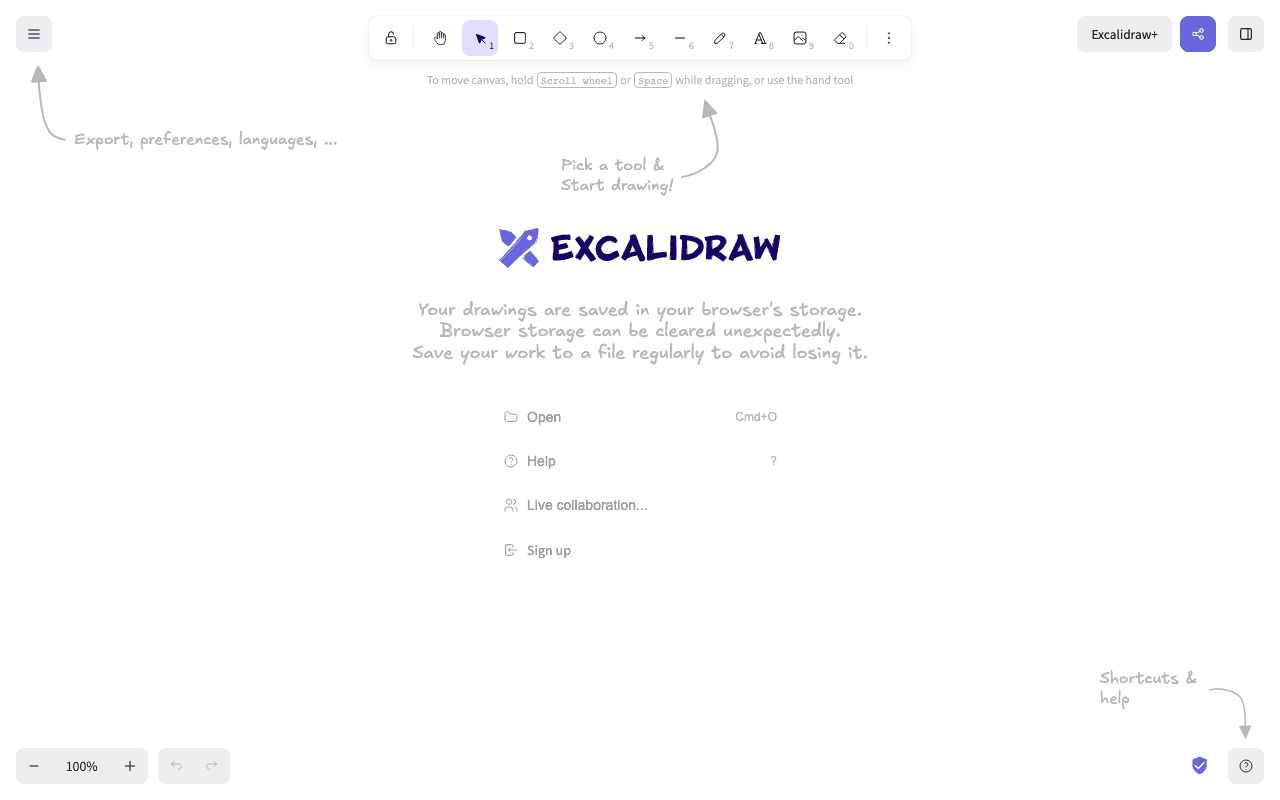
Excalidraw is a virtual collaborative whiteboard tool that lets you easily sketch diagrams…

GIMP
GIMP - The GNU Image Manipulation Program: The Free and Open Source Image Editor


Krita
Krita is a professional FREE and open source painting program. It is made by artists that want…
Something outdated or missing? Let us know