
Blender
Open SourceThe Freedom to Create
Free plan checked against Blender's pricing page on . Re-checked monthly.
About Blender
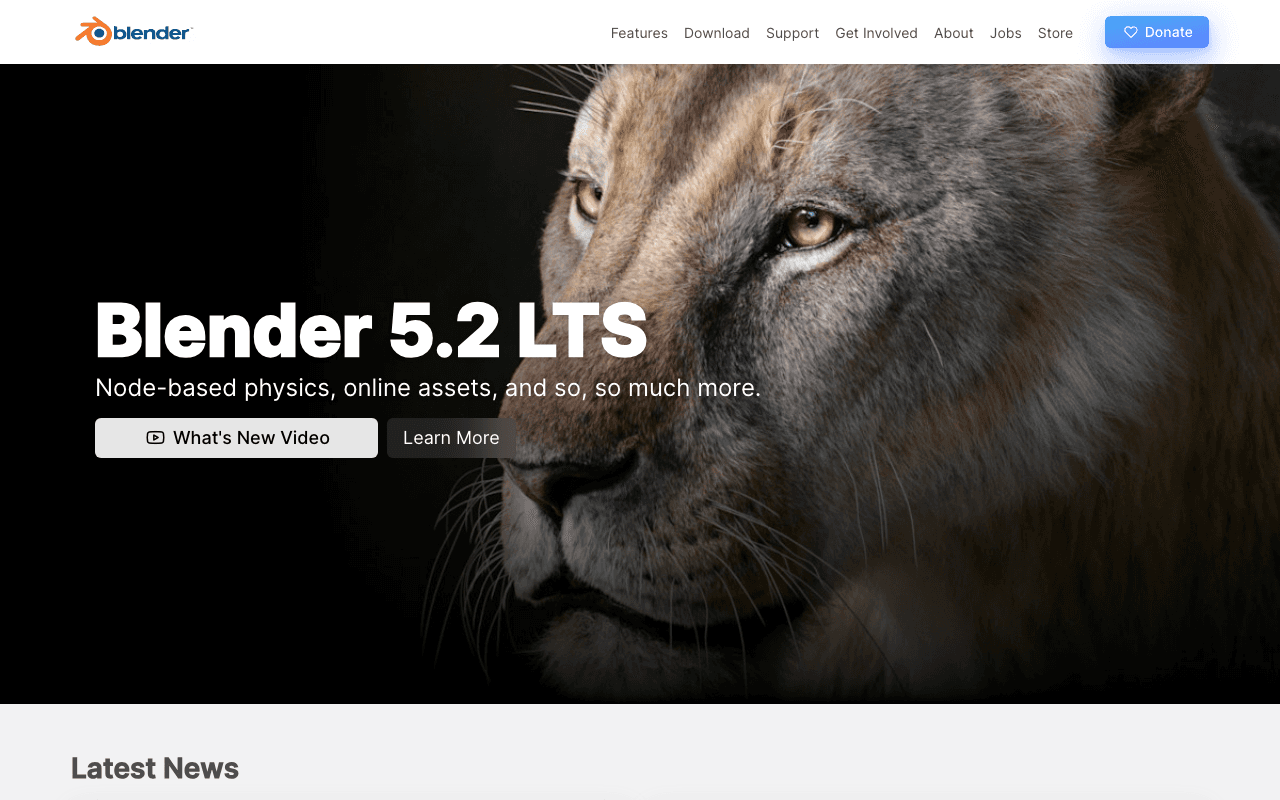
Blender is the full 3D suite that studios, indie game developers, product designers and motion graphics artists use for modelling, sculpting, animation, rendering, compositing and video editing. There is no plan or tier: the whole program is free software under the GNU GPL, and the current stable release is Blender 5.2 LTS.
What the free plan gives you
Every feature, on Windows, macOS and Linux, with no licence key or account. That includes polygon, curve and NURBS modelling, multi-resolution sculpting with dynamic topology, rigging and animation with inverse kinematics and shape keys, the Cycles path tracer and the EEVEE real-time renderer, a node-based compositor, a non-linear Video Sequence Editor, and physics simulation for smoke, fluids, cloth, hair and rigid bodies. Python scripting and the add-on ecosystem are open too. Work you make in Blender is yours to sell.
Where the free plan stops
Nothing in the software is gated. The costs that exist are optional: a Blender Studio subscription for training and production files, paid add-ons from third-party marketplaces, and the hardware to render on. The Blender Foundation runs on donations and corporate development fund members. The genuine limit is the learning curve rather than a paywall.
Who it suits
Anyone doing 3D work, from a first tutorial through to feature film shots, can run Blender without ever paying. If your pipeline needs a specific commercial package for studio compatibility (Maya, Houdini, Cinema 4D), that is a workflow decision rather than a limitation of the free tier.
Key Features
Pros & Cons
The free plan in practice
What you can actually do on Blender's free plan (Free and open source (GPL) 3D suite, no limits), where it stops, and when it's worth paying.
What you can do free
- Complete 3D suite on Windows, macOS and Linux
- Cycles and EEVEE render engines
- Sculpting, rigging, animation and simulation
- Built-in video editor and node compositor
- Python scripting and add-ons, commercial use allowed
Where it stops
- No vendor support contract
- Training and production assets on Blender Studio are paid
- Steep learning curve
When to upgrade to a paid plan
Blender is open source, so self-hosting is free and unlimited. The only reason to pay is convenience: choose a hosted or cloud option when you'd rather not run and maintain it yourself, or need official support.
Categories
Free Plan Details
| Free Plan | |
| Free Tier | Unlimited Free Tier |
| User Limit | Free and open source (GPL) 3D suite, no limits |
| Open Source |
What's the free tier actually like?
Used Blender's free plan? Tell people what it was really like — what you hit, what surprised you, whether the limits held. No account needed.
No comments yet. If you've used the free plan, you know something the pricing page doesn't say.
Related Tools

draw.io
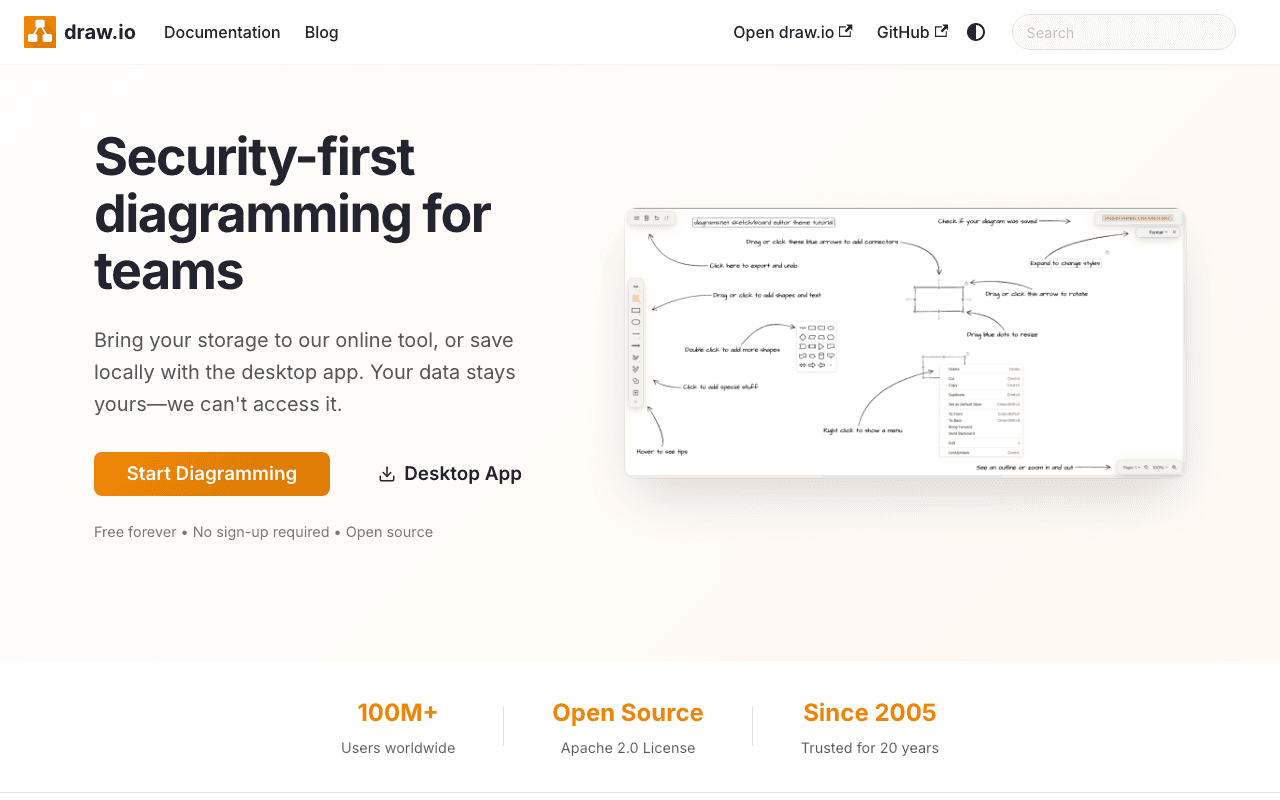
Free, open source diagramming application with 100M+ users. Store your data wherever you…

Excalidraw
Excalidraw is a virtual collaborative whiteboard tool that lets you easily sketch diagrams…

GIMP
GIMP - The GNU Image Manipulation Program: The Free and Open Source Image Editor
Something outdated or missing? Let us know