
AppScreenshots
FreemiumBrowser-based App Store and Google Play screenshot editor with a free plan, no watermark
Free plan checked against AppScreenshots's pricing page on . Re-checked monthly.
About AppScreenshots
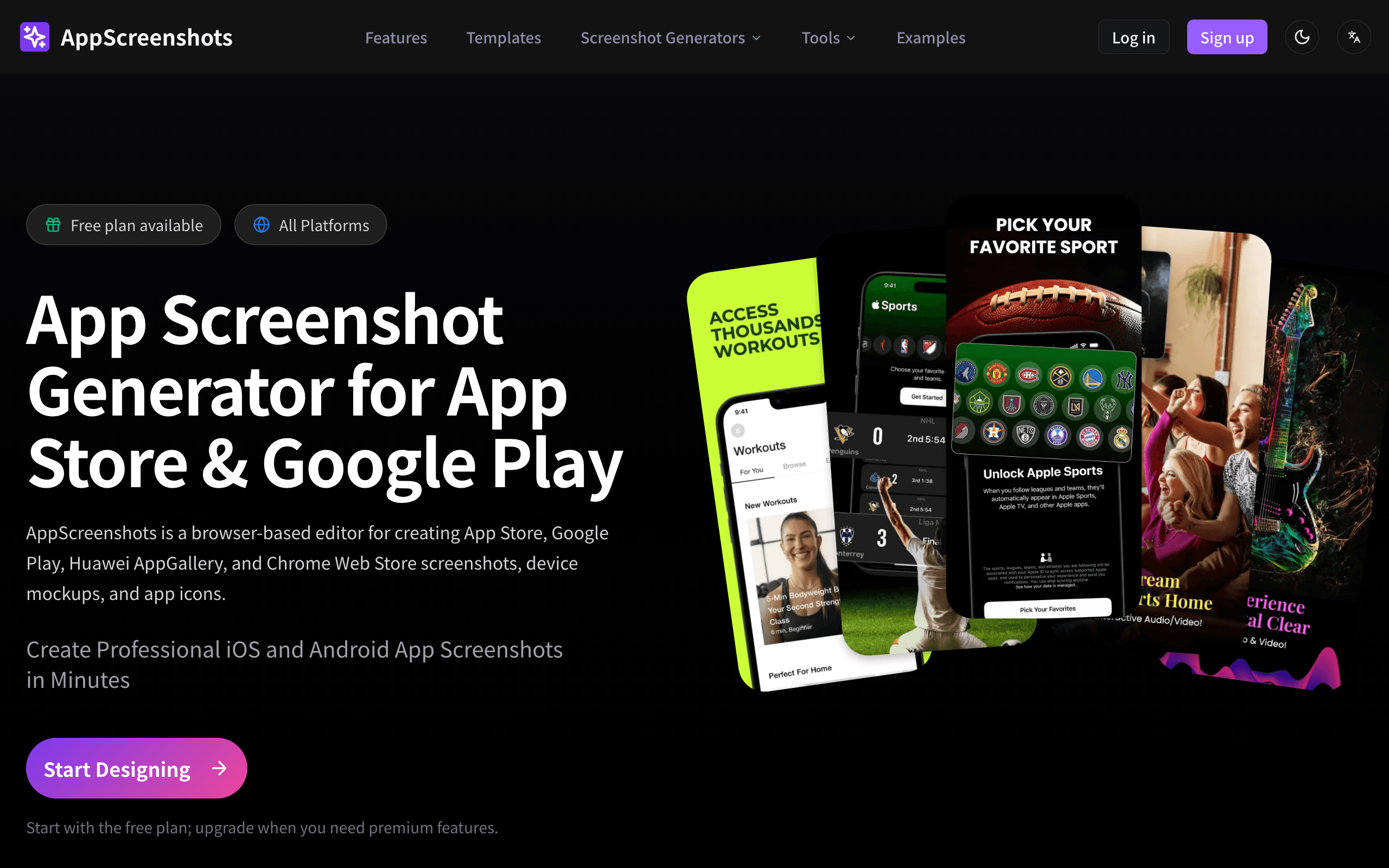
AppScreenshots is a browser-based editor for creating App Store, Google Play, Huawei AppGallery and Chrome Web Store screenshots, device mockups and app icons. The Free plan costs nothing and includes up to 2 screenshot projects, 1 lifetime AI workflow, the template library, device frames, and App Store/Play Store size presets, with PNG and JPG export that carries no watermark. It does not include batch translation, batch export, premium templates or advanced add-ons. The paid Pro plan ($99/year) adds unlimited projects, 30 AI workflows per month and batch processing, while the one-time Lifetime plan ($199) offers similar capacity with 5 refreshed AI workflows per month and no recurring payment.
Key Features
Pros & Cons
The free plan in practice
What you can actually do on AppScreenshots's free plan (Up to 2 screenshot projects and 1 lifetime AI workflow), where it stops, and when it's worth paying.
What you can do free
- Up to 2 screenshot projects
- 1 lifetime AI workflow
- App Store and Play Store size presets
- Template library and device frames
- PNG and JPG export with no watermark
Where it stops
- Capped at 2 projects total
- Only 1 AI workflow for the life of the free account
- No batch translation or batch export
- No access to premium templates or advanced add-ons
When to upgrade to a paid plan
Stay on the free plan while you're comfortably under the free plan's limit (Up to 2 screenshot projects and 1 lifetime AI workflow). It's worth moving to a paid plan once you consistently bump into that ceiling, need to remove branding, or want features the free tier holds back.
Categories
Free Plan Details
| Free Plan | |
| Free Tier | Limited Free Tier |
| User Limit | Up to 2 screenshot projects and 1 lifetime AI workflow |
| Open Source |
What's the free tier actually like?
Used AppScreenshots's free plan? Tell people what it was really like — what you hit, what surprised you, whether the limits held. No account needed.
No comments yet. If you've used the free plan, you know something the pricing page doesn't say.
Related Tools

Blender
The Freedom to Create
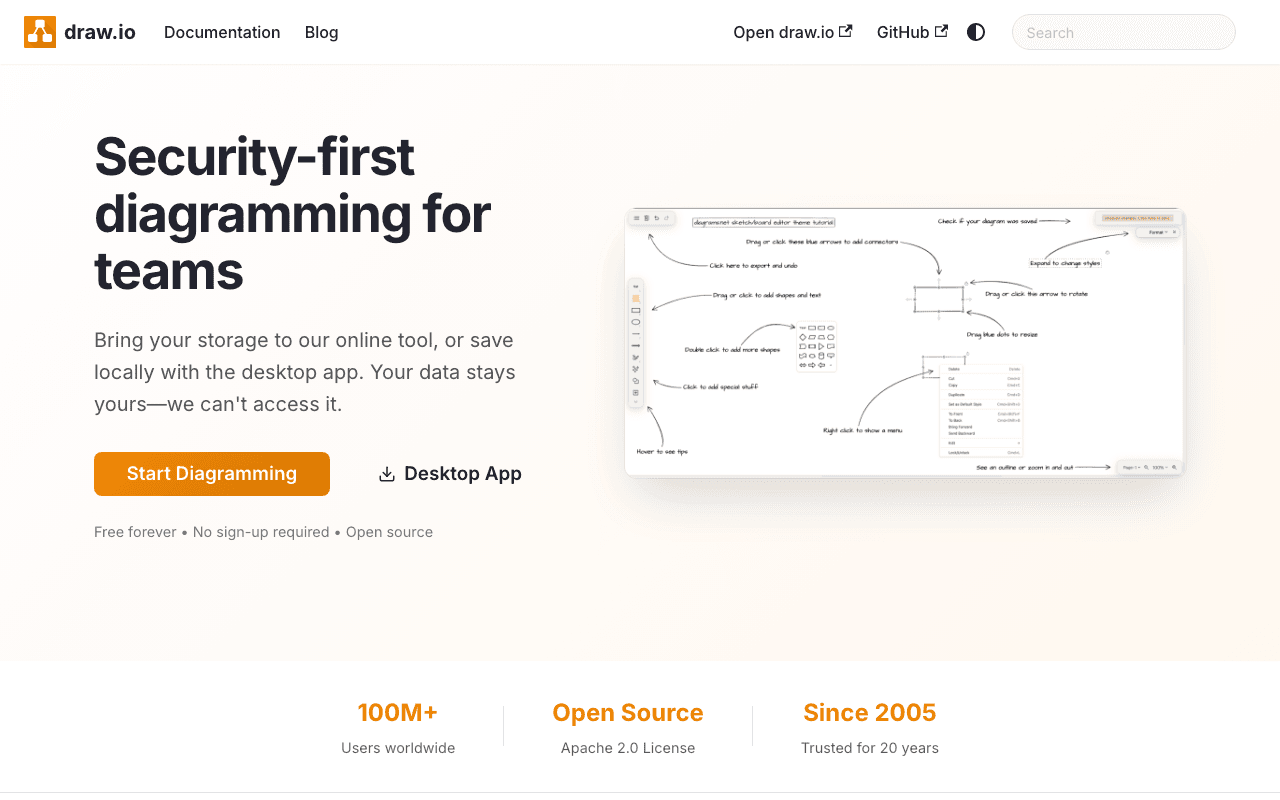

draw.io
Free, open source diagramming application with 100M+ users. Store your data wherever you…
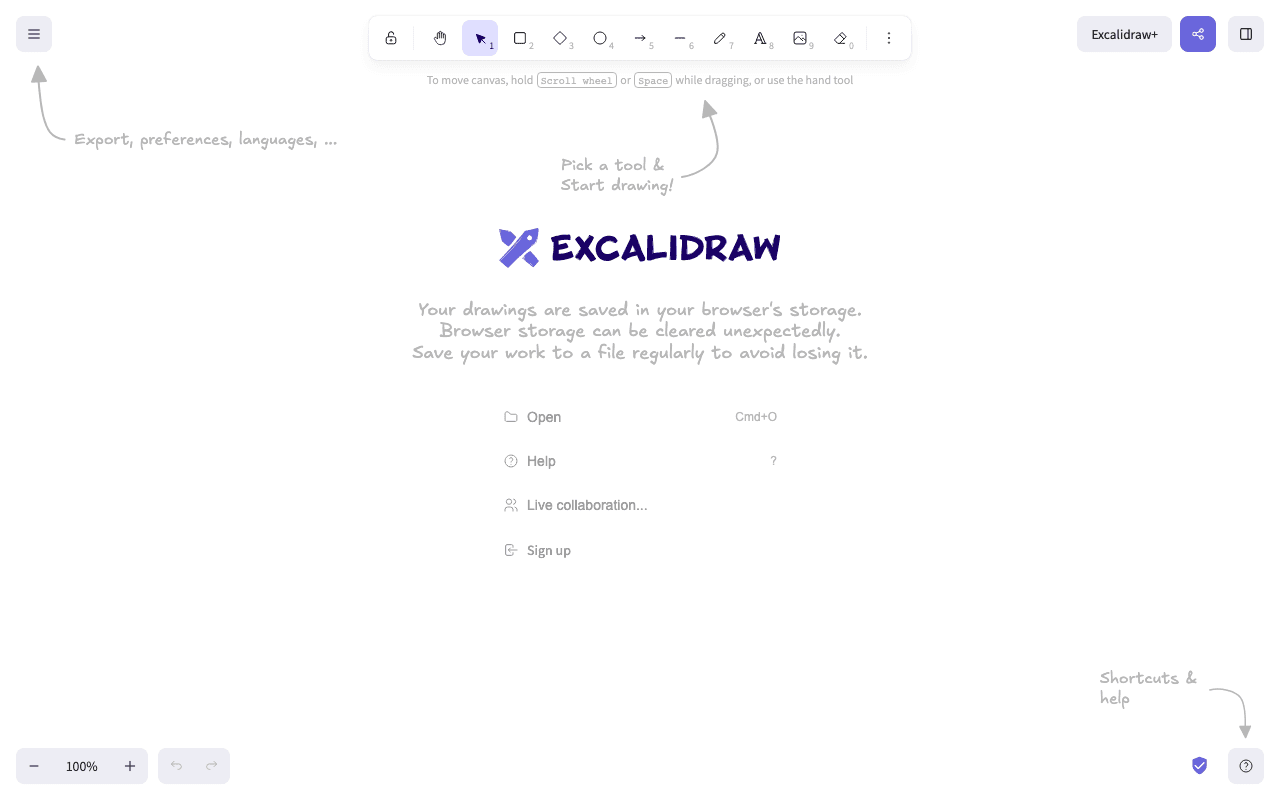

Excalidraw
Excalidraw is a virtual collaborative whiteboard tool that lets you easily sketch diagrams…
Something outdated or missing? Let us know