Screen Studio Kit
FreemiumFree app store screenshot editor with device frames, up to 10 exports/day
Free plan checked against Screen Studio Kit's pricing page on . Re-checked monthly.
About Screen Studio Kit
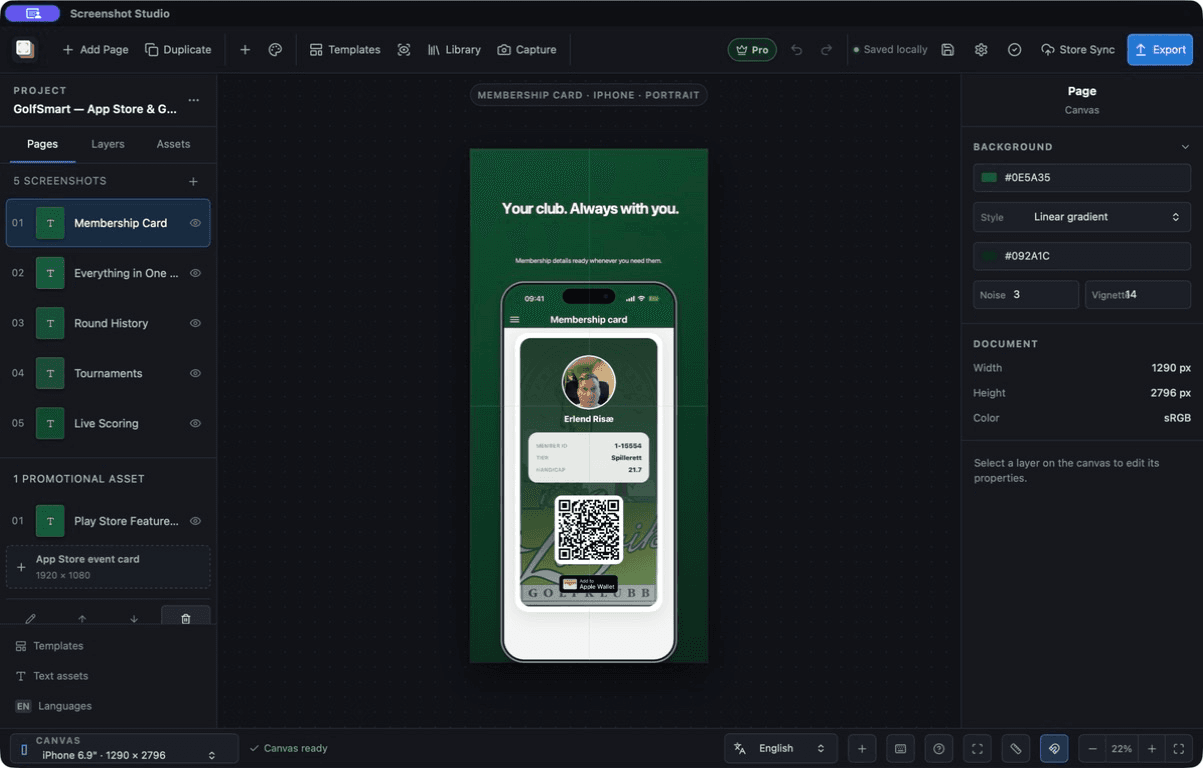
Screen Studio Kit is a macOS and Windows app for building app store screenshots: design a composition once and adapt it across device sizes, languages, and platforms without rebuilding it each time. The permanent free tier includes the full editor with layer editing, local project storage, three built-in templates, six design elements, asset management, canvas preview and validation, and device-frame editing, limited to one size and one language per export with up to 10 full-resolution exports per local day. A one-time Pro purchase removes the export limits and unlocks all 20 responsive templates, the complete element library, custom template creation, localization CSV workflows, automated capture, and direct store publishing.
Key Features
Pros & Cons
The free plan in practice
What you can actually do on Screen Studio Kit's free plan (1 size/language per export, up to 10 full-resolution exports/day), where it stops, and when it's worth paying.
What you can do free
- Full editor with layer editing
- Local project storage
- 3 built-in templates
- 6 design elements
- Asset management
- Canvas preview and validation
- Device-frame editing
- Up to 10 full-resolution exports per local day
Where it stops
- One size and one language per export
- Capped at 10 full-resolution exports per local day
- Only 3 of 20 templates available
When to upgrade to a paid plan
Stay on the free plan while you're comfortably under the free plan's limit (1 size/language per export, up to 10 full-resolution exports/day). It's worth moving to a paid plan once you consistently bump into that ceiling, need to remove branding, or want features the free tier holds back.
Categories
Free Plan Details
| Free Plan | |
| Free Tier | Limited Free Tier |
| User Limit | 1 size/language per export, up to 10 full-resolution exports/day |
| Open Source |
What's the free tier actually like?
Used Screen Studio Kit's free plan? Tell people what it was really like — what you hit, what surprised you, whether the limits held. No account needed.
No comments yet. If you've used the free plan, you know something the pricing page doesn't say.
Related Tools


SVGicons.com
312K+ open-source SVG icons from 227 sets, free to browse and use, no account needed
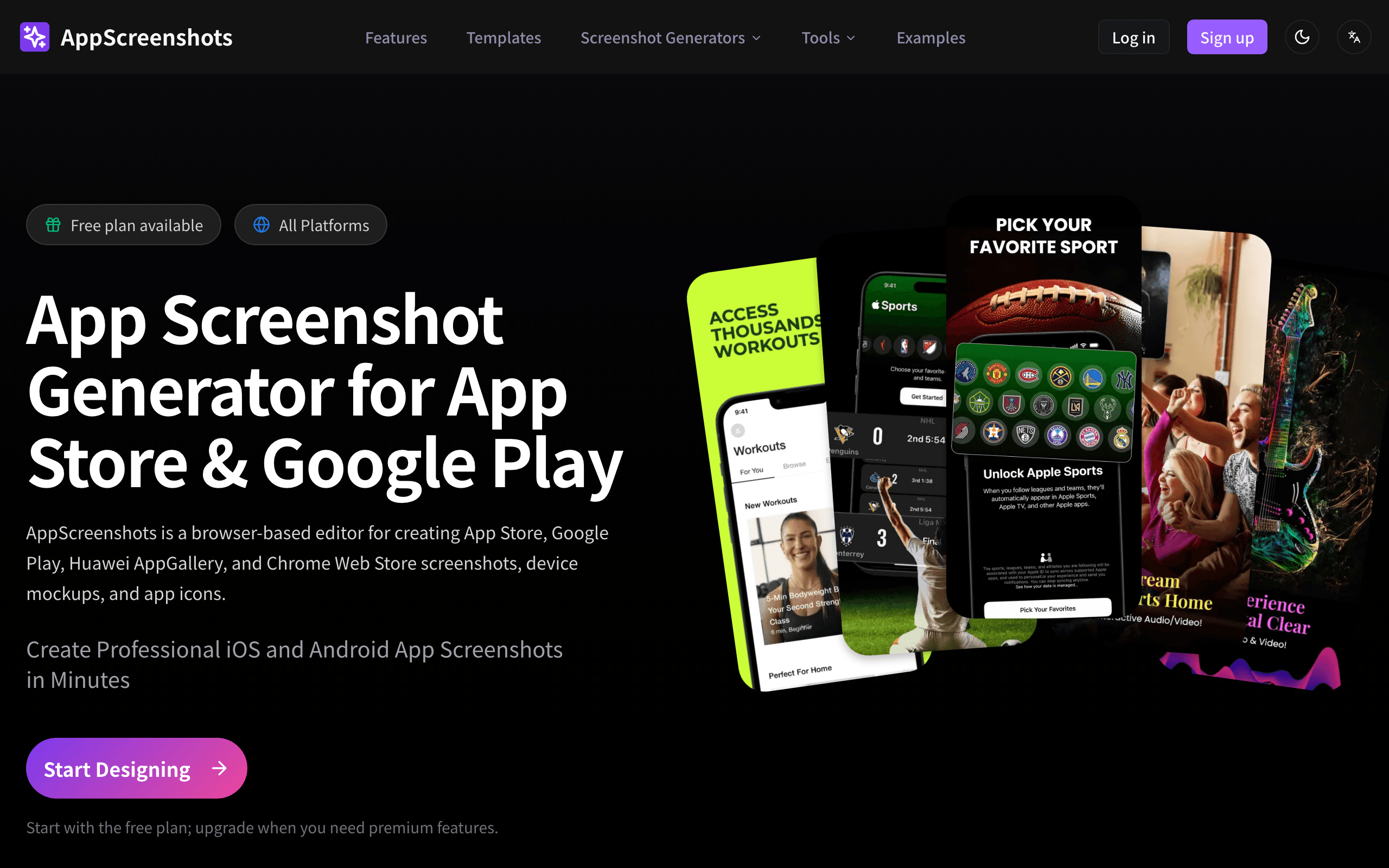

AppScreenshots
Browser-based App Store and Google Play screenshot editor with a free plan, no watermark

Blender
The Freedom to Create
Something outdated or missing? Let us know