
Meta Business Suite
FreeFree native scheduling and analytics for Facebook and Instagram
About Meta Business Suite
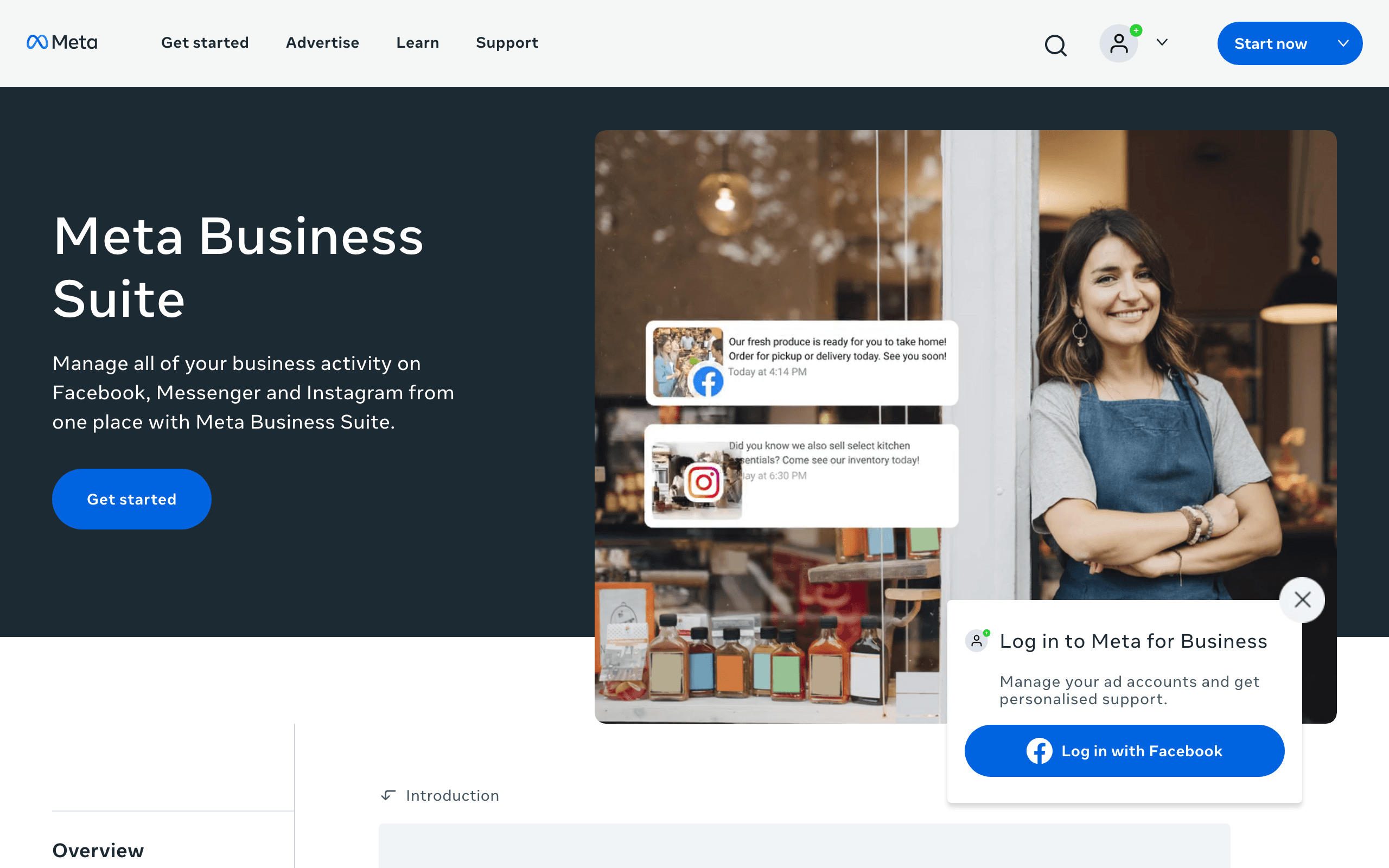
Meta Business Suite is Meta's own dashboard for managing a Facebook Page, Instagram account and Messenger inbox from one place, and it is the scheduler most small businesses start with because it costs nothing. There is no paid version: every feature is free, and the only thing Meta sells inside it is ad spend.
What the free plan gives you
You can create and schedule posts, Stories and Reels for Facebook and Instagram, see them on a shared content calendar and answer comments and messages from Facebook, Instagram and Messenger in one unified inbox. Insights show reach, engagement, follower growth and content performance with data pulled straight from Meta rather than a third-party API, so numbers match what the platforms report. Meta's own documentation states you can schedule up to 25 posts a day per account and up to 75 days ahead, although many Page owners report a roughly 30-day window in practice. It works on desktop and in the mobile app, and you can run ads and boost posts from the same screen.
Where the free plan stops
The limit is scope, not price. It only covers Meta's platforms, so if you also post to LinkedIn, X, TikTok, Pinterest or YouTube you need a separate tool. There is no approval workflow, no bulk CSV upload and no cross-network reporting. Nothing you pay Meta will change that; the upgrade path is a third-party scheduler such as Buffer or Zoho Social.
Who it suits
A business that lives mainly on Facebook and Instagram, with one or two people posting, should use it and skip paid schedulers entirely. Agencies, multi-network brands and teams that need approvals will outgrow it quickly and are better served by a dedicated social media management tool.
Key Features
Pros & Cons
The free plan in practice
What you can actually do on Meta Business Suite's free plan (Free, unlimited posts (up to 25/day, 75 days ahead)), where it stops, and when it's worth paying.
What you can do free
- Schedule posts, Stories and Reels for Facebook and Instagram
- Up to 25 scheduled posts per day, up to 75 days ahead (per Meta docs)
- Unified inbox for Facebook, Instagram and Messenger
- Native Insights: reach, engagement, follower growth
- Content calendar and ad management in one dashboard
- Desktop and mobile apps, no cost
Where it stops
- Facebook, Instagram and Messenger only
- No approval workflows or bulk upload
- Scheduling window reported as ~30 days by many users despite the 75-day figure
When to upgrade to a paid plan
Stay on the free plan while you're comfortably under the free plan's limit (Free, unlimited posts (up to 25/day, 75 days ahead)). It's worth moving to a paid plan once you consistently bump into that ceiling, need to remove branding, or want features the free tier holds back.
Categories
Free Plan Details
| Free Plan | |
| Free Tier | Generous Free Tier |
| User Limit | Free, unlimited posts (up to 25/day, 75 days ahead) |
| Open Source |
What's the free tier actually like?
Used Meta Business Suite's free plan? Tell people what it was really like — what you hit, what surprised you, whether the limits held. No account needed.
No comments yet. If you've used the free plan, you know something the pricing page doesn't say.
Related Tools

Metricool
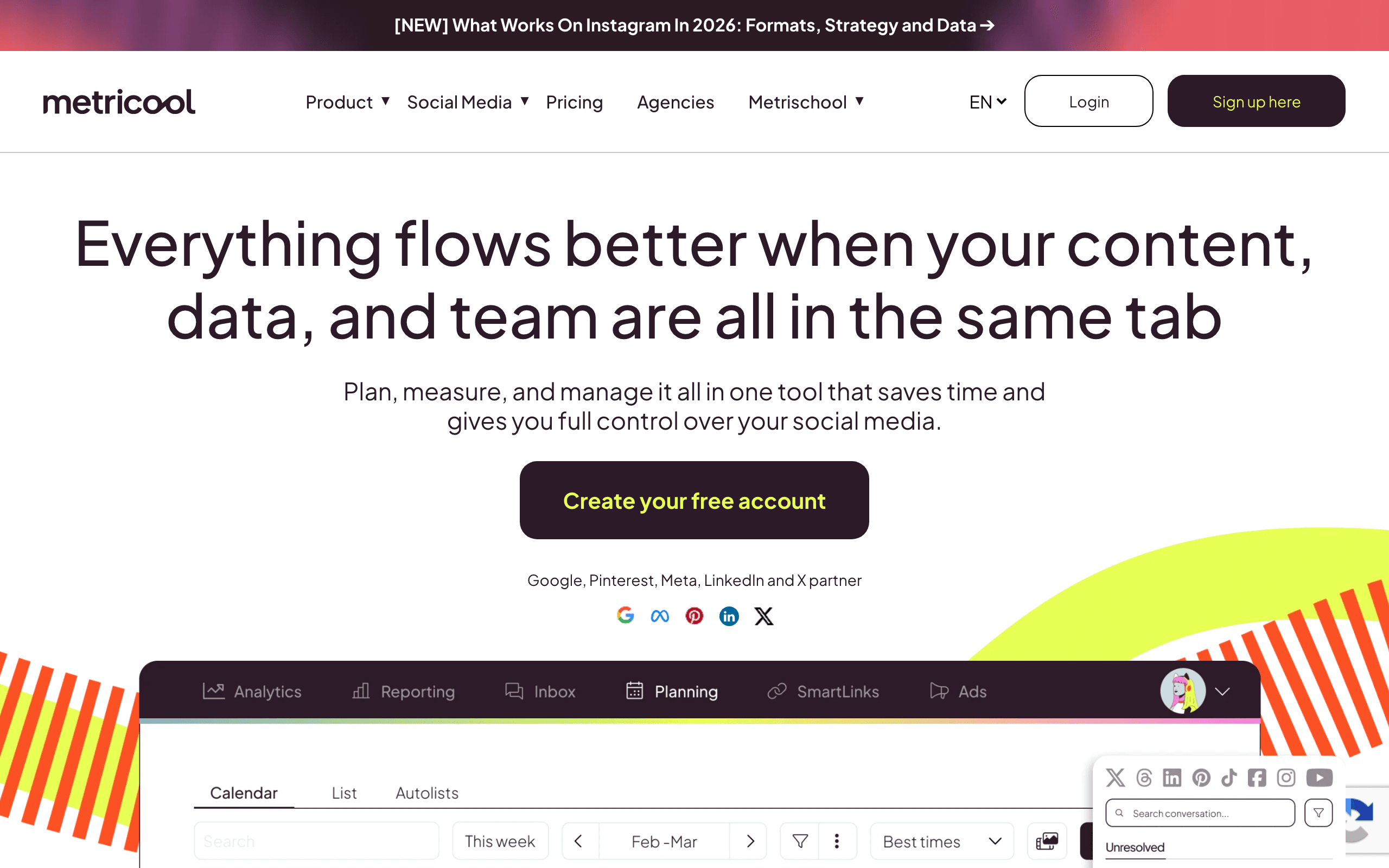
All-in-one social scheduling, analytics, and ads dashboard

Mixpost
Open-source self-hosted social scheduler with no monthly fees

Postiz
Open-source, self-hostable social media scheduler for 20+ networks
Something outdated or missing? Let us know