


DocPixly
FreeFree browser-based photo, PDF, image, and QR code tools with no signup or watermark
Free plan checked against DocPixly's pricing page on . Re-checked monthly.
About DocPixly
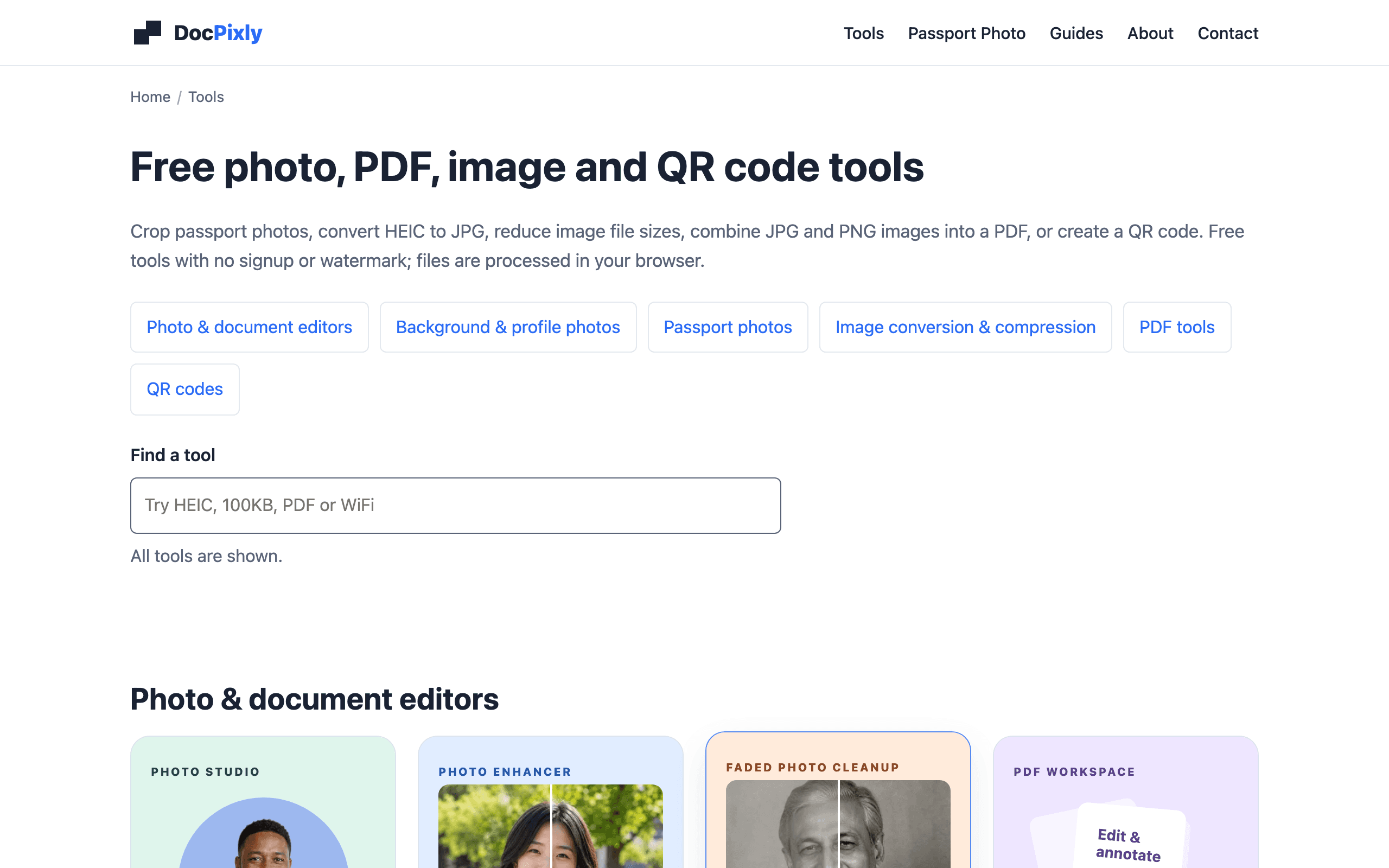
DocPixly is a collection of free browser-based tools for cropping passport photos, converting and compressing images, combining images into a PDF, merging PDFs, exporting PDF pages as images, and generating QR codes. The site states files are processed in your browser and that tools carry no signup requirement and no watermark. Image tools accept files up to 20 MB, and larger jobs are limited by your device's memory rather than a server. There is no separate paid plan or pricing page, no public API, and the site runs on advertising and optional analytics that the vendor says never include your files.
Key Features
Pros & Cons
The free plan in practice
What you can actually do on DocPixly's free plan (No signup, up to 20 MB per image, larger jobs limited by device memory), where it stops, and when it's worth paying.
What you can do free
- Passport photo cropping and A4/4x6 print sheets
- Image conversion, resizing, and compression
- Image-to-PDF and PDF merging
- PDF page-to-image export
- QR code generation
- No signup and no watermark
Where it stops
- 20 MB limit per image
- Larger jobs constrained by local device memory
- No public API
When to upgrade to a paid plan
Stay on the free plan while you're comfortably under the free plan's limit (No signup, up to 20 MB per image, larger jobs limited by device memory). It's worth moving to a paid plan once you consistently bump into that ceiling, need to remove branding, or want features the free tier holds back.
Categories
Free Plan Details
| Free Plan | |
| Free Tier | Generous Free Tier |
| User Limit | No signup, up to 20 MB per image, larger jobs limited by device memory |
| Open Source |
What's the free tier actually like?
Used DocPixly's free plan? Tell people what it was really like — what you hit, what surprised you, whether the limits held. No account needed.
No comments yet. If you've used the free plan, you know something the pricing page doesn't say.
Related Tools

Dynep Host
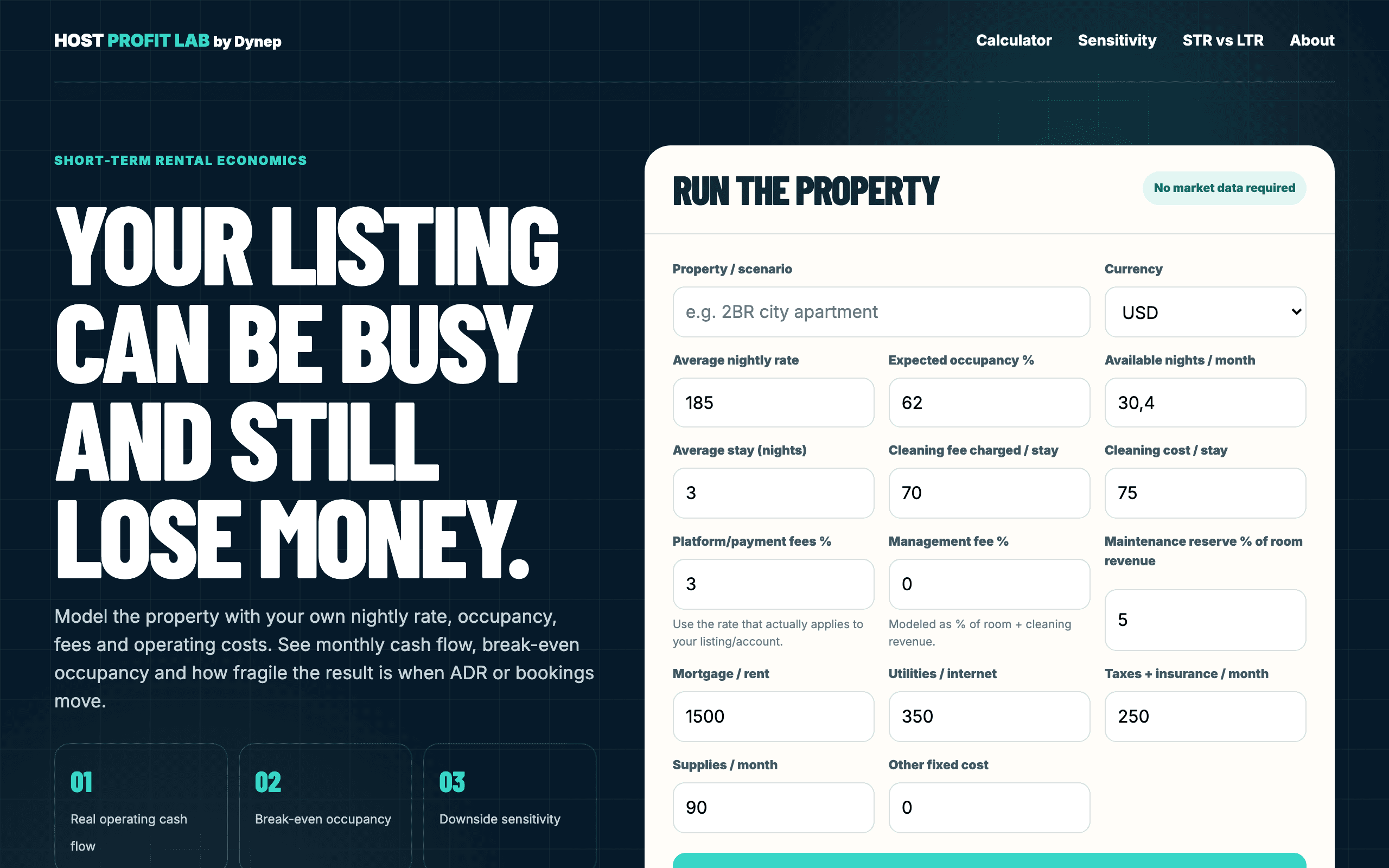
Free browser-based profitability, break-even and STR-vs-LTR calculator for short-term-rental hosts
Dynep Quote
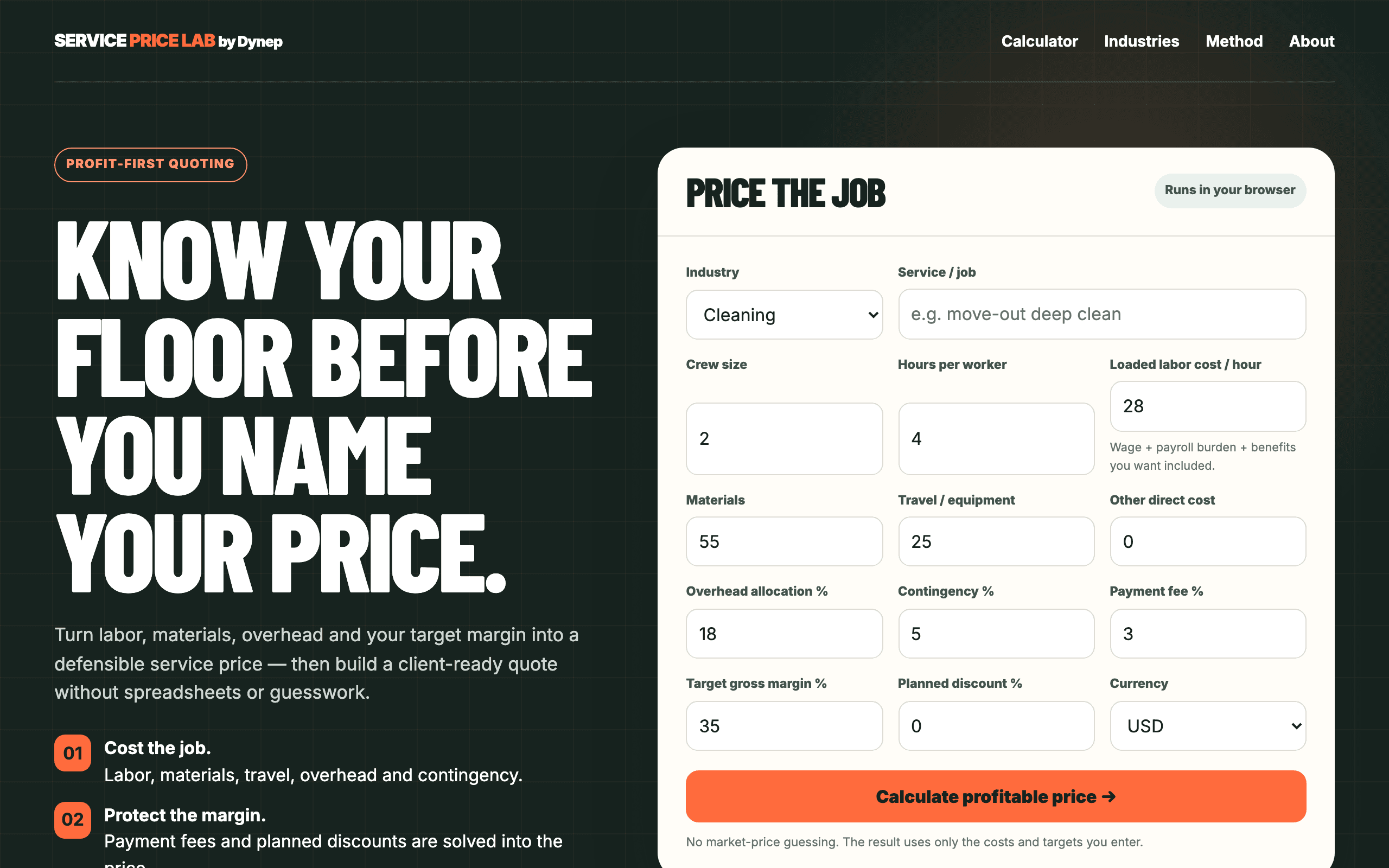
Free browser-based profit-first pricing and quote calculator for service businesses

FileNest WorkTools
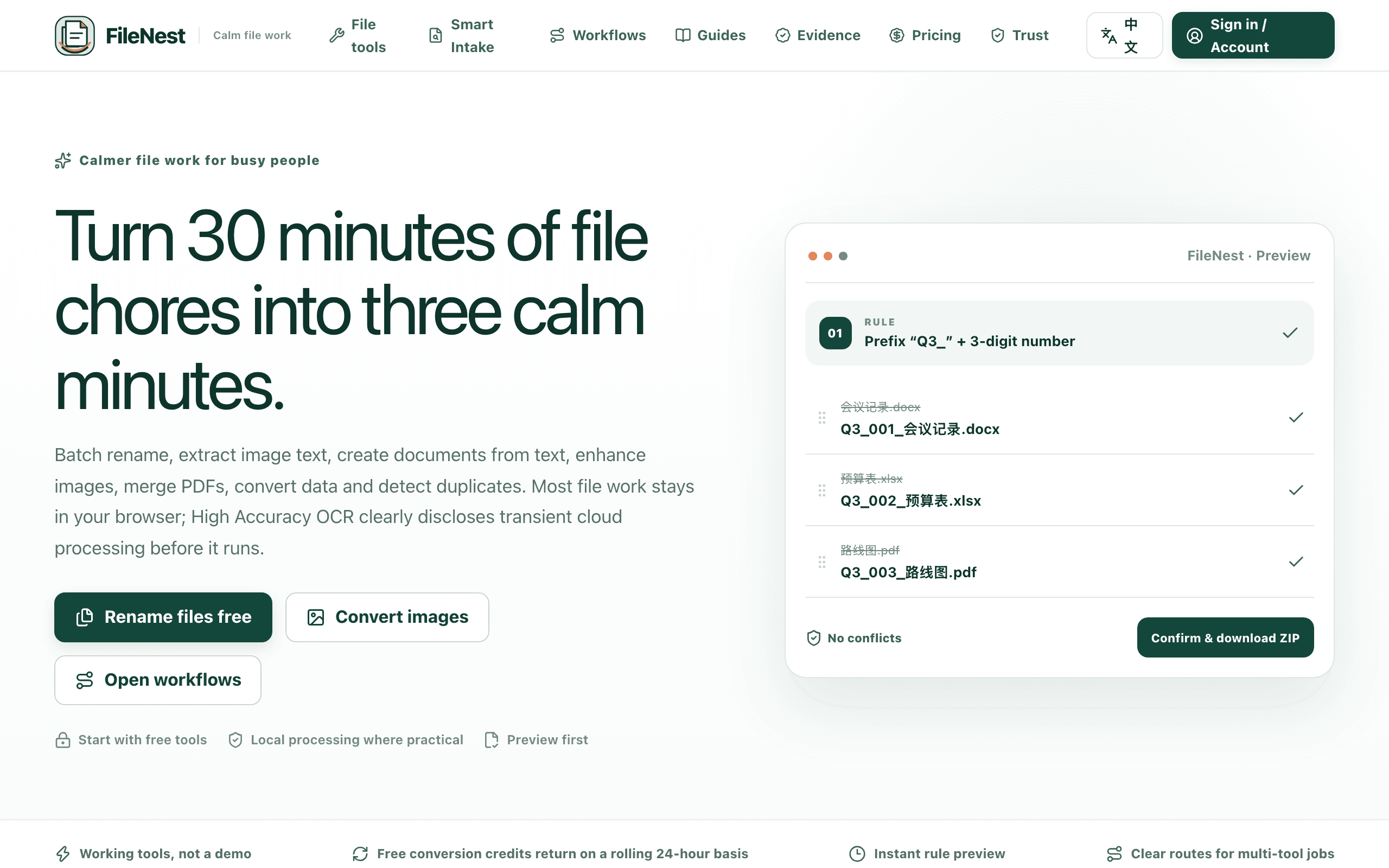
Browser-based toolkit for batch file work: renaming, images, PDFs, and OCR
Something outdated or missing? Let us know