


FileNest WorkTools
FreemiumBrowser-based toolkit for batch file work: renaming, images, PDFs, and OCR
Free plan checked against FileNest WorkTools's pricing page on . Re-checked monthly.
About FileNest WorkTools
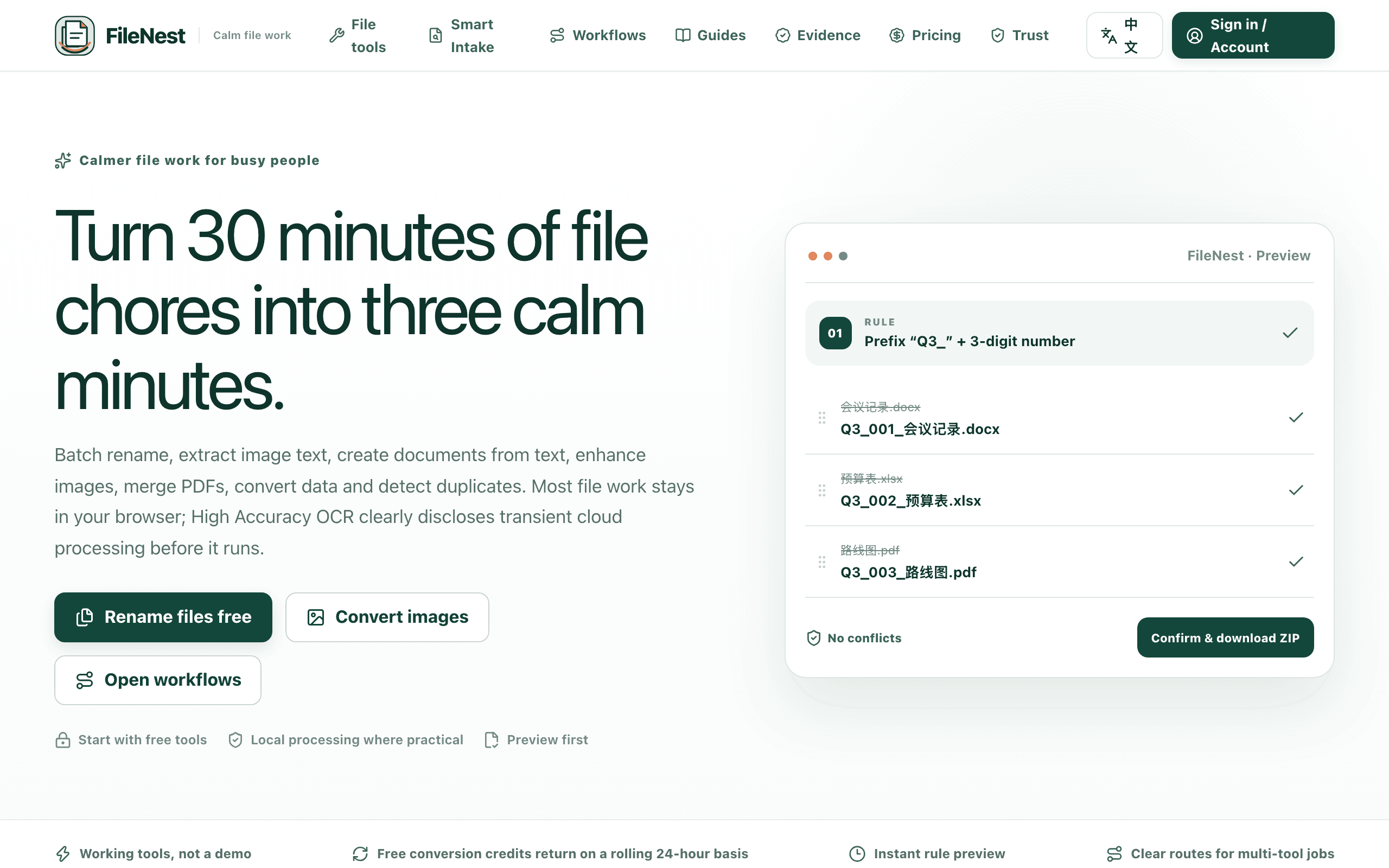
FileNest WorkTools is a browser toolkit for repetitive file work, covering batch file renaming, image conversion and enhancement, PDF merge and split, CSV/TSV/JSON conversion, duplicate file detection, text-to-document export, and image-to-text OCR. Most tools process files locally in the browser, and the site discloses upfront that its High Accuracy OCR option is the one workflow that uses transient cloud processing. The free plan requires creating and verifying an account, then grants a rolling 24-hour allowance of core tool usage at no cost. Paid options are a one-time 24-hour pass for short bursts of heavier work or a recurring Pro subscription for regular batch jobs. No credit card is required to use the free tier.
Key Features
Pros & Cons
The free plan in practice
What you can actually do on FileNest WorkTools's free plan (Rolling 24-hour usage allowance per verified account, renews automatically), where it stops, and when it's worth paying.
What you can do free
- Batch file renaming (sequential, reverse, custom order)
- Image conversion, resize/crop, and enhancement
- PDF merge, split, and creation
- CSV, TSV, and JSON conversion
- Duplicate file detection
- Text-to-document export
- Image-to-text OCR
Where it stops
- Requires account registration and email verification
- Usage capped by a rolling 24-hour allowance rather than unlimited use
- High Accuracy OCR uses disclosed cloud processing rather than local processing
When to upgrade to a paid plan
Stay on the free plan while you're comfortably under the free plan's limit (Rolling 24-hour usage allowance per verified account, renews automatically). It's worth moving to a paid plan once you consistently bump into that ceiling, need to remove branding, or want features the free tier holds back.
Categories
Free Plan Details
| Free Plan | |
| Free Tier | Limited Free Tier |
| User Limit | Rolling 24-hour usage allowance per verified account, renews automatically |
| Open Source |
What's the free tier actually like?
Used FileNest WorkTools's free plan? Tell people what it was really like — what you hit, what surprised you, whether the limits held. No account needed.
No comments yet. If you've used the free plan, you know something the pricing page doesn't say.
Related Tools

Home Office Layout Calculator
Free browser-based tool that checks whether your desk, monitor, chair and walking pad fit your room

ImportFix
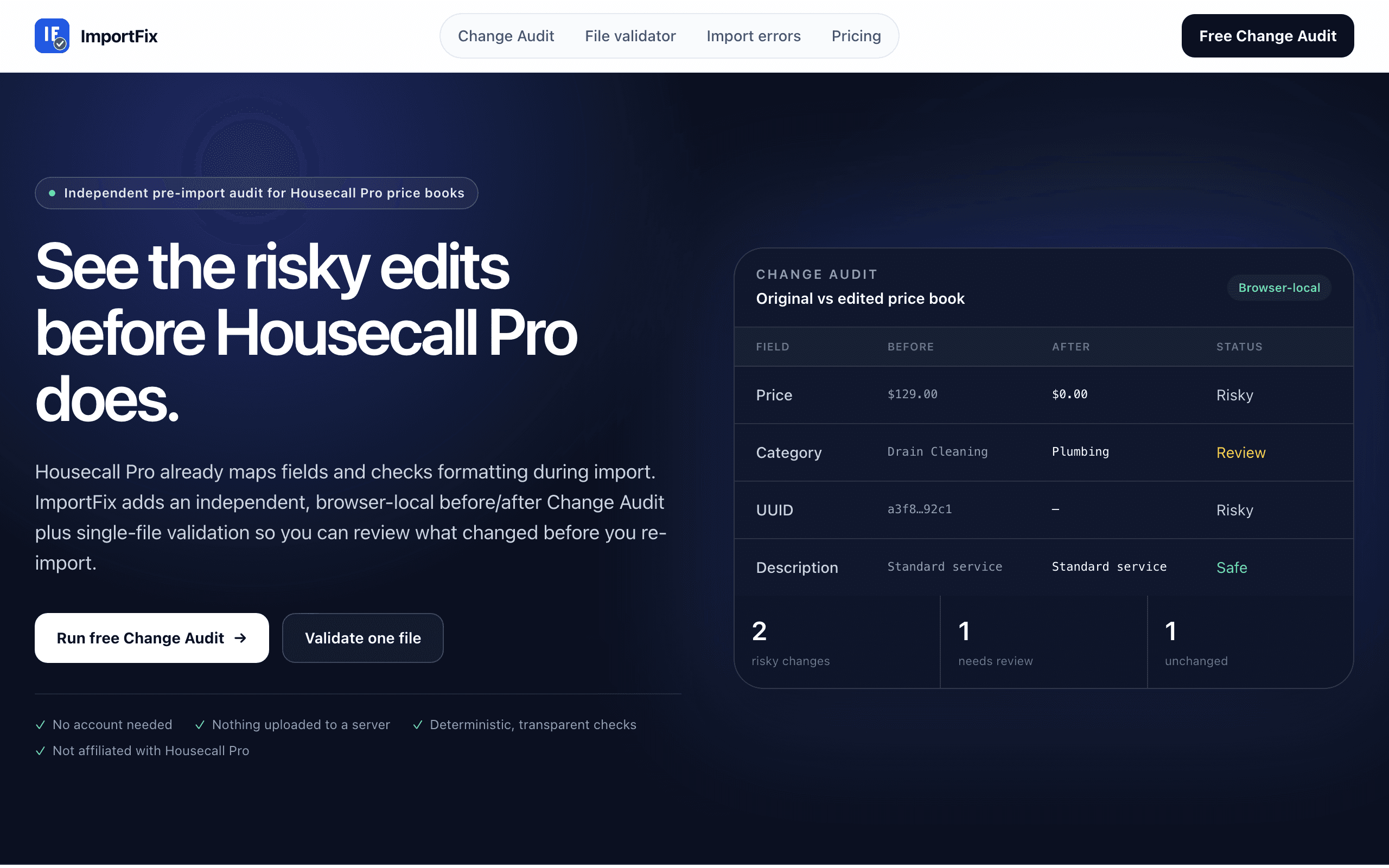
Free browser-based audit of Housecall Pro price-book changes before you re-import, downloads are paid per file

Joplin
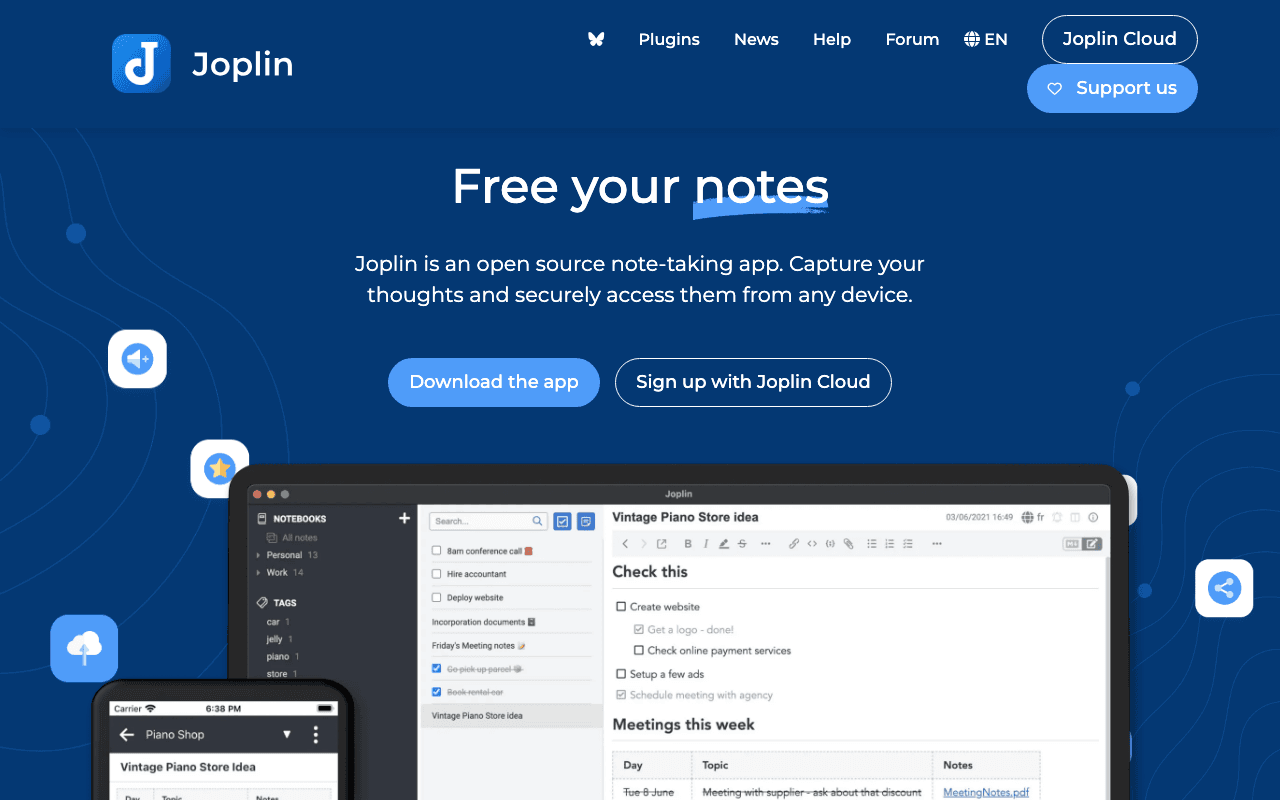
Joplin, the open source note-taking application
Something outdated or missing? Let us know