
Excalidraw
Open SourceExcalidraw is a virtual collaborative whiteboard tool that lets you easily sketch diagrams…
Free plan checked against Excalidraw's pricing page on . Re-checked monthly.
About Excalidraw
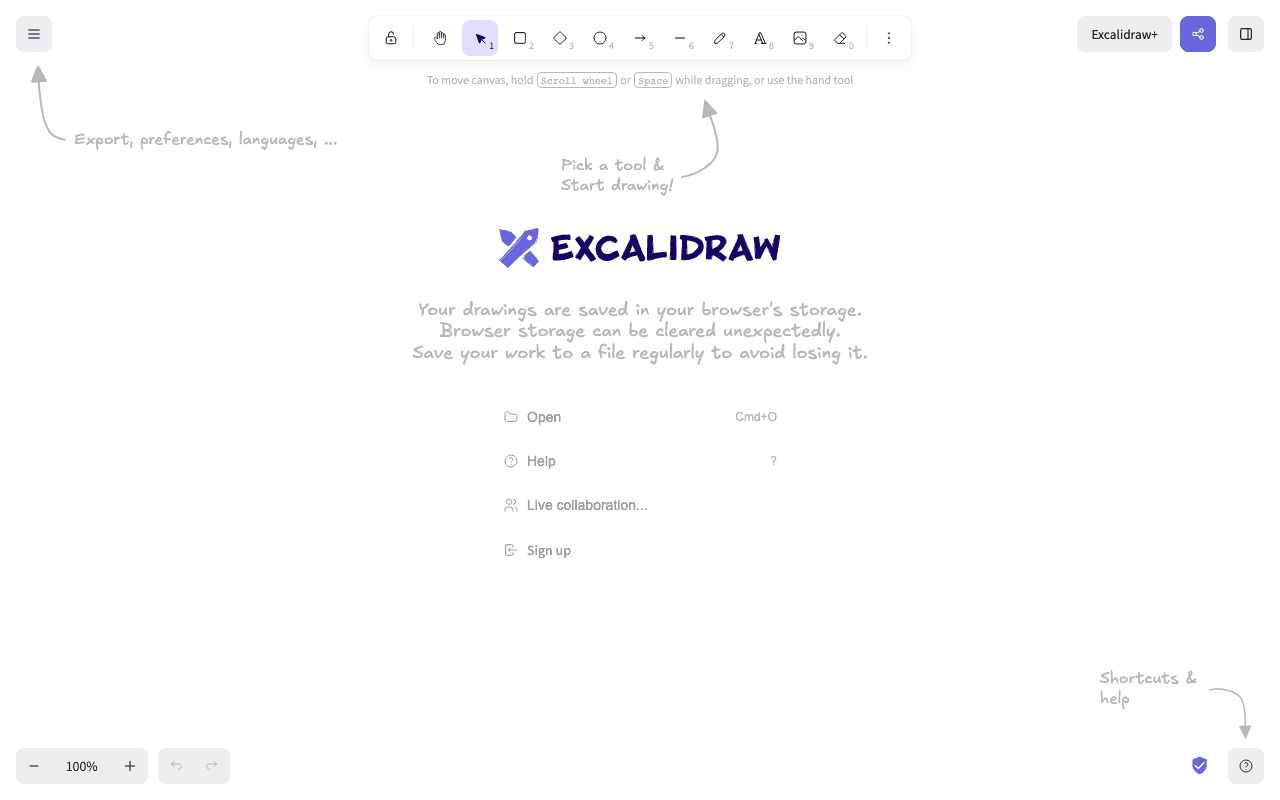
Excalidraw is a whiteboard for hand-drawn-style diagrams: architecture sketches, flowcharts, wireframes and anything you would draw on a napkin. Developers and product teams use it because the editor loads instantly and the result looks deliberately rough. The core app at excalidraw.com is open source and free with no account, and Excalidraw+ adds a free tier alongside the paid cloud workspace.
What the free plan gives you
- The full editor with every drawing tool, at no cost and without signing in
- 1 infinite scene in the Excalidraw+ Free tier, with unlimited scenes if you save files locally from excalidraw.com
- Unlimited live collaborators on a shared link
- Export to PNG, SVG or a .excalidraw file
- End-to-end encrypted collaboration handled in your browser
- Integrations with Notion, Obsidian and others
- Self-hosting of the open source editor
Where the free plan stops
- Cloud storage. Free drawings on excalidraw.com live in your browser; there is no library of saved scenes unless you keep the files yourself.
- 1 scene in the Plus Free tier, with no folders.
- No access management, read-only links, comments, presentations or team workspaces.
Excalidraw+ costs $6 per user per month on the annual plan, which the vendor lists as 14% cheaper than monthly billing, after a 14-day trial. It adds unlimited scenes and folders, cloud saving, sharing with edit or view rights, embeds, voice hangouts, presentations, comments and extended AI features.
Who it suits
The free editor is all most people need for a one-off diagram or a shared sketch during a call. Teams that want a searchable archive of diagrams with permissions should look at Plus, and anyone with a hard requirement to keep data in-house can self-host the open source app.
Key Features
Pros & Cons
The free plan in practice
What you can actually do on Excalidraw's free plan (Free whiteboard, open source core, no account needed), where it stops, and when it's worth paying.
What you can do free
- Full editor free, no account required
- Unlimited live collaborators per shared link
- Export to PNG, SVG and .excalidraw
- End-to-end encrypted collaboration
- Notion and Obsidian integrations
- Open source, self-hostable
Where it stops
- No cloud scene library on the free editor
- 1 scene and no folders on the Plus Free tier
- No comments, presentations or access controls
When to upgrade to a paid plan
Excalidraw is open source, so self-hosting is free and unlimited. The only reason to pay is convenience: choose a hosted or cloud option when you'd rather not run and maintain it yourself, or need official support.
Categories
Free Plan Details
| Free Plan | |
| Free Tier | Unlimited Free Tier |
| User Limit | Free whiteboard, open source core, no account needed |
| Open Source |
What's the free tier actually like?
Used Excalidraw's free plan? Tell people what it was really like — what you hit, what surprised you, whether the limits held. No account needed.
No comments yet. If you've used the free plan, you know something the pricing page doesn't say.
Related Tools

GIMP
GIMP - The GNU Image Manipulation Program: The Free and Open Source Image Editor


Krita
Krita is a professional FREE and open source painting program. It is made by artists that want…
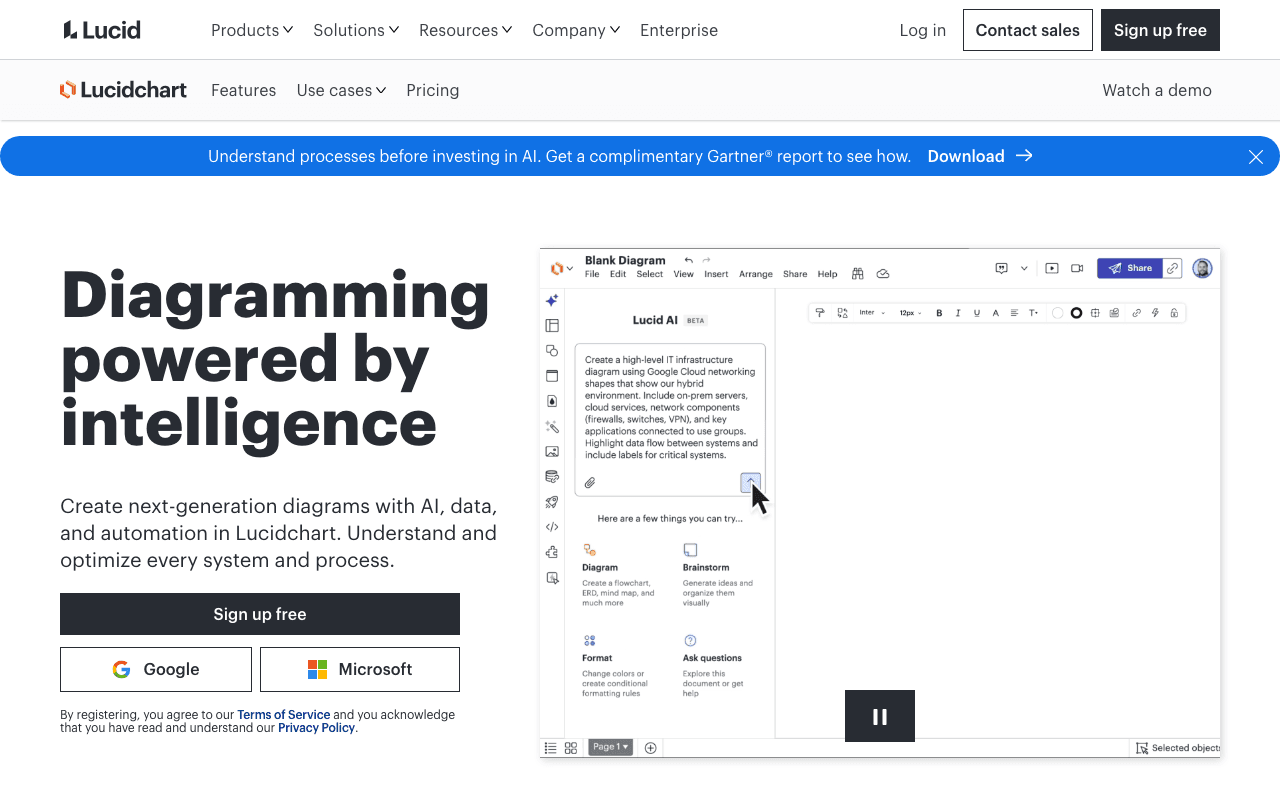

Lucidchart
Create next-generation diagrams with AI, data, and automation in Lucidchart. Understand and…
Something outdated or missing? Let us know