Back to Alternatives

Free Alternative to Salesforce

CRM tools built for small teams. Start free, and when you need Salesforce-level power, you'll know exactly what you're paying for.

The best free alternative to Salesforce is HubSpot CRM.

HubSpot CRM logo

1. HubSpot CRM

Freemium
HubSpot CRM screenshot

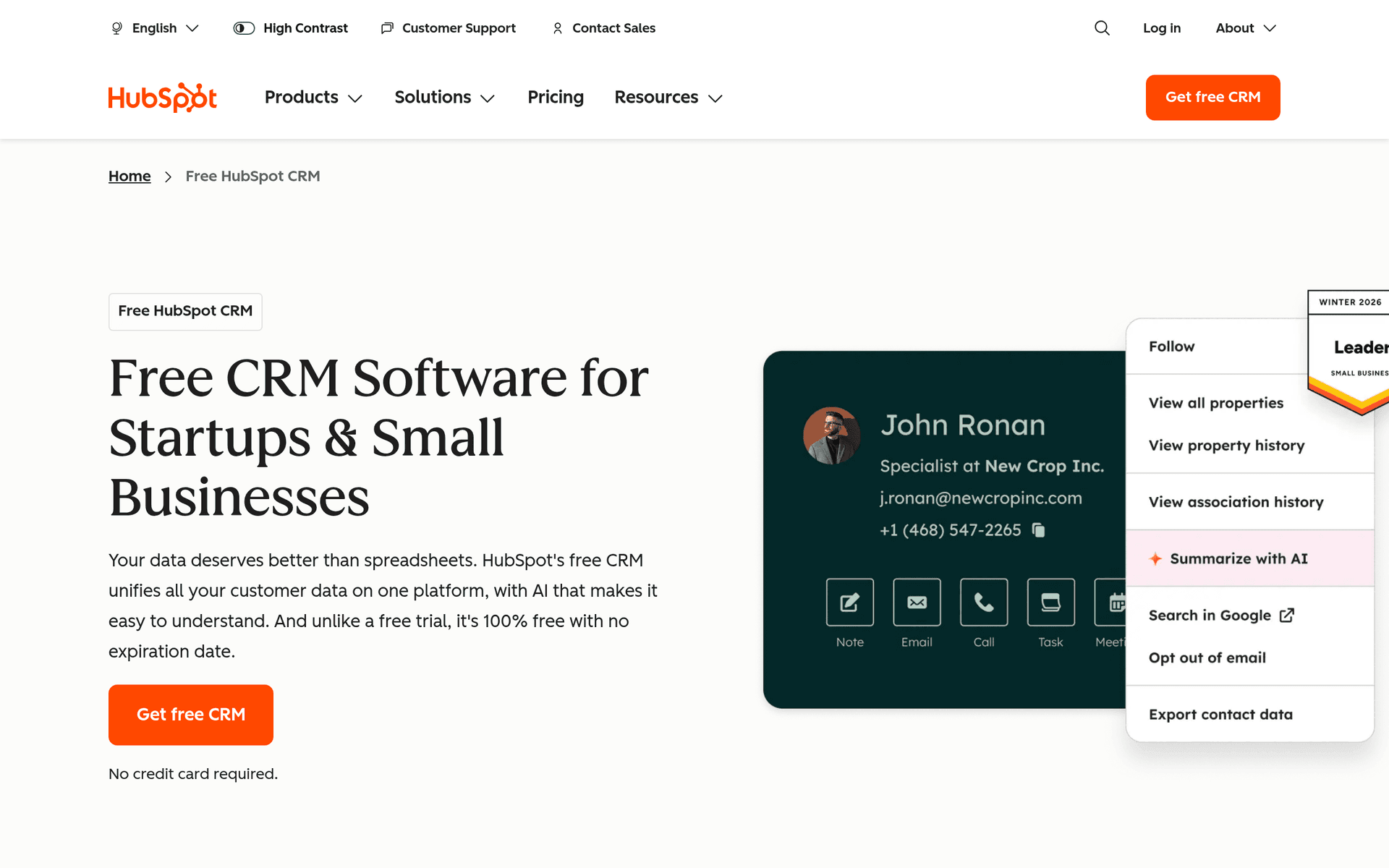
HubSpot CRM is a free, full-featured customer relationship management platform used by over 200,000 businesses worldwide. The CRM itself is free forever with no time limit, making it one of the most generous free business tools available.

Why It Is Genuinely Free

HubSpot makes money from its paid Marketing Hub, Sales Hub, and Service Hub products. The CRM serves as the foundation that ties everything together, so they keep it free to bring users into the ecosystem.

What You Get for Free

  • Unlimited contacts - Store up to 1,000,000 contacts and companies
  • Unlimited users - No cap on team members using the CRM
  • Deal pipeline - Track deals through customizable sales stages
  • Email tracking - Get notified when contacts open your emails
  • Meeting scheduler - Let prospects book time on your calendar
  • Live chat - Add a chat widget to your website
  • Reporting dashboard - Basic sales and activity reports

The Upgrade Path

HubSpot's paid plans are expensive (starting at $45/month per seat), but many businesses run on the free CRM alone for years. The free plan is fully functional for contact management, deal tracking, and basic sales workflows.

Key features include:

  • Contact management
  • Deal pipeline
  • Email tracking & notifications
  • Meeting scheduler
  • Live chat
  • Chatbot builder
  • Form builder
  • Reporting dashboard

Pros

Truly free forever

Unlimited contacts and users

Excellent UX

Large integration ecosystem

Cons

Paid upgrades are expensive

Can feel like a funnel to paid plans

Advanced features locked

Free planCRM
Read more
Twenty logo

2. Twenty

Open Source
Twenty screenshot

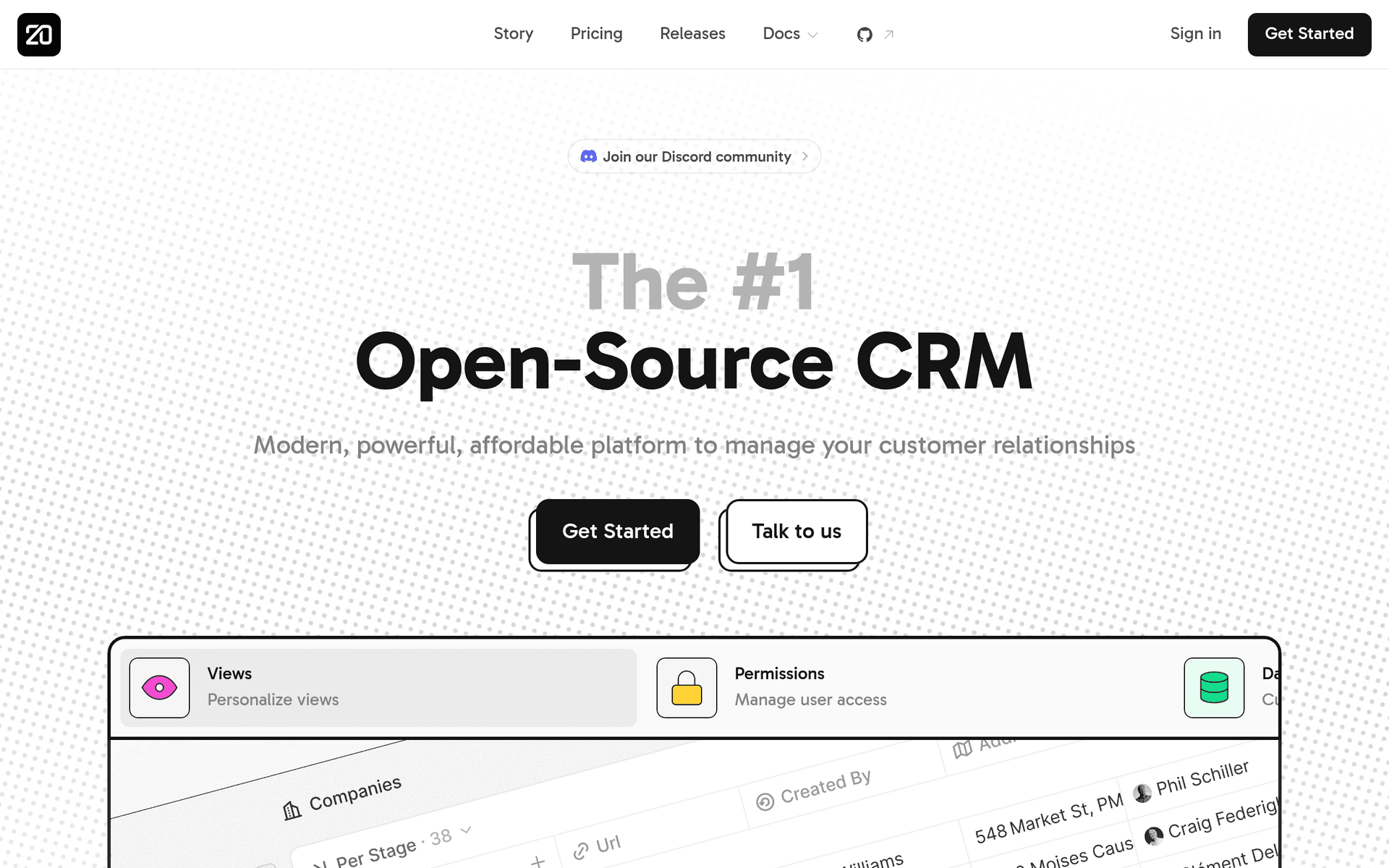
Twenty is a modern, open source CRM that aims to be a transparent, community-driven alternative to Salesforce. Launched in 2023, it has grown quickly with a clean interface and a developer-friendly architecture.

Open Source CRM Done Right

Twenty was built with modern web technologies and designed to feel like a consumer app, not enterprise software. The interface is fast, the data model is flexible, and the API is comprehensive.

What You Get

  • Unlimited contacts - Store and manage all your relationships
  • Custom objects - Create data structures that match your business, not a template
  • Email integration - Sync your inbox and track email interactions
  • Task management - Assign and track follow-ups for your team
  • Timeline view - See all interactions with a contact in chronological order
  • Notes and activities - Log meetings, calls, and notes against contacts
  • API and webhooks - Build integrations and automate workflows

What to Know

Twenty is still young and developing rapidly. The self-hosted Community Edition is free with no limits. Cloud hosting is available with paid tiers. If you want a CRM you can fully customize and own, Twenty is worth evaluating.

Key features include:

  • Contact management
  • Custom objects
  • Email sync
  • Task management
  • Notes
  • Timeline
  • Kanban views
  • API & webhooks

Pros

Beautiful modern UI

Open source

Highly customizable

Active development

Cons

Relatively new

Fewer integrations

Self-hosting needed for free

Free planCRM
Read more
Erxes logo

3. Erxes

Open Source
Erxes screenshot

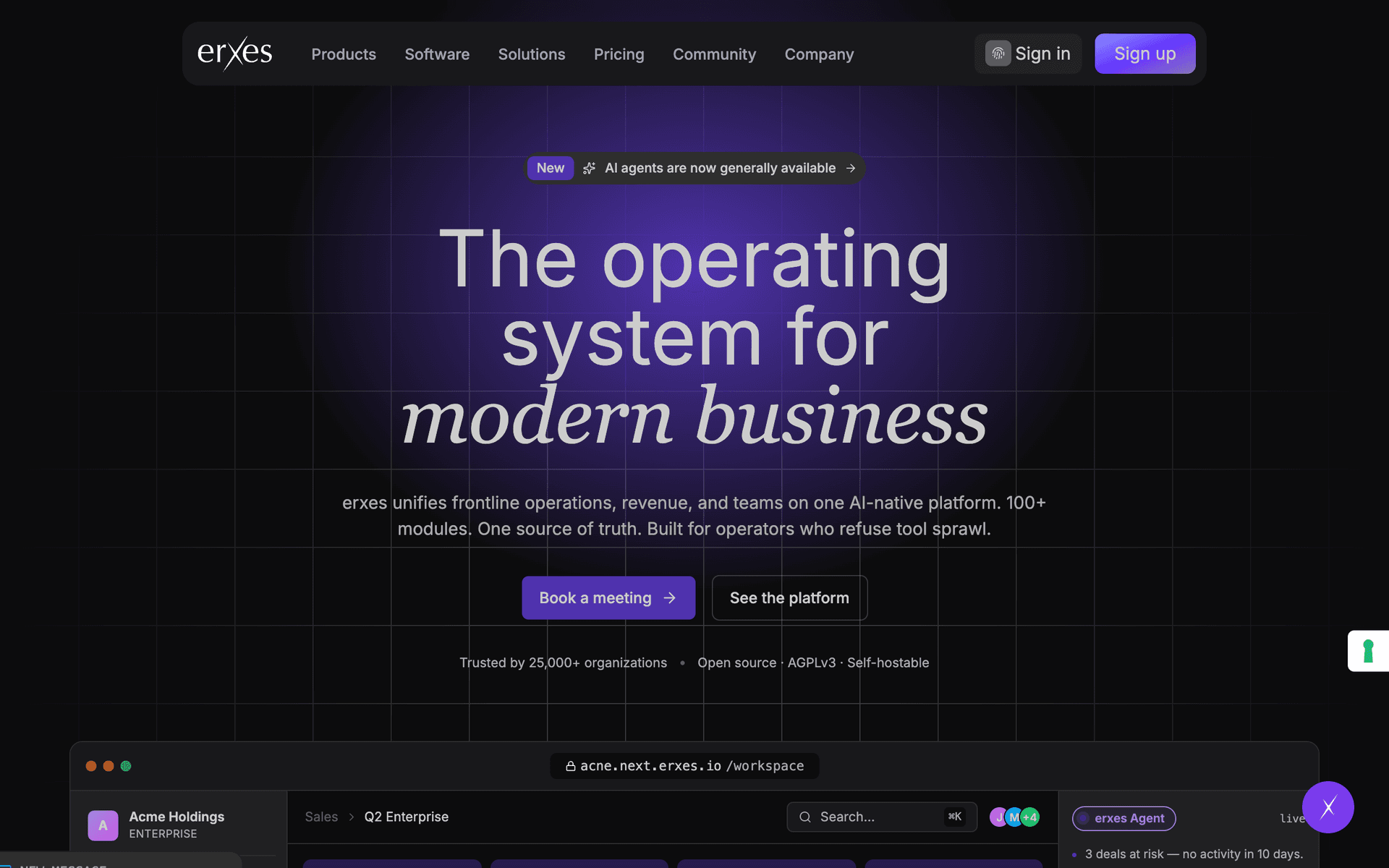
Erxes is an open source experience operating system that bundles CRM, marketing automation, help desk, and more into a single platform. Self-host the entire suite for free.

All-in-One Open Source

Instead of paying for separate CRM, email marketing, live chat, and help desk tools, Erxes combines them all. The trade-off is complexity: setting up and maintaining a self-hosted instance requires technical expertise.

What You Get

  • CRM - Contact management, deal pipelines, and activity tracking
  • Marketing automation - Email campaigns, SMS, and automated workflows
  • Help desk - Ticketing system with SLA management
  • Team inbox - Shared inbox for customer conversations
  • Forms and popups - Lead capture tools for your website
  • Knowledge base - Self-service help center for customers
  • Segments - Group contacts and companies by behavior and properties

What to Know

Erxes is powerful but complex. Documentation has gaps, and the learning curve is steep. It is best suited for technical teams who want to replace multiple paid tools with a single self-hosted platform.

Key features include:

  • CRM
  • Marketing automation
  • Help desk
  • Forms & popups
  • Knowledge base
  • Team inbox
  • Segments
  • Automations

Pros

All-in-one platform

Open source

Replaces multiple tools

Cons

Complex to set up

Documentation gaps

Steep learning curve

Read more
Freshsales logo

4. Freshsales

Freemium
Freshsales screenshot

Freshsales by Freshworks is a CRM with built-in phone, email, and chat, so you can manage customer conversations without switching between tools. The free plan supports up to 3 users.

Communication Built In

Most CRMs require integrations for phone calls, email tracking, and live chat. Freshsales includes all three natively, making it one of the most complete free CRM options for teams that sell by phone or email.

What You Get on the Free Plan

  • 3 users - Room for a small sales team
  • Contact and account management - Organize leads, contacts, and companies
  • Built-in phone - Make and receive calls directly from the CRM
  • Built-in chat - Live chat widget for your website
  • Email integration - Send and track emails without leaving the CRM
  • Mobile app - Manage contacts and deals on the go

What to Know

The free plan does not include workflows, custom reports, or advanced automation. These require the Growth plan at $15/user/month. But for a team of 3 or fewer that wants phone, email, and chat in one tool, the free plan is genuinely useful.

Key features include:

  • Contact management
  • Deal pipeline
  • Built-in phone
  • Email integration
  • Chat
  • AI-powered insights
  • Workflows
  • Reporting

Pros

Built-in communication tools

Clean interface

Good free plan

Cons

Limited customization on free plan

Can get expensive scaling up

Free planCRM
Read more
Folk CRM logo

5. Folk CRM

Freemium
Folk CRM screenshot

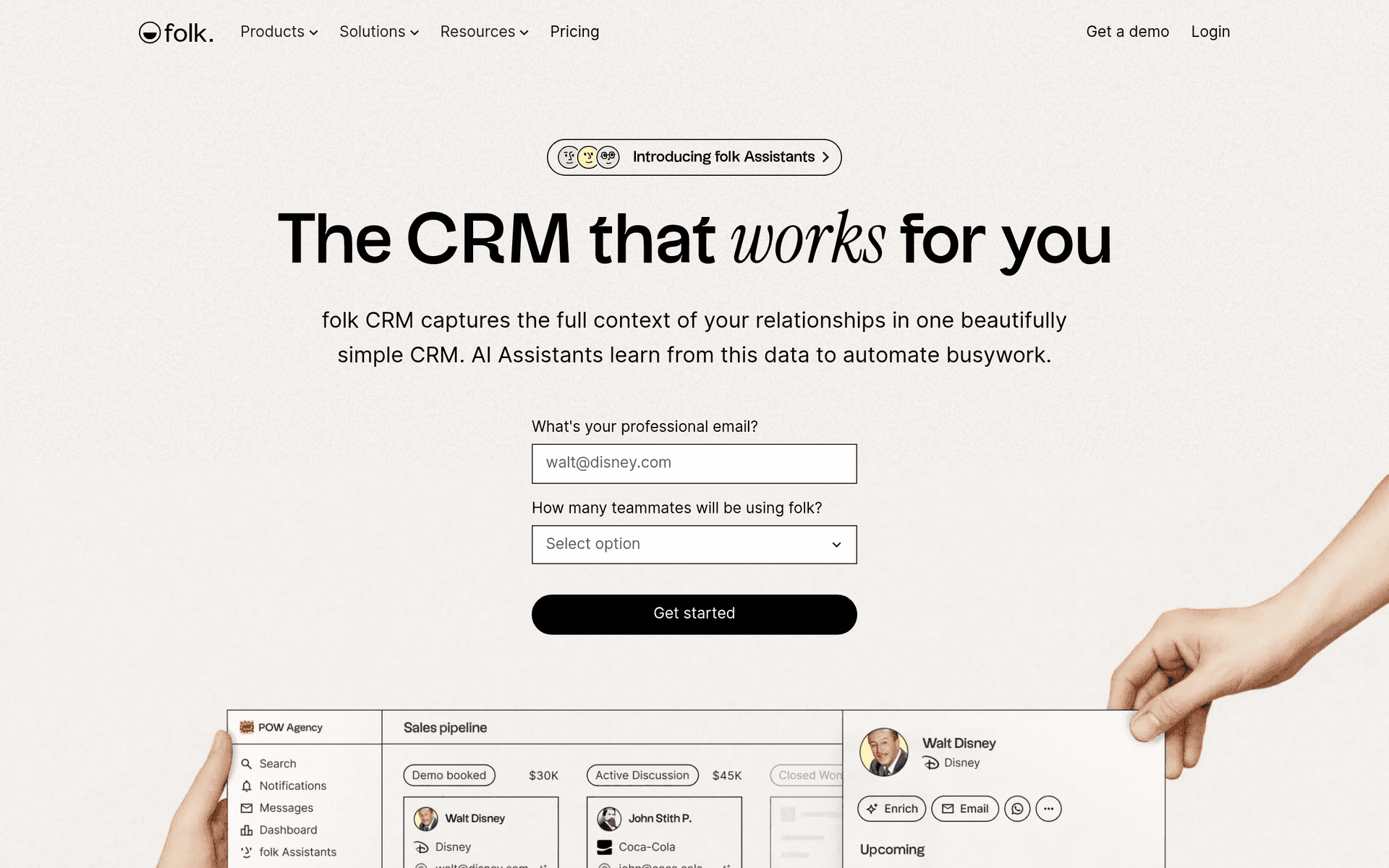
Folk is a modern CRM built for teams that manage relationships across multiple channels. It takes a spreadsheet-like approach to contact management, making it fast to learn and flexible to customize.

A Different Kind of CRM

Folk does not try to replicate Salesforce. Instead, it focuses on being the simplest way to manage contacts, conversations, and pipelines. The interface feels like a spreadsheet with superpowers: custom fields, pipeline views, and email integration baked in.

What You Get

  • Contact management - Import contacts from email, LinkedIn, and CSV files
  • Pipeline views - Track deals, partnerships, or any process through visual stages
  • Email integration - Sync your inbox and send emails directly from Folk
  • Chrome extension - Capture contacts from LinkedIn and the web with one click
  • Custom fields - Build your CRM structure around your workflow
  • Team collaboration - Share contacts and pipelines with your team

Free Plan Limits

The free plan covers 100 contacts, which is enough to evaluate whether Folk fits your workflow. For larger teams, paid plans start at $20/user/month.

Key features include:

  • Contact management
  • Pipeline management
  • Email integration
  • Chrome extension
  • Custom fields
  • Team collaboration
  • Import/export

Pros

Beautiful, modern interface

Easy to use

Good Chrome extension

Fast and responsive

Cons

Small free tier

Fewer integrations than HubSpot

Relatively new product

Free planCRM
Read more
Attio logo

6. Attio

Freemium
Attio screenshot

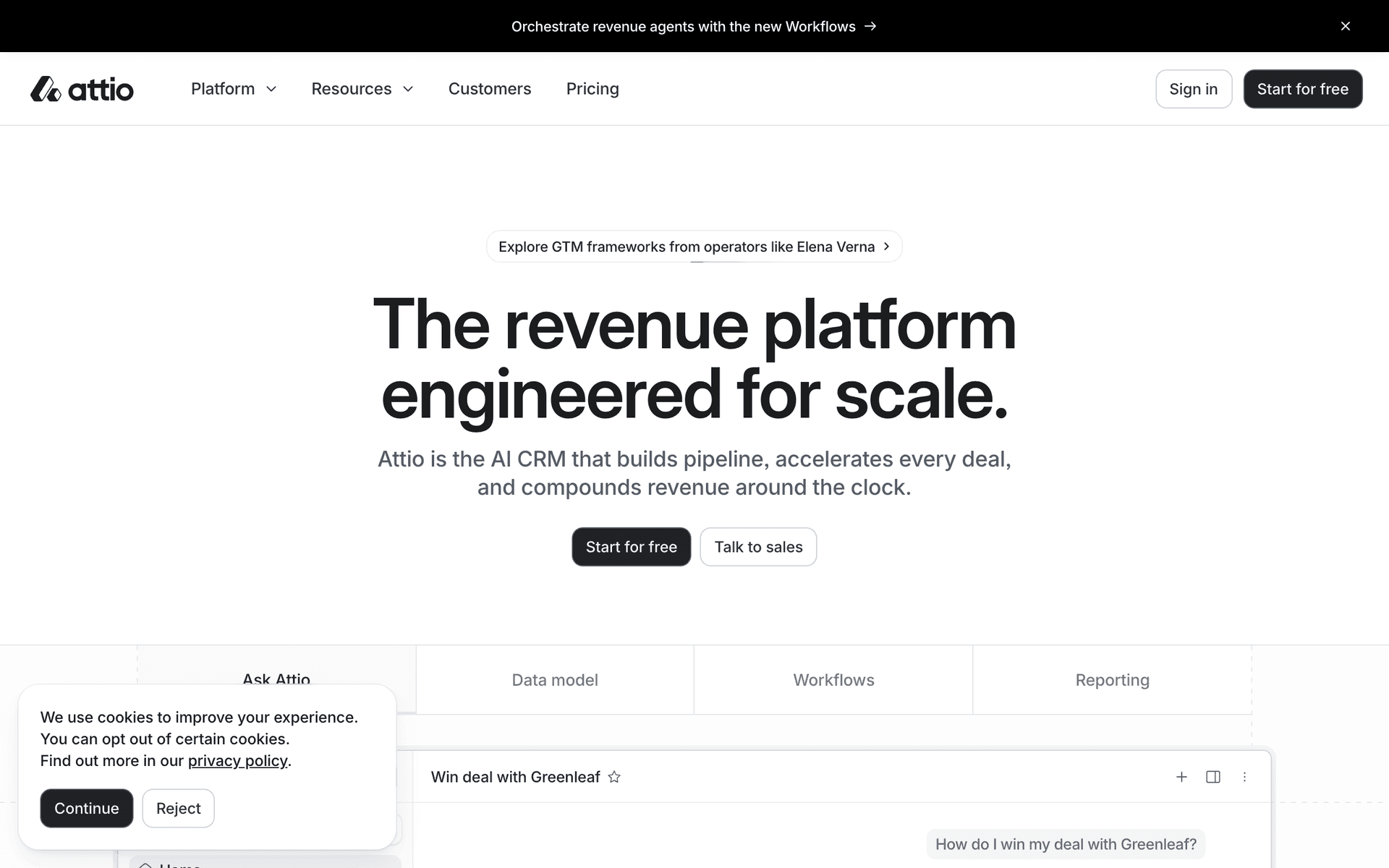
Attio is a next-generation CRM that automatically enriches your contacts with data from the web and syncs with your email. It takes a flexible, data-driven approach to relationship management.

Data-First CRM

Attio automatically pulls in company data, social profiles, and contact details so you do not have to manually enter information. The flexible data model lets you create custom attributes and views for any workflow.

What You Get on the Free Plan

  • 3 users - Enough for a small founding team
  • Contact management - Automatically enriched contact and company records
  • Email sync - Two-way email sync to track conversations
  • Data enrichment - Automatic company and contact data from the web
  • List and kanban views - Multiple ways to visualize your pipeline
  • Notes and tasks - Track follow-ups and log interactions

What to Know

The 3 user limit is the main restriction on the free plan. Automations and advanced reporting require paid plans. Attio is a strong choice if you value clean data and automatic enrichment over the raw feature count of larger CRMs like HubSpot.

Key features include:

  • Contact management
  • Data enrichment
  • Email sync
  • Custom attributes
  • Multiple views
  • Automations
  • Reporting
  • API

Pros

Auto data enrichment

Clean modern UI

Flexible data model

Cons

Small free tier

Newer product

Limited integrations

Free planCRM
Read more
Bigin by Zoho logo

7. Bigin by Zoho

Freemium
Bigin by Zoho screenshot

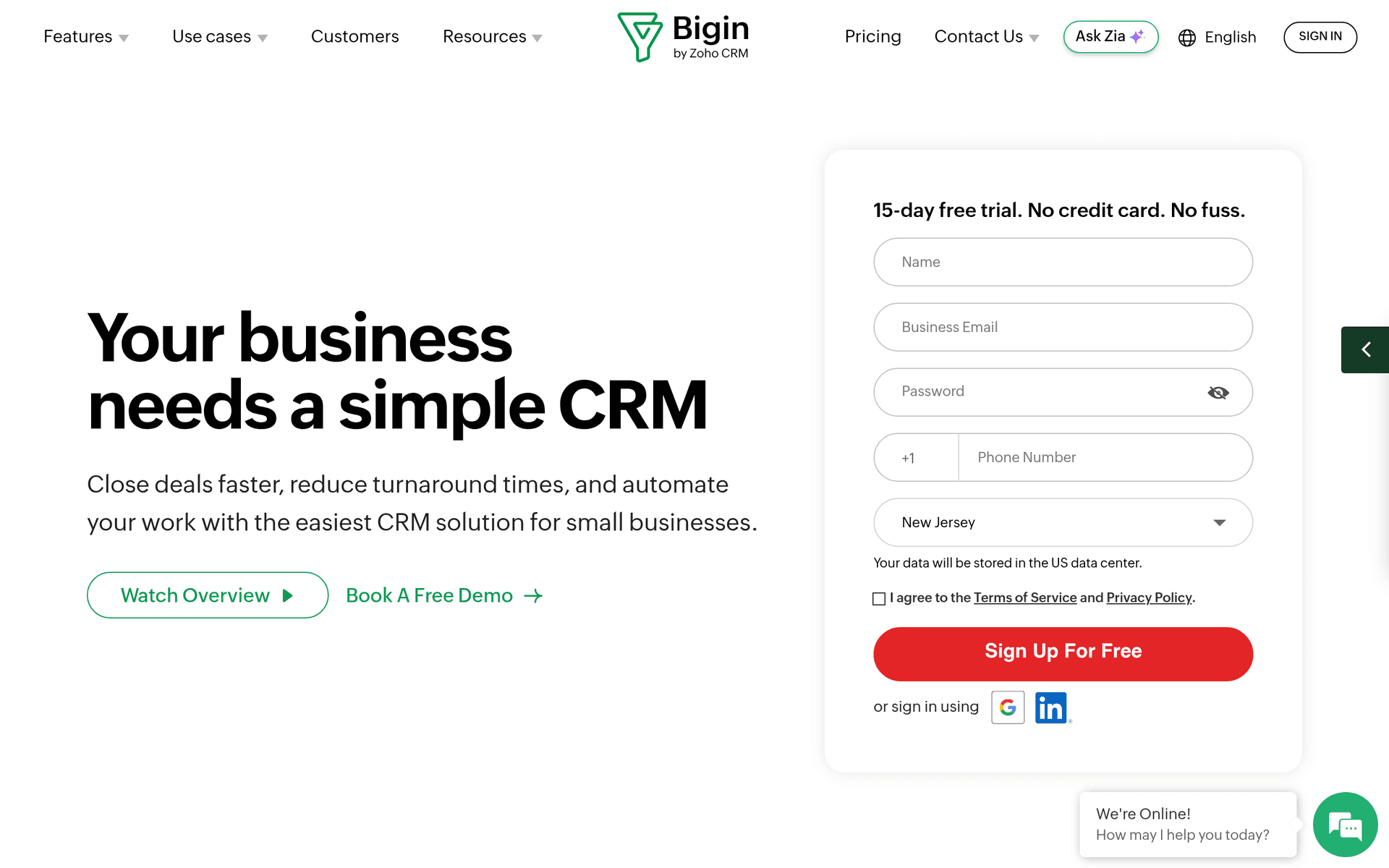
Bigin by Zoho is a CRM designed specifically for small businesses that find traditional CRMs too complex. It strips away enterprise features and focuses on what small teams actually need.

CRM Without the Complexity

Bigin was built for businesses that manage their sales in spreadsheets and want something slightly better, not a full Salesforce implementation. Setup takes minutes, and the interface is intentionally simple.

What You Get on the Free Plan

  • 1 user - Solo founder or freelancer
  • 500 contacts - Manage up to 500 leads and customers
  • 1 pipeline - Track deals through customizable stages
  • Built-in telephony - Make calls from the CRM
  • Email integration - Connect your inbox
  • Mobile app - Manage your pipeline on the go

What to Know

The free plan is limited to 1 user and 500 contacts, which is tight for growing businesses. Paid plans start at $7/user/month. Bigin integrates with the broader Zoho ecosystem, so if you already use Zoho tools, it fits in naturally.

Key features include:

  • Pipeline management
  • Contact management
  • Built-in telephony
  • Email
  • Workflows
  • Web forms
  • Mobile app

Pros

Very simple to learn

Affordable paid plans

Good mobile app

Cons

Limited free plan

Less powerful than full Zoho CRM

Free planCRM
Read more

Why start free before committing to Salesforce?

Salesforceis a great product. But committing to a paid plan before you've tested it in your workflow means you're guessing about what you actually need.

The tools listed above let you start free and get real experience. You'll learn which features matter to your business, which ones you never use, and whether upgrading to Salesforce or staying with an alternative makes more sense long-term.

Start free, test thoroughly, and upgrade with confidence when the time is right.

Frequently Asked Questions

Why start with a free alternative to Salesforce?

Testing tools on a free plan lets you evaluate them in your actual workflow. You'll know exactly what you need before committing to a paid plan, whether that's Salesforce or one of these alternatives.

Are these tools good enough to grow with?

These tools are used by thousands of businesses at every stage. Their free plans are designed to let you evaluate thoroughly. When you're ready to scale, upgrading is straightforward.

When should I upgrade from the free plan?

Upgrade when you consistently hit the free plan's limits and a paid tier would save you meaningful time or unlock features your business needs. You'll know when it's time.