
Photopea
FreeFree online Photoshop alternative. Opens PSD files, runs in the browser.
About Photopea
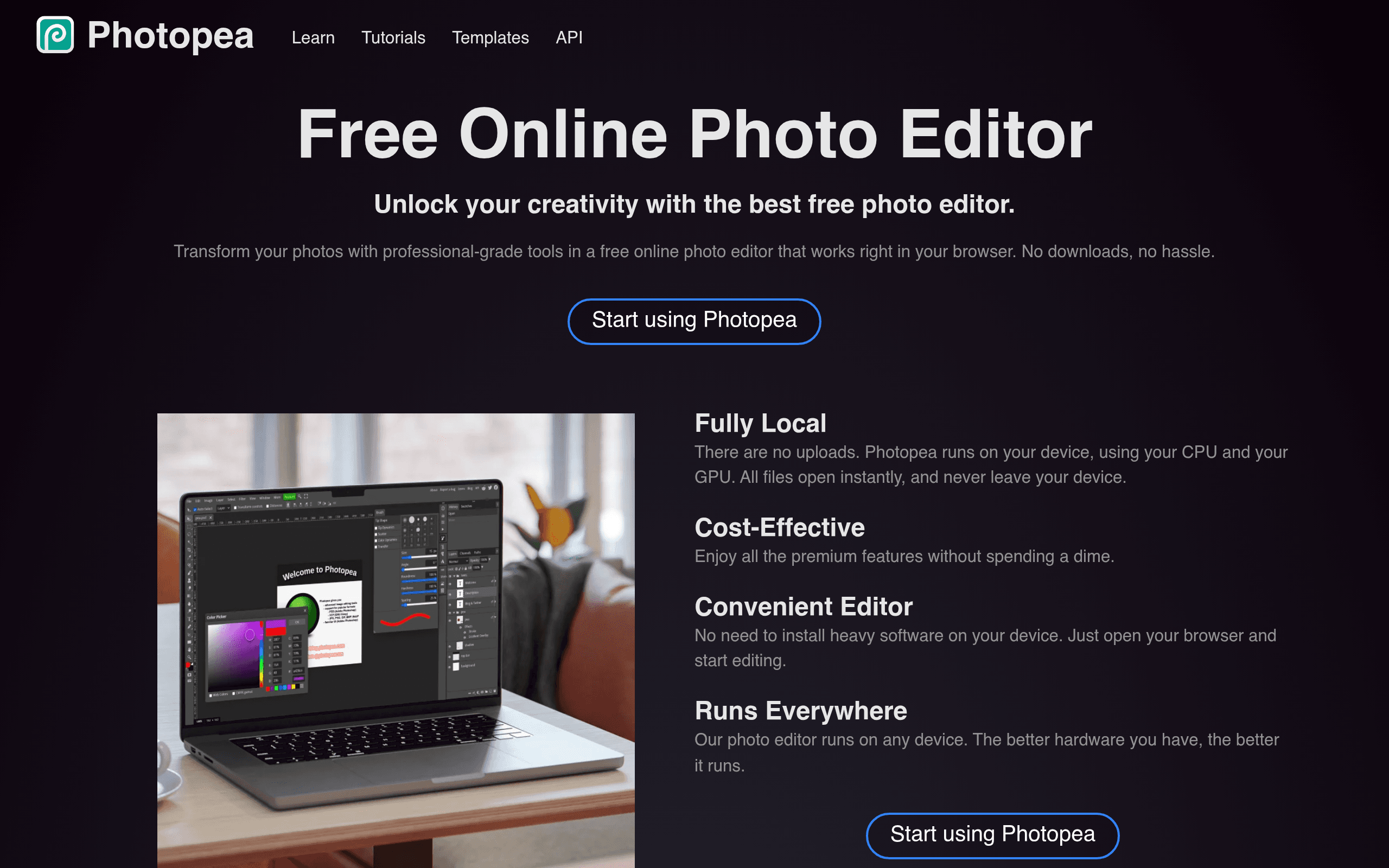
Photopea is a free, browser-based image editor that supports PSD, Sketch, XD, and most image formats. It provides Photoshop-level editing capabilities without installing software or paying for a subscription.
What You Get
- Full image editor - Layers, masks, filters, and blending modes
- PSD support - Open and edit Photoshop files natively
- Sketch and XD support - Work with design files from other tools
- Vector tools - Pen tool, shapes, and path editing
- Batch processing - Process multiple files with scripts
- No installation - Runs entirely in your browser
What to Know
Photopea is free and supported by ads. A $5/month premium plan removes ads. The tool is genuinely capable for professional image editing and is a viable alternative to Photoshop for many use cases. It is built and maintained by a single developer, which is remarkable given its feature depth.
Key Features
Pros & Cons
The free plan in practice
What you can actually do on Photopea's free plan (Full editor — ad-supported), where it stops, and when it's worth paying.
What you can do free
- Full editor
- PSD/AI/XD support
- Layers
- Masks
- Filters
- Export to all formats
Where it stops
- Ads displayed while editing
- No desktop app
- Can be slow with very large files
- Remove ads for $5/mo
When to upgrade to a paid plan
Stay on the free plan while you're comfortably under the free plan's limit (Full editor — ad-supported). It's worth moving to a paid plan once you consistently bump into that ceiling, need to remove branding, or want features the free tier holds back.
Categories
Tags
Free Plan Details
| Free Plan | |
| Free Tier | Unlimited Free Tier |
| User Limit | Full editor — ad-supported |
| Open Source |
What's the free tier actually like?
Used Photopea's free plan? Tell people what it was really like — what you hit, what surprised you, whether the limits held. No account needed.
No comments yet. If you've used the free plan, you know something the pricing page doesn't say.
Related Tools

Sanity
Sanity is the back-end built for AI content operations. Power web, mobile, and agentic…
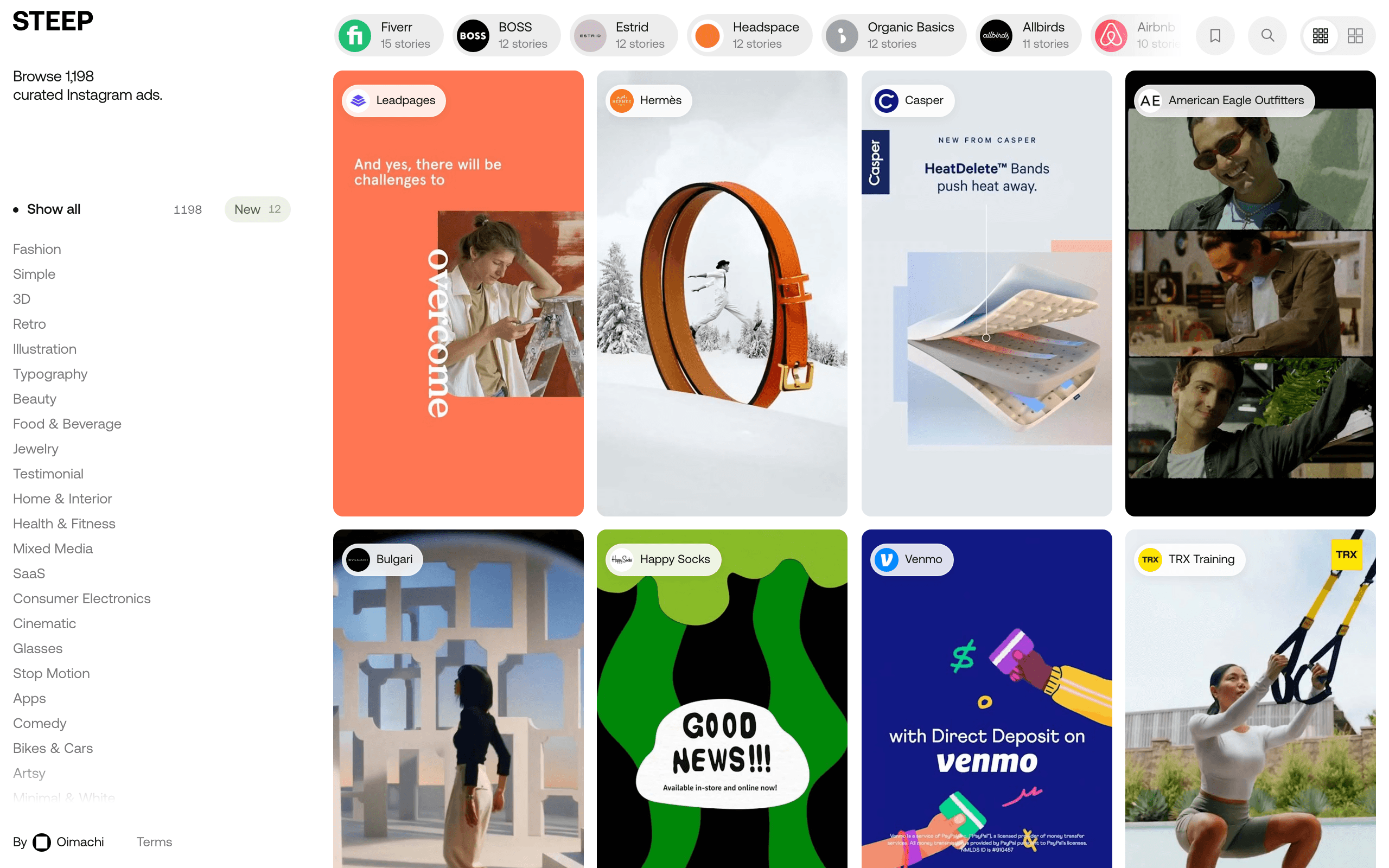

STEEP
Free curated library of 1,198 Instagram story ads for design inspiration
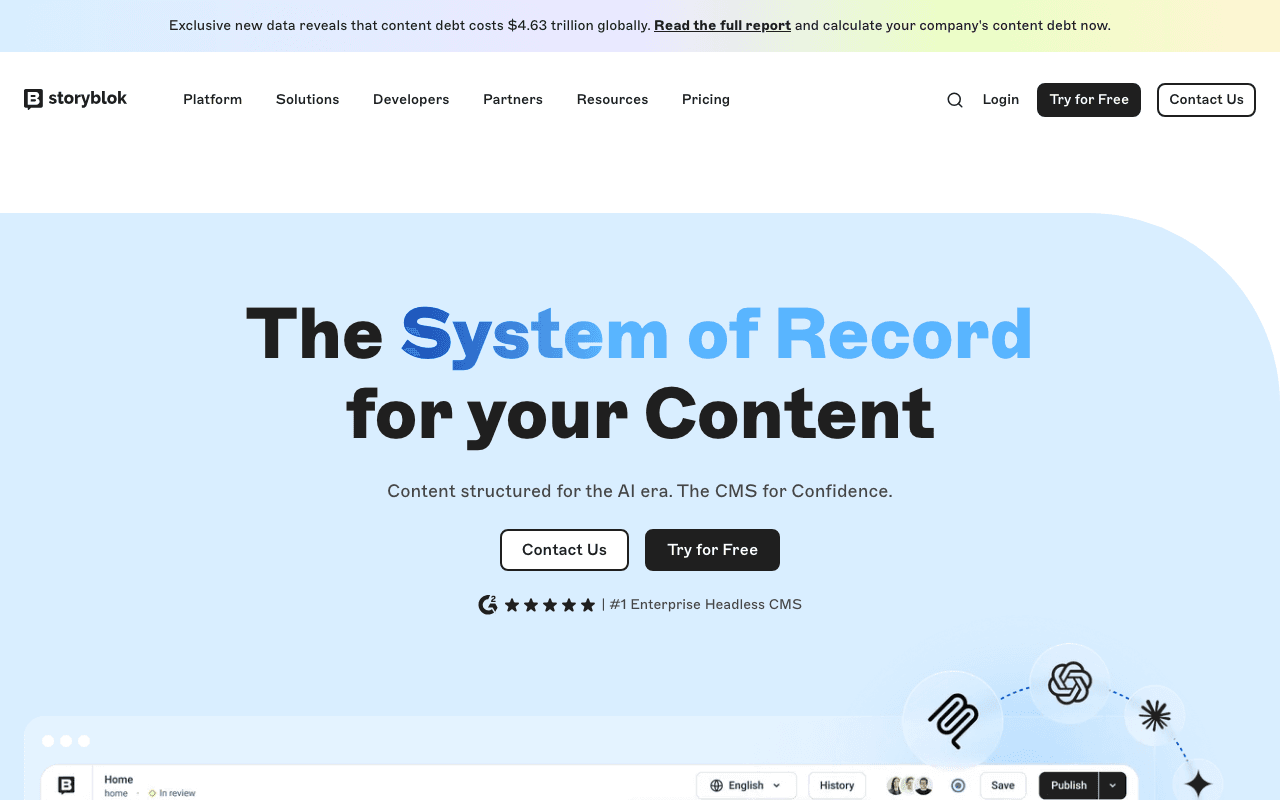

Storyblok
Storyblok is an intuitive content management system that helps your developer and marketing…
Something outdated or missing? Let us know