
GIMP
Open SourceGIMP - The GNU Image Manipulation Program: The Free and Open Source Image Editor
About GIMP
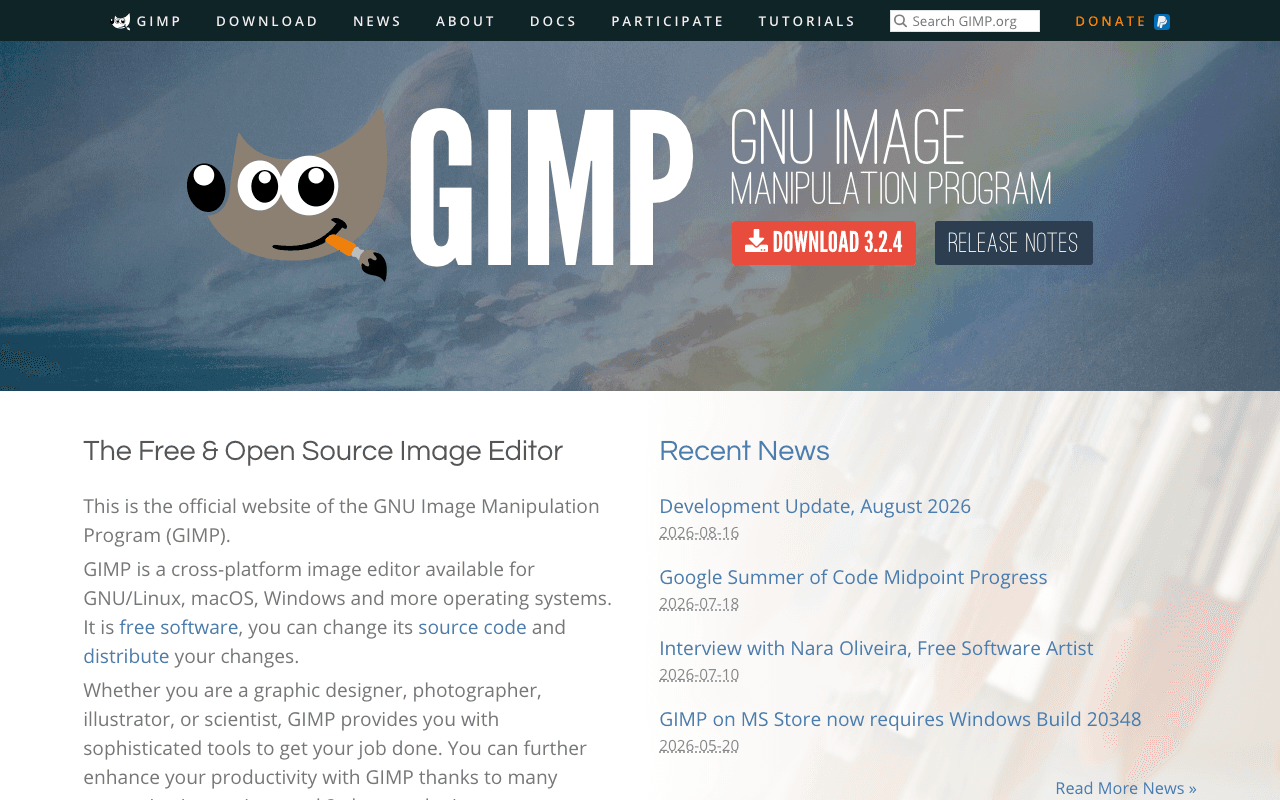
GIMP, the GNU Image Manipulation Program, is a free and open-source raster image editor for photo retouching, compositing and graphic design. Photographers, hobbyists and anyone who does not want an Adobe subscription use it as a Photoshop substitute. There is no free plan as such because there is nothing to pay for: the whole application is free software.
What the free plan gives you
The current stable release is GIMP 3.2.4, dated 17 April 2026, with builds for GNU/Linux on x86_64 and ARM64, macOS on Intel and Apple Silicon, and Windows on x86_64 and ARM64. You get layers, masks, channels, non-destructive layer effects, a full set of selection and paint tools, colour management, a large filter library, scripting through Python and Script-Fu, and support for opening and exporting the common formats, including PSD. Plugins and brushes from the community extend it further. There are no watermarks, no usage caps and no account.
Where the free plan stops
There is no paid tier. The project asks for donations through PayPal and other channels, but nothing is locked behind them. The practical limits are the ones a Photoshop user notices: the interface takes time to learn, CMYK workflows are weaker, and some proprietary format features do not round-trip perfectly. Those are trade-offs of the software, not of a plan.
Who it suits
If you edit photos, make web graphics or need occasional retouching and want a tool you can install on any machine without a licence, GIMP does the job and has for decades. Print professionals who depend on CMYK-native workflows or studios standardised on Adobe files may find the friction outweighs the saving.
Key Features
Pros & Cons
The free plan in practice
What you can actually do on GIMP's free plan (Free and open source, no paid tier), where it stops, and when it's worth paying.
What you can do free
- Full image editor, GIMP 3.2.4, at no cost
- Linux, macOS (Intel and Apple Silicon) and Windows builds
- Layers, masks, non-destructive effects and colour management
- Python and Script-Fu scripting plus community plugins
- Opens and exports PSD and common raster formats
Where it stops
- No paid tier and no vendor support, community help only
- Weaker CMYK and print workflow than Photoshop
When to upgrade to a paid plan
GIMP is open source, so self-hosting is free and unlimited. The only reason to pay is convenience: choose a hosted or cloud option when you'd rather not run and maintain it yourself, or need official support.
Categories
Free Plan Details
| Free Plan | |
| Free Tier | Unlimited Free Tier |
| User Limit | Free and open source, no paid tier |
| Open Source |
What's the free tier actually like?
Used GIMP's free plan? Tell people what it was really like — what you hit, what surprised you, whether the limits held. No account needed.
No comments yet. If you've used the free plan, you know something the pricing page doesn't say.
Related Tools
Krita
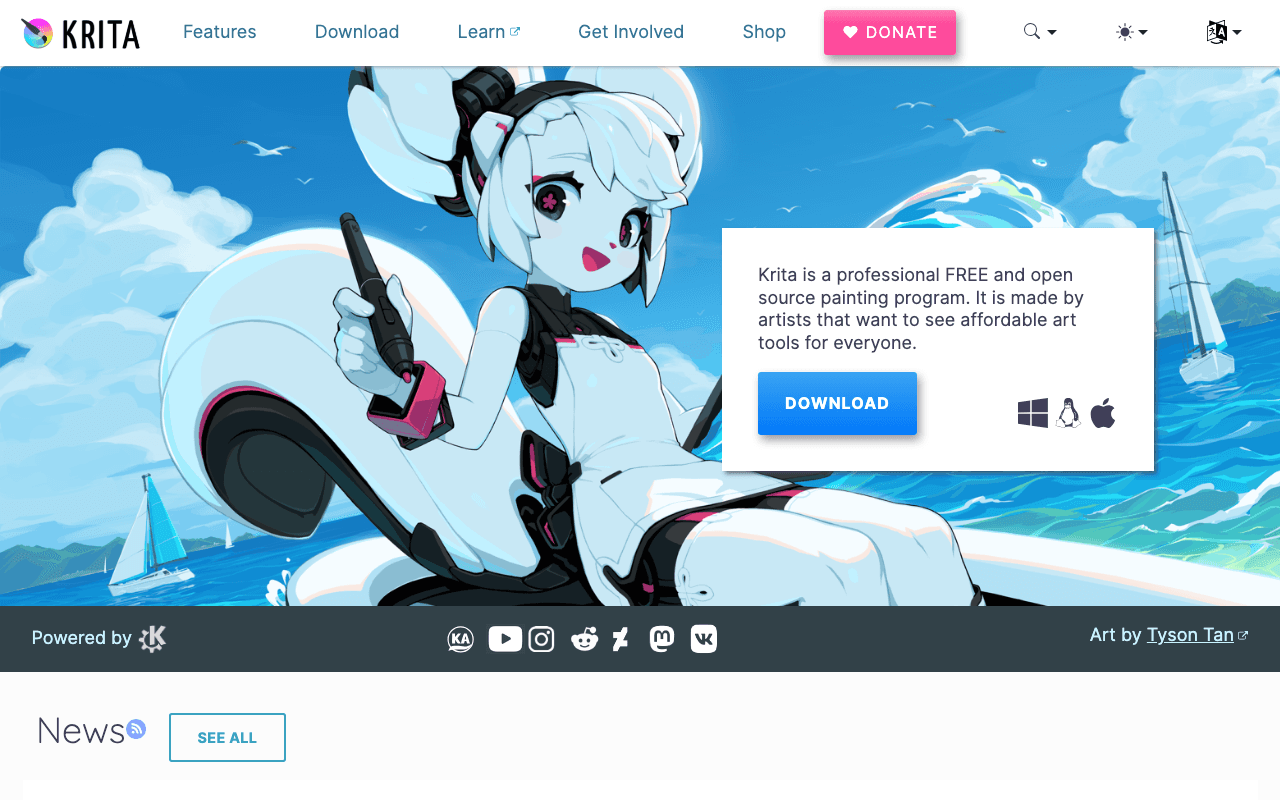
Krita is a professional FREE and open source painting program. It is made by artists that want…
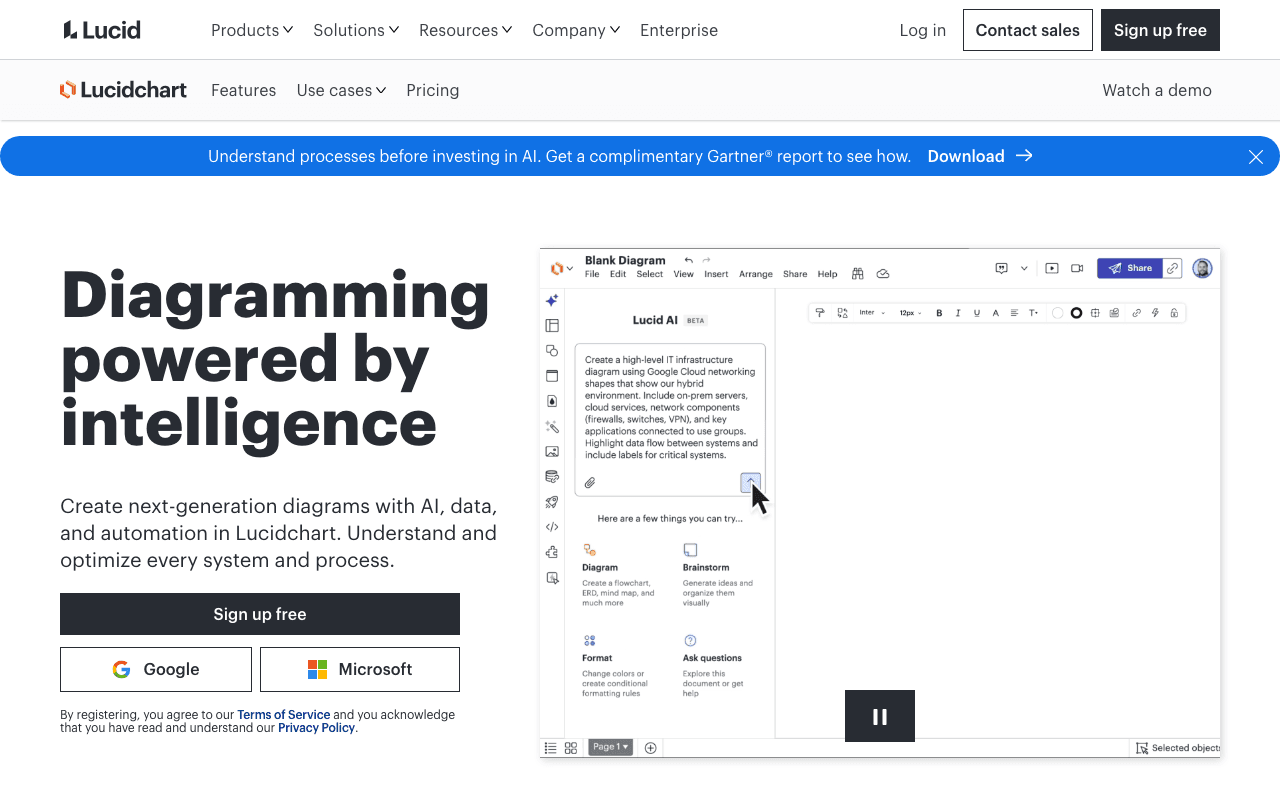

Lucidchart
Create next-generation diagrams with AI, data, and automation in Lucidchart. Understand and…
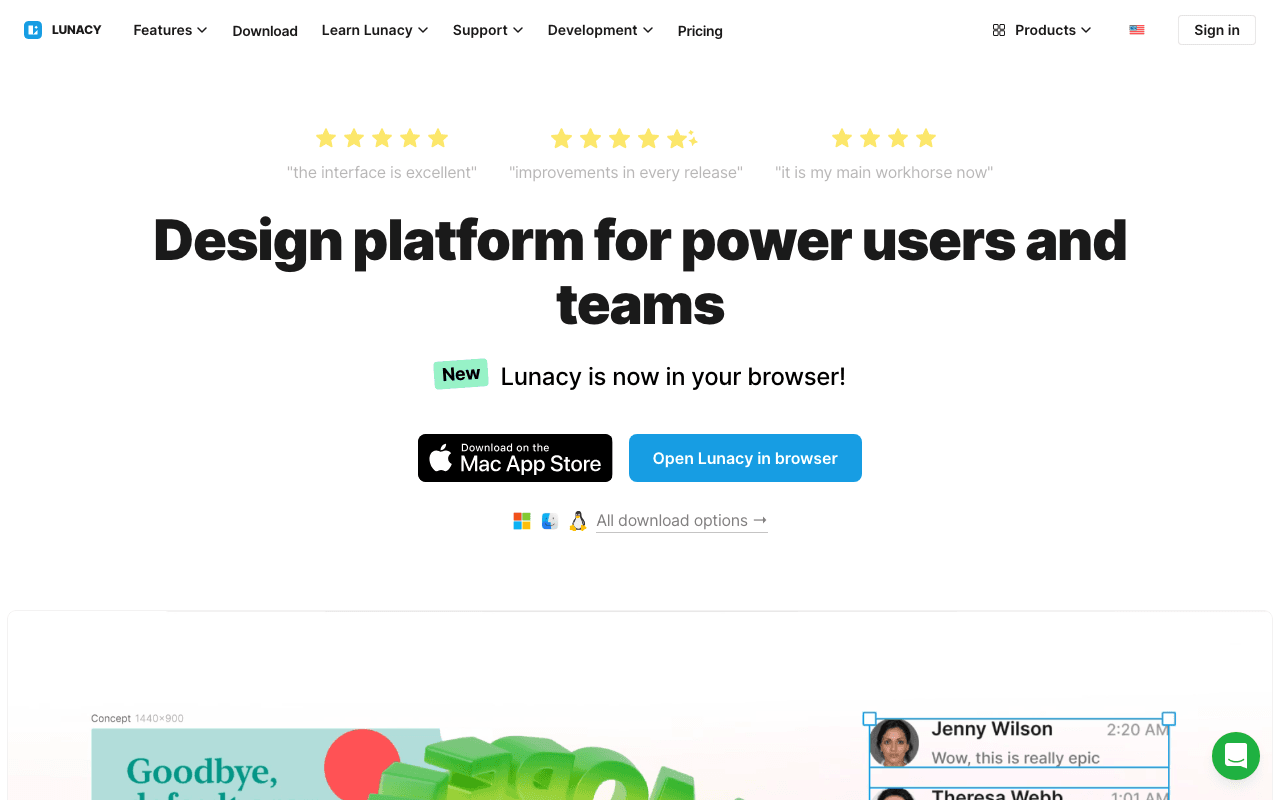

Lunacy
Lunacy by Icons8 is free graphic design software for Windows, macOS, Linux. Open, edit sketch…
Something outdated or missing? Let us know