Krita
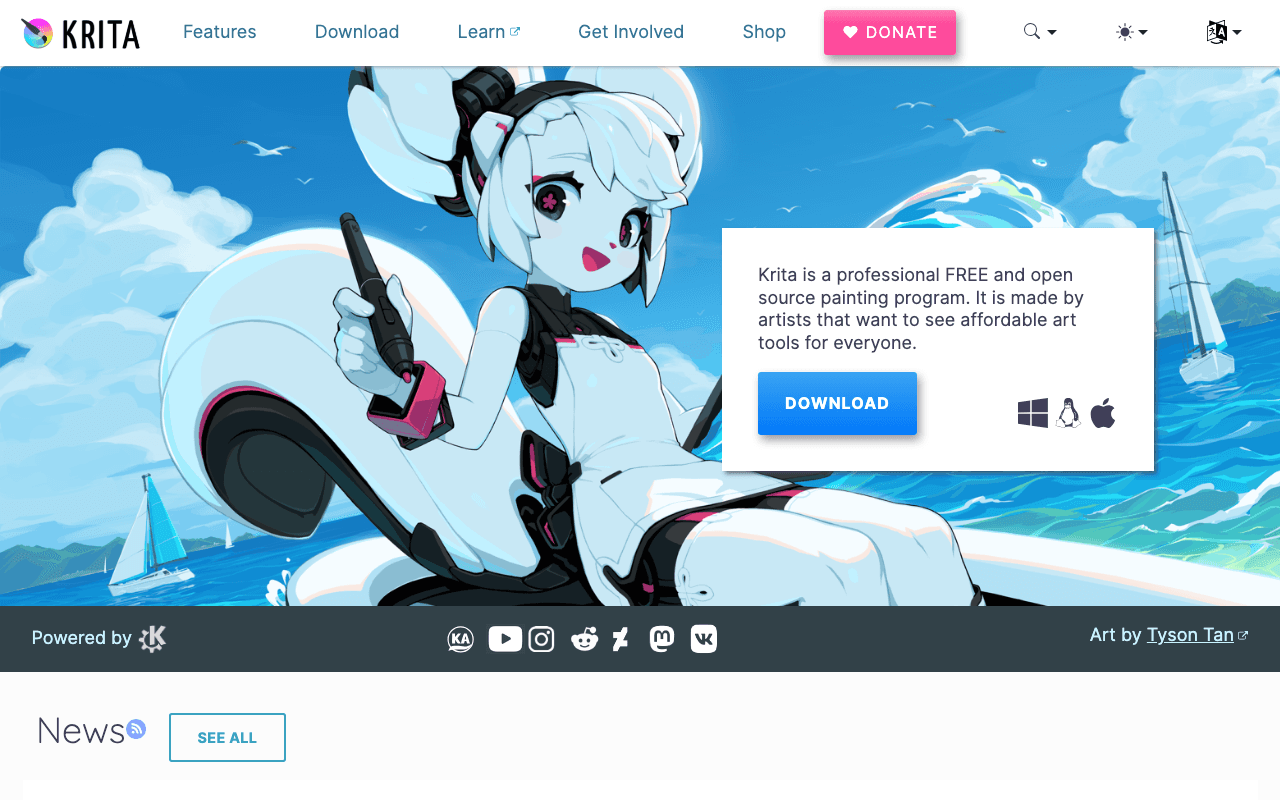
Open SourceKrita is a professional FREE and open source painting program. It is made by artists that want…
Free plan checked against Krita's pricing page on . Re-checked monthly.
About Krita
Krita is a free, open-source painting program built by and for digital artists, with brush engines, animation tools and a canvas designed for illustration, concept art and comics. Illustrators, students and animation hobbyists use it as an alternative to Photoshop or Clip Studio Paint. The application is licensed under GPL v3, so the full program costs nothing on every platform.
What the free plan gives you
The current release is Krita 5.3.3, dated 29 July 2026, with installers and a portable build for Windows, a macOS build, a 64-bit Linux AppImage and an Android version on Google Play, plus community-maintained Flatpak and Snap packages. You get the complete feature set: hundreds of brush presets and a customisable brush engine, layer styles, vector and text tools, colour management, frame-by-frame animation with onion skinning, and PSD import and export. There is no account, no watermark and no trial period.
Where the free plan stops
There is no paid tier of the software itself. Krita also sells the same program through the Microsoft Store, Steam, the Epic Games Store and the Mac App Store, where you pay for the convenience of automatic updates and the money supports development; the download page does not list those prices. The practical limits are the ones the software has: the Android build is less polished than desktop, and heavy photo-retouching workflows are better served by GIMP or Affinity Photo.
Who it suits
Anyone who draws or paints digitally, from a beginner with a cheap tablet to a working illustrator, can use Krita as their main tool without ever paying. If you want to support the project and get one-click updates, the store versions are the way to do it, but they add nothing you cannot get from the free download.
Key Features
Pros & Cons
The free plan in practice
What you can actually do on Krita's free plan (Free and open source, GPL v3), where it stops, and when it's worth paying.
What you can do free
- Full painting program, Krita 5.3.3, at no cost
- Windows, macOS, Linux and Android builds
- Hundreds of brush presets and a customisable brush engine
- Frame-by-frame animation with onion skinning
- PSD import and export, colour management
Where it stops
- No paid tier; store editions only add automatic updates
- Community support rather than a vendor help desk
When to upgrade to a paid plan
Krita is open source, so self-hosting is free and unlimited. The only reason to pay is convenience: choose a hosted or cloud option when you'd rather not run and maintain it yourself, or need official support.
Categories
Free Plan Details
| Free Plan | |
| Free Tier | Unlimited Free Tier |
| User Limit | Free and open source, GPL v3 |
| Open Source |
What's the free tier actually like?
Used Krita's free plan? Tell people what it was really like — what you hit, what surprised you, whether the limits held. No account needed.
No comments yet. If you've used the free plan, you know something the pricing page doesn't say.
Related Tools

Lucidchart
Create next-generation diagrams with AI, data, and automation in Lucidchart. Understand and…

Lunacy
Lunacy by Icons8 is free graphic design software for Windows, macOS, Linux. Open, edit sketch…

Miro
Speed up product development from ideation to launch. Align teams, break tool silos and ship…
Something outdated or missing? Let us know