


QuickTiny
FreemiumNo-signup browser toolkit with 13 tools: 12 free utilities plus 1 optional Pro batch compressor
Free plan checked against QuickTiny's pricing page on . Re-checked monthly.
About QuickTiny
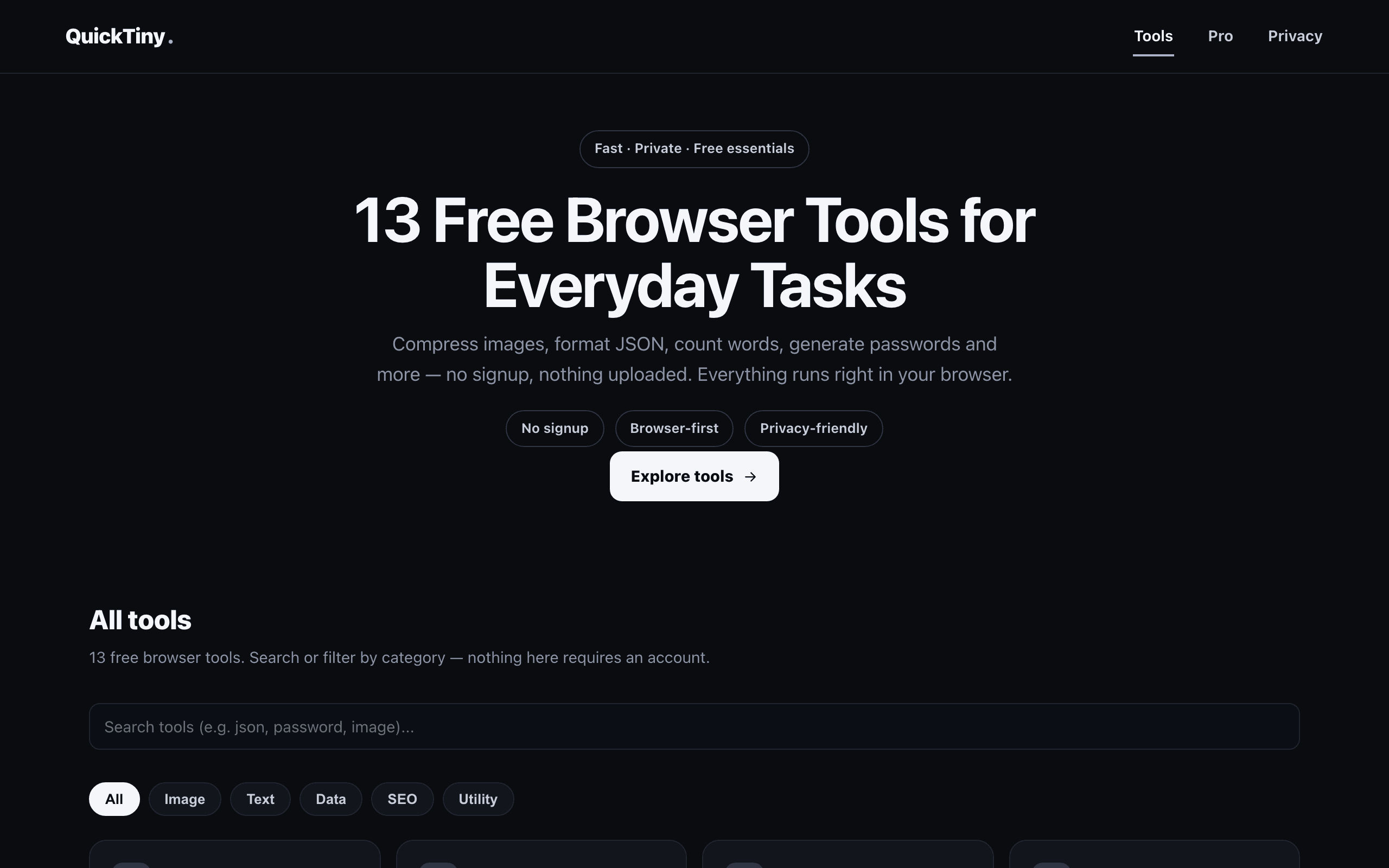
QuickTiny is a browser-first collection of 13 utilities, including image compression, word counting, text cleanup, case conversion, duplicate line removal, line sorting, JSON formatting, base64 and URL encoding/decoding, an SEO slug generator, a timestamp converter, and a password generator. The 12 individual tools are free and unlimited, with no account, credit card, or signup required, and no usage ceiling. QuickTiny also publishes a dedicated guide for Shopify merchants on checking and compressing product images. The only paid feature is a batch image compressor for processing many images at once, a one-time $4.99 purchase rather than a subscription or a limit you eventually hit on the free tools.
Key Features
Pros & Cons
The free plan in practice
What you can actually do on QuickTiny's free plan (No account or signup required, unlimited use of all 12 free tools), where it stops, and when it's worth paying.
What you can do free
- Image compressor (processes locally in the browser)
- Word counter and text cleanup tools
- Case converter
- Duplicate line remover and line sorter
- JSON formatter
- Base64 and URL encode/decode
- SEO slug generator
- Timestamp converter
- Password generator
Where it stops
- Batch image compression (multiple files at once) requires the separate one-time $4.99 Pro tool
When to upgrade to a paid plan
Stay on the free plan while you're comfortably under the free plan's limit (No account or signup required, unlimited use of all 12 free tools). It's worth moving to a paid plan once you consistently bump into that ceiling, need to remove branding, or want features the free tier holds back.
Categories
Free Plan Details
| Free Plan | |
| Free Tier | Unlimited Free Tier |
| User Limit | No account or signup required, unlimited use of all 12 free tools |
| Open Source |
What's the free tier actually like?
Used QuickTiny's free plan? Tell people what it was really like — what you hit, what surprised you, whether the limits held. No account needed.
No comments yet. If you've used the free plan, you know something the pricing page doesn't say.
Related Tools

RandomizerLab
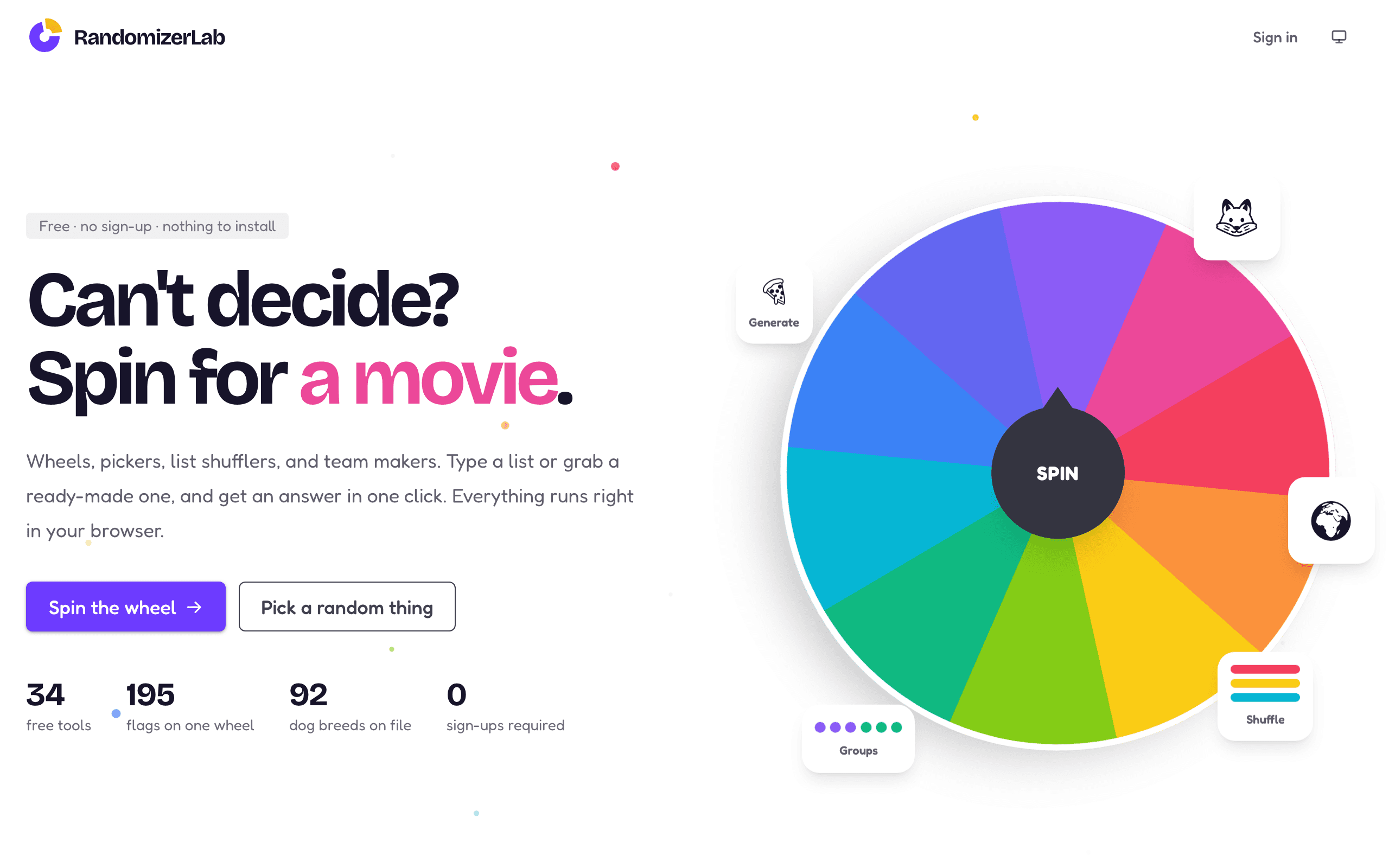
34 free browser random-pickers, wheels and shufflers, no account or usage cap

Standard Notes
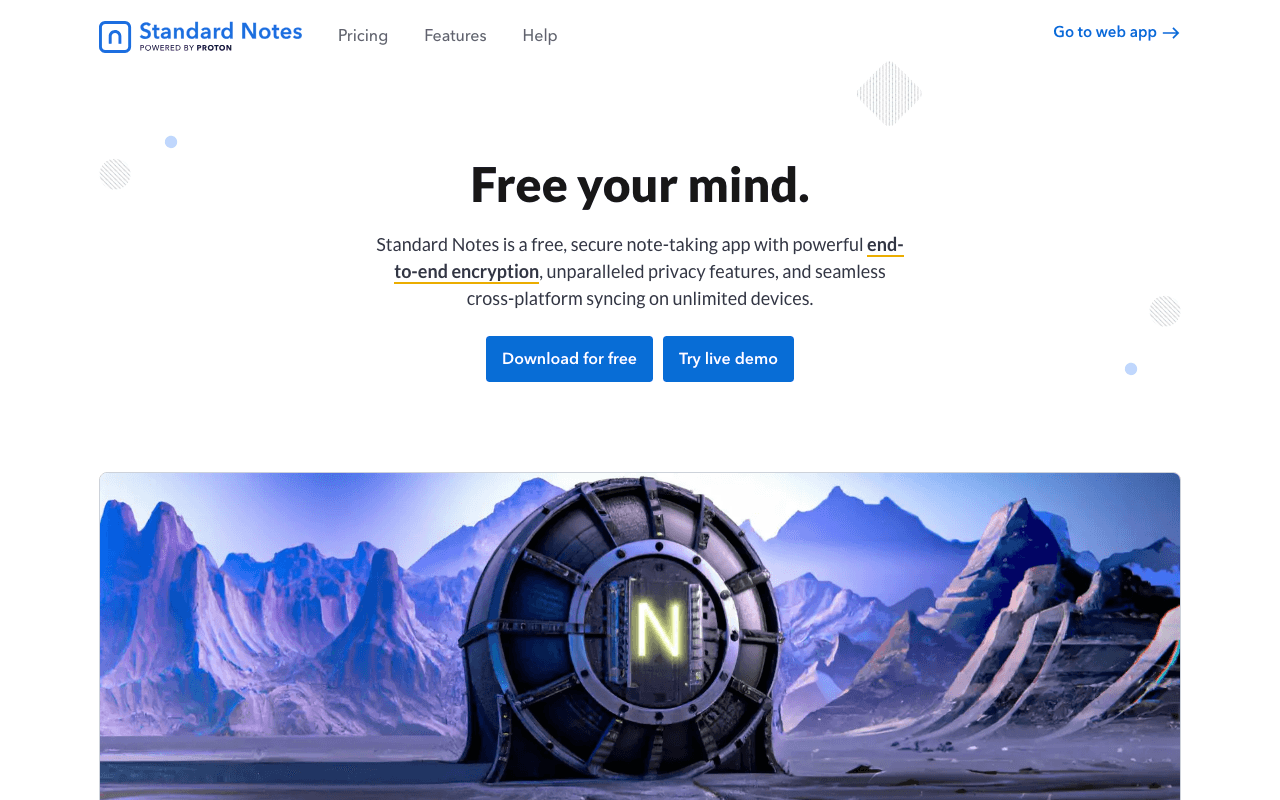
Standard Notes helps you gain control in a world that often feels out of control. Protect your…

Airtable
500,000+ brands use Airtable to enable real-time collaboration, automate repetitive tasks &…
Something outdated or missing? Let us know