
Pixlr
FreemiumPixlr is a free online AI photo editor and image generator. Edit photos, generate AI images…
About Pixlr
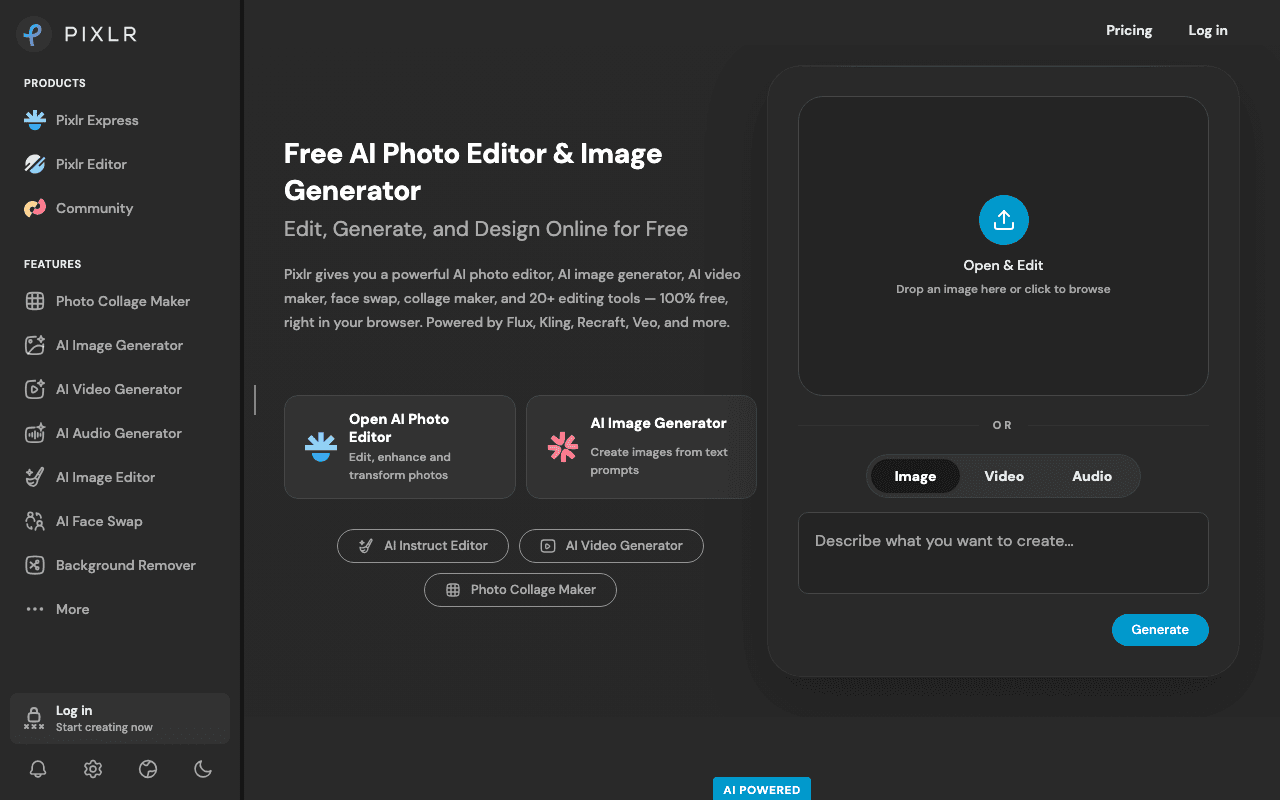
Pixlr is a browser photo editor with a layers-based editor (Pixlr E), a quick editor (Pixlr X), a template designer, and AI tools for image generation, background removal and generative fill running on models like Flux, Kling and Veo. Social media managers, students and small shop owners use it as a no-install Photoshop stand-in. The free version works without an account or a card.
What the free plan gives you
Pixlr's site says the free version offers "a robust set of features" without registration: the full E and X editors, layers, filters, cropping, retouching, collage and template design, and the AI tools on a small credit allowance. Reviews consistently describe the free tier as ad-supported with a limited AI credit pool; Pixlr itself does not print the free credit number or a save cap on its pricing page, so do not count on a specific figure.
Where the free plan stops
Ads between operations, the small AI credit pool, and a cap on saves are what push people to pay. The Plus plan at €2.49 a month (€1.99 billed annually) removes ads, gives unlimited saves and 80 AI credits a month with 1 concurrent generation. Premium at €9.99 a month (€7.99 annually) opens all image, video and audio models, 4 concurrent generations and 1,000 credits a month. Ultra at €24.99 adds unlimited fast image generations under fair use.
Who it suits
For occasional cropping, resizing, background removal and social graphics, Pixlr Free is enough and the ads are tolerable. If you rely on AI generation or edit daily, the credit pool and save limits bite quickly and Plus is cheap enough to be the sensible default.
Key Features
Pros & Cons
The free plan in practice
What you can actually do on Pixlr's free plan (Free tier with ads and limited AI credits), where it stops, and when it's worth paying.
What you can do free
- Pixlr E layers editor and Pixlr X quick editor in the browser
- No account required
- Templates, collage and design tools
- Background removal and generative fill on a small credit pool
- Filters, retouching and basic exports
Where it stops
- Ads throughout the free version
- Limited AI credits, exact number not published
- Save limits, paid plans advertise unlimited saves
When to upgrade to a paid plan
Stay on the free plan while you're comfortably under the free plan's limit (Free tier with ads and limited AI credits). It's worth moving to a paid plan once you consistently bump into that ceiling, need to remove branding, or want features the free tier holds back. Paid plans start at €2.49/mo.
Categories
Free Plan Details
| Free Plan | |
| Free Tier | Limited Free Tier |
| User Limit | Free tier with ads and limited AI credits |
| Open Source |
What's the free tier actually like?
Used Pixlr's free plan? Tell people what it was really like — what you hit, what surprised you, whether the limits held. No account needed.
No comments yet. If you've used the free plan, you know something the pricing page doesn't say.
Related Tools

Pixoate
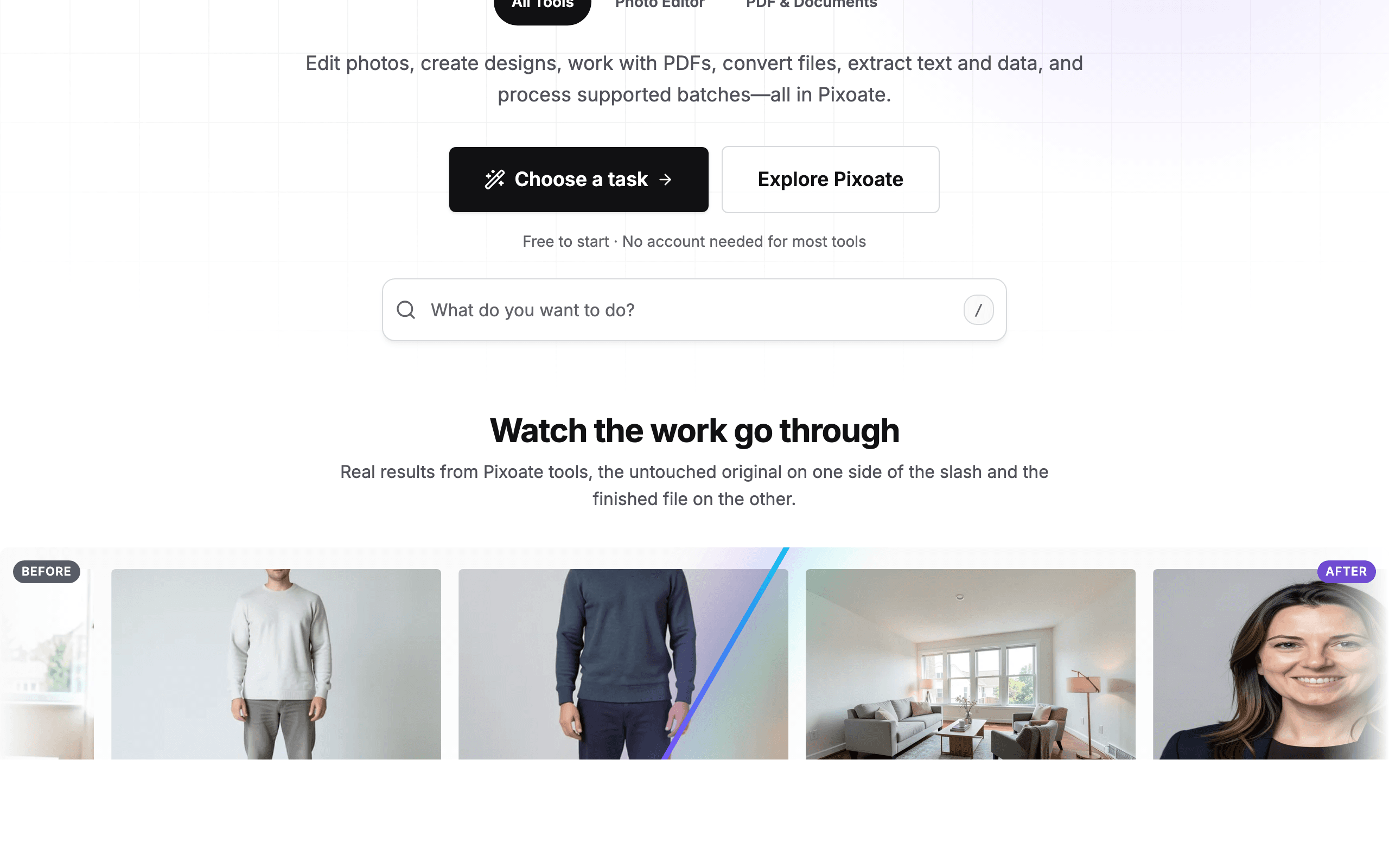
180+ browser-based photo, PDF, OCR and AI image tools with a genuine no-signup free tier

Screen Studio Kit
Free app store screenshot editor with device frames, up to 10 exports/day


SVGicons.com
312K+ open-source SVG icons from 227 sets, free to browse and use, no account needed
Something outdated or missing? Let us know