
OBS Studio
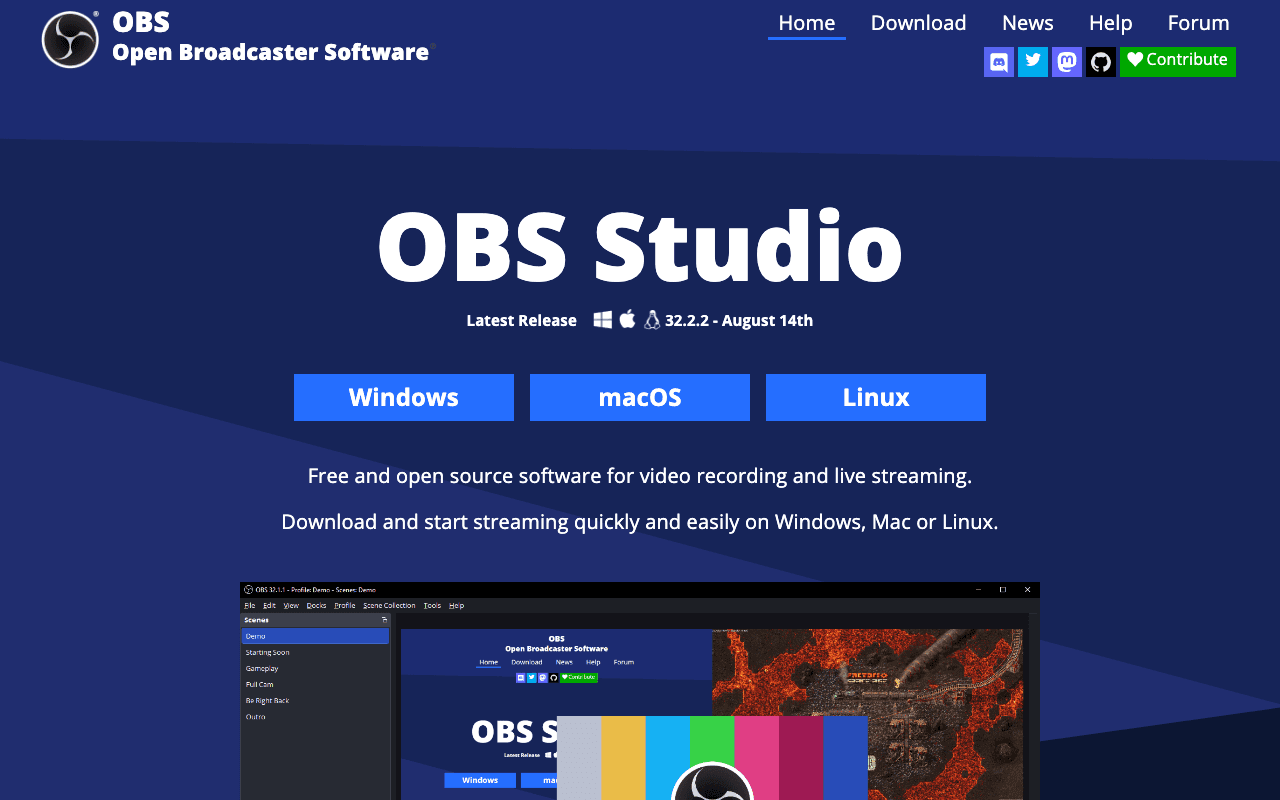
Open SourceOBS (Open Broadcaster Software) is free and open source software for video recording and live…
Free plan checked against OBS Studio's pricing page on . Re-checked monthly.
About OBS Studio
OBS Studio is the standard free software for live streaming and screen recording. Streamers on Twitch and YouTube, teachers recording lectures and anyone producing webinars or product demos use it. There is no free plan as such because there is no paid one: the whole application is open source and free, with no watermark and no time limit.
What the free plan gives you
- Full streaming to Twitch, YouTube and any RTMP or WHIP destination, plus local recording in H.264 or other codecs
- Unlimited scenes with custom transitions between them
- Sources for windows, displays, webcams, capture cards, images, text and browser pages
- An audio mixer with per-source filters such as noise gate, noise suppression and gain, plus VST plugin support
- Studio Mode for previewing changes before they go live, and Multiview for watching up to 8 scenes at once
- Hotkeys and a plugin and scripting API in Lua or Python
- Builds for Windows 10+, macOS 12+ and Linux
Where the free plan stops
Nothing is held back behind payment, so the limits are practical ones:
- It runs on your machine and uses your CPU or GPU for encoding, so a weak laptop will drop frames on a 1080p60 stream.
- There is no cloud, no built-in multistreaming to several platforms at once, and no hosted overlays; you add those through plugins or third-party services.
- Setup is manual. Scenes, audio routing and encoder settings take time to learn.
Companies that build on OBS sell hosted extras on top, but OBS itself has nothing to buy.
Who it suits
OBS is right for anyone who streams or records regularly and is willing to spend an hour learning it. People who want a one-click experience with built-in overlays and alerts may prefer a commercial wrapper, which usually still runs OBS underneath.
Pros & Cons
The free plan in practice
What you can actually do on OBS Studio's free plan (Free and open source streaming and recording), where it stops, and when it's worth paying.
What you can do free
- Stream to Twitch, YouTube and any RTMP destination
- Local recording with H.264 and other encoders
- Unlimited scenes and sources
- Audio mixer with noise gate, suppression and VST filters
- Studio Mode and 8-scene Multiview
- Lua and Python scripting plus plugin API
Where it stops
- Encoding uses your own hardware
- No built-in multistreaming or cloud features
- Manual setup with a learning curve
When to upgrade to a paid plan
OBS Studio is open source, so self-hosting is free and unlimited. The only reason to pay is convenience: choose a hosted or cloud option when you'd rather not run and maintain it yourself, or need official support.
Categories
Free Plan Details
| Free Plan | |
| Free Tier | Unlimited Free Tier |
| User Limit | Free and open source streaming and recording |
| Open Source |
What's the free tier actually like?
Used OBS Studio's free plan? Tell people what it was really like — what you hit, what surprised you, whether the limits held. No account needed.
No comments yet. If you've used the free plan, you know something the pricing page doesn't say.
Related Tools

Pika
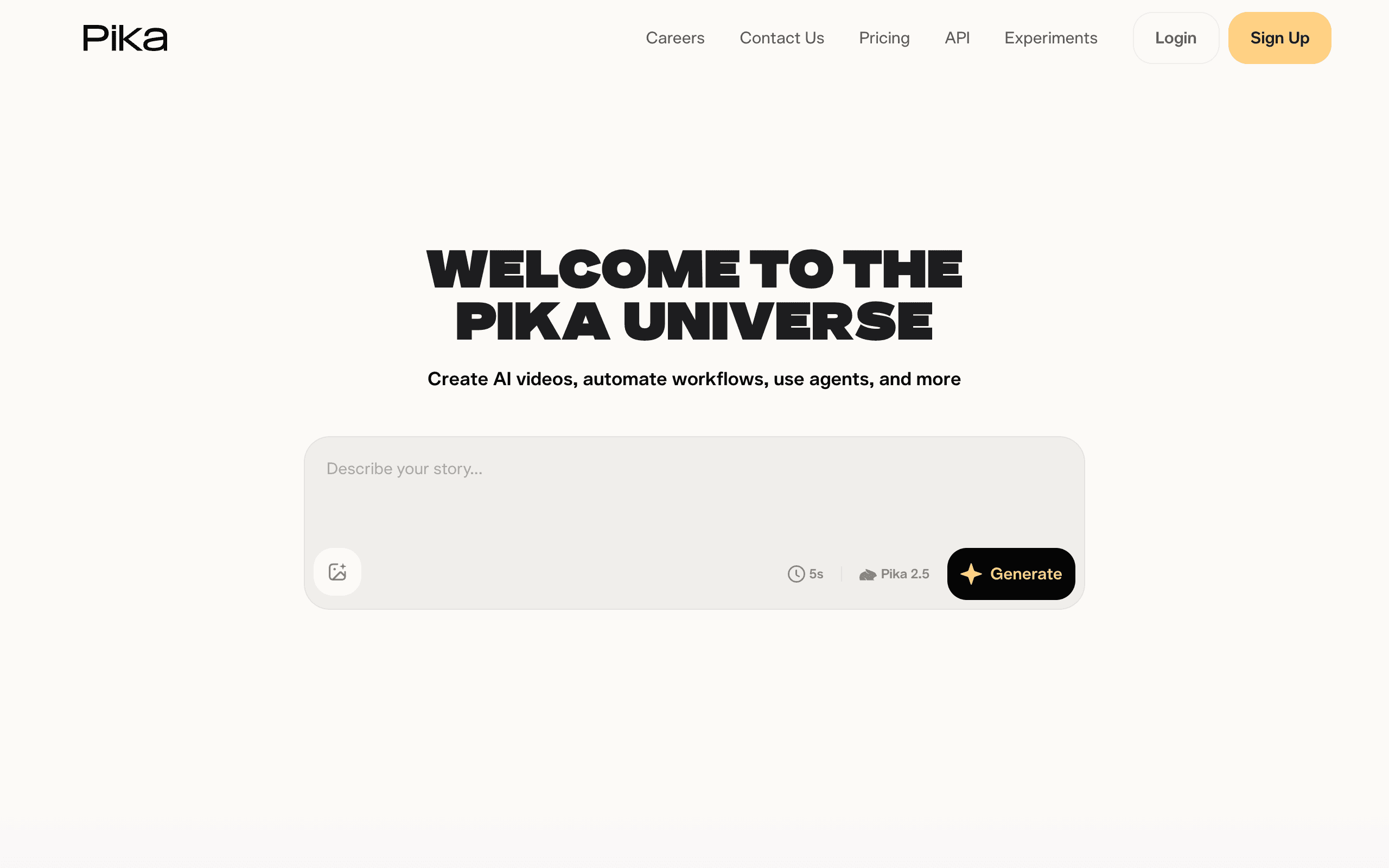
Creative AI text/image-to-video generator with stylized effects

PixVerse
AI video generator for social clips with daily free credits

VEED.io
Browser-based AI video editor with auto-subtitles
Something outdated or missing? Let us know