


InVideo AI
FreemiumPrompt-based AI video creator with natural-language editing
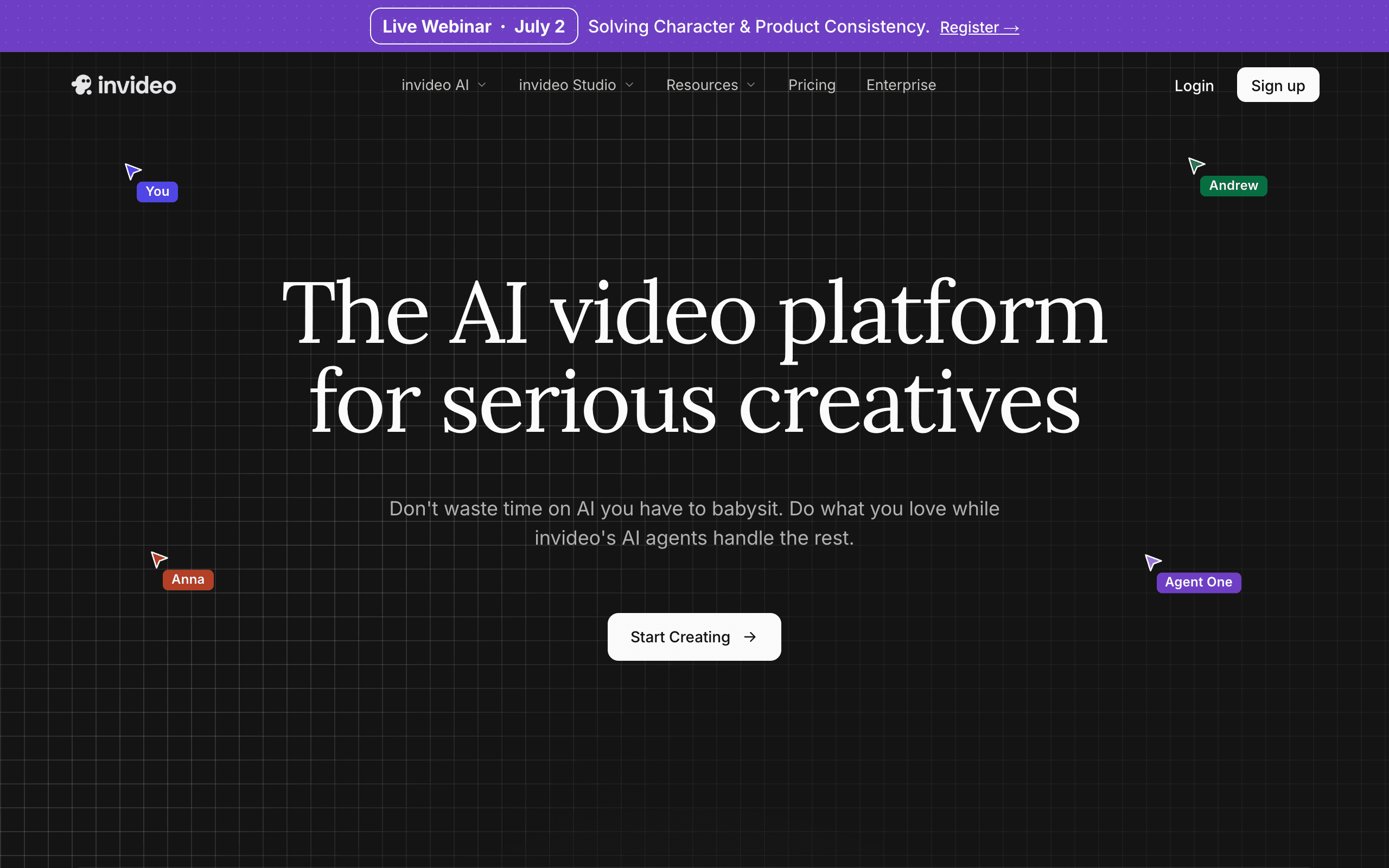
About InVideo AI
InVideo AI writes a script, picks stock footage, adds a voiceover and assembles a finished video from a single text prompt, then lets you change it by typing instructions like "make the intro shorter". Small businesses, YouTube automation channels and course creators are the main users. The free plan is permanent but every export is watermarked.
What the free plan gives you
InVideo's own help pages state the free plan allows 10 minutes of AI generation per week and 4 exports per week, resetting weekly. Videos come out at 1080p with an InVideo watermark, and any iStock clips carry an iStock watermark unless you swap in your own footage. You can use the prompt-based generator, the conversational editor, AI voiceovers, and the newer Agents and Models flow for image generation with a limited credit pool.
Where the free plan stops
The watermark cannot be removed on free, which rules out publishing anything client-facing. 10 minutes of generation a week disappears after two or three attempts at a five minute video, and 4 exports a week is a hard cap. The Plus plan, $17 a month billed yearly ($200 a year), gives 750 credits a month, 20 GB storage, 100 iStock credits, 4 AI avatars and unlimited watermark-free exports. Max at $85 a month billed yearly raises that to 3,900 credits and 100 GB.
Who it suits
Try the free plan to see whether the prompt-to-video workflow matches your style and to prototype scripts. Anyone who publishes regularly needs Plus, because the weekly generation and export caps are sized for evaluation, not for a posting schedule.
Key Features
Pros & Cons
The free plan in practice
What you can actually do on InVideo AI's free plan (10 AI generation min/week, 4 exports/week, watermarked), where it stops, and when it's worth paying.
What you can do free
- 10 minutes of AI video generation per week
- 4 exports per week at 1080p
- Prompt-to-video with script, stock footage and voiceover
- Conversational text editing
- Limited credits for image generation models
Where it stops
- InVideo watermark on all free exports
- iStock footage watermarked unless replaced
- Weekly caps reset, they do not accumulate
When to upgrade to a paid plan
Stay on the free plan while you're comfortably under the free plan's limit (10 AI generation min/week, 4 exports/week, watermarked). It's worth moving to a paid plan once you consistently bump into that ceiling, need to remove branding, or want features the free tier holds back. Paid plans start at $17/mo.
Categories
Free Plan Details
| Free Plan | |
| Free Tier | Limited Free Tier |
| User Limit | 10 AI generation min/week, 4 exports/week, watermarked |
| Open Source |
What's the free tier actually like?
Used InVideo AI's free plan? Tell people what it was really like — what you hit, what surprised you, whether the limits held. No account needed.
No comments yet. If you've used the free plan, you know something the pricing page doesn't say.
Related Tools

Kapwing
Generate full video projects from a single prompt using Kapwing. Join over 30 million modern…

Kling AI
Realistic text/image-to-video generator with daily free credits
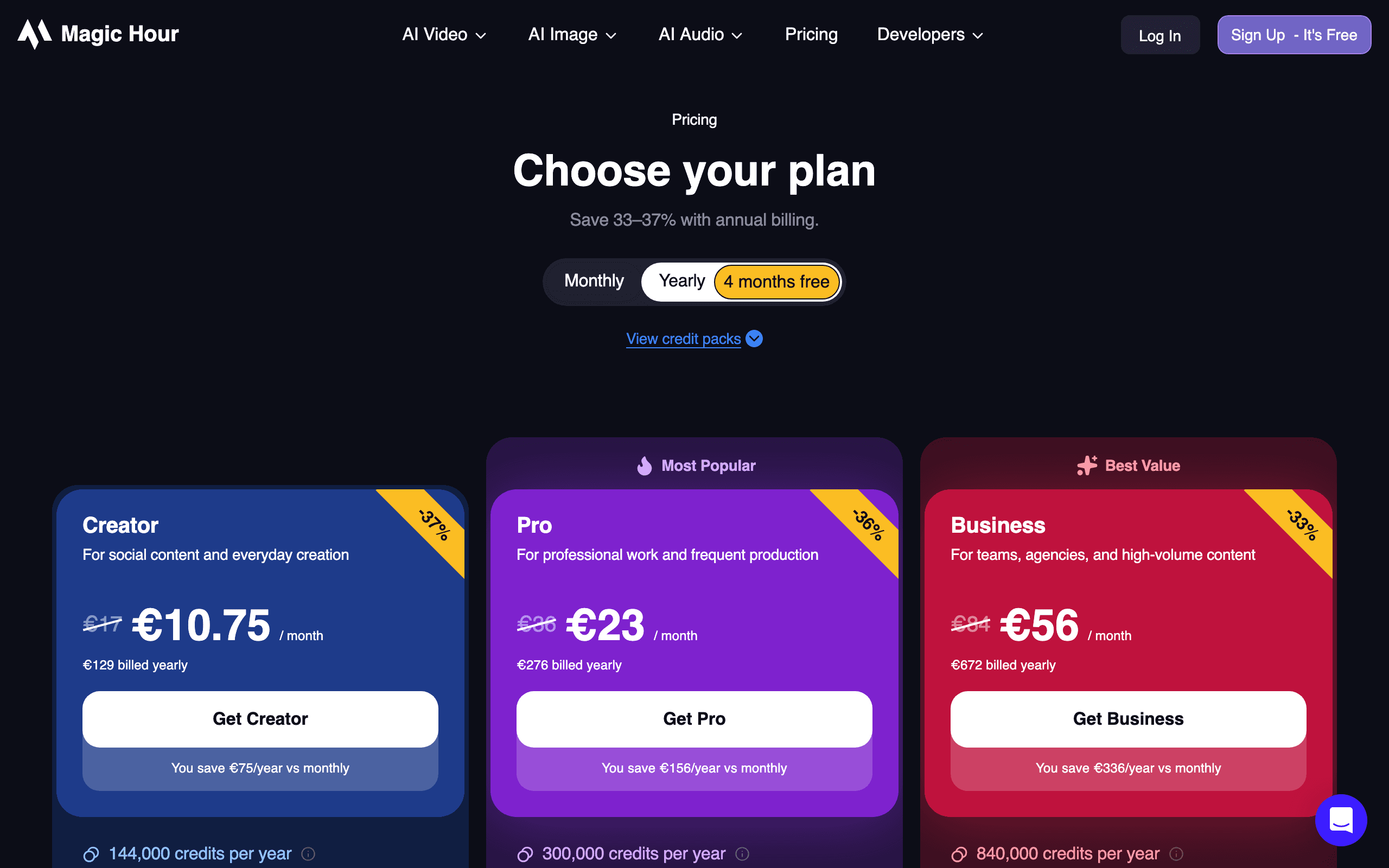

Magic Hour
Browser-based AI video, image and audio creator with daily free generations, no card required
Something outdated or missing? Let us know