
Kapwing
FreemiumGenerate full video projects from a single prompt using Kapwing. Join over 30 million modern…
Free plan checked against Kapwing's pricing page on . Re-checked monthly.
About Kapwing
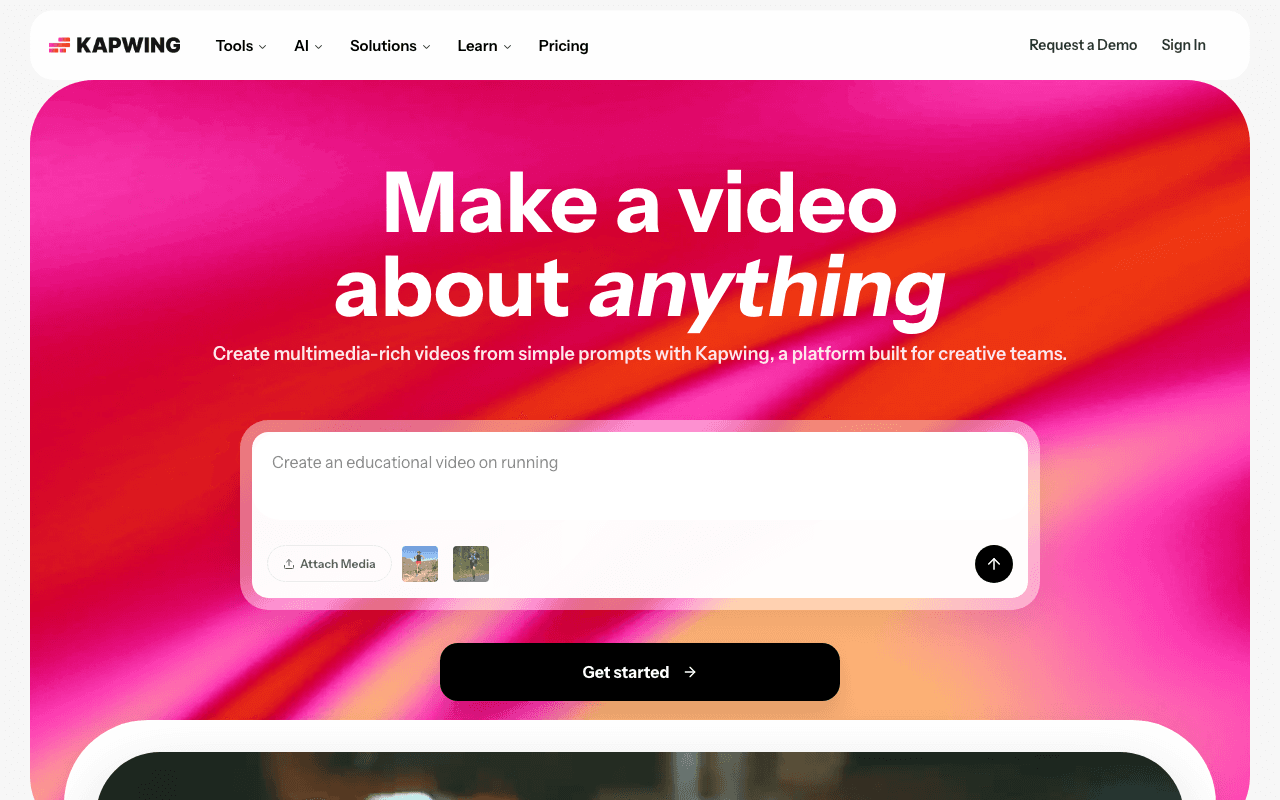
Kapwing is a browser-based video editor with auto-subtitles, a text-to-speech layer and an AI project generator that drafts a whole video from a prompt. Marketers, teachers and social media managers use it because nothing installs and projects live in the cloud. The Free plan lets you edit and export without paying, with a watermark on everything.
What the free plan gives you
You can export as many videos as you like, each up to 4 minutes long at 720p, with the Kapwing watermark on top. Monthly export time is capped at 30 minutes. Uploads can be up to 2 GB per file. The auto-subtitle tool covers up to 50 minutes of audio, text-to-speech covers up to 3 minutes, and you get 10 credits for the AI features to try them. All the core editing tools (trim, subtitles, resize, templates) are available.
Where the free plan stops
The watermark is the obvious blocker, and the 4 minute, 720p export ceiling rules out anything longer than a short. The Pro plan at $24 a month (or $16 a month billed annually) removes the watermark, unlocks 4K and 2 hour exports, raises subtitles to 1,000 minutes a month and TTS to 50 minutes, and adds 1,000 credits and 100 GB of storage. Business at $64 a month (or $50 annually) pushes credits to 4,000 and adds custom voice clones.
Who it suits
Use Kapwing Free for quick social clips, subtitle drafts, memes and internal videos where a watermark does not matter. If you publish for a brand or client, or need anything above 720p, the free tier is a trial in practice and Pro is the real entry point.
Key Features
Pros & Cons
The free plan in practice
What you can actually do on Kapwing's free plan (Free plan with watermarked exports up to 4 min at 720p), where it stops, and when it's worth paying.
What you can do free
- Unlimited watermarked exports up to 4 minutes at 720p
- 30 minutes of export time per month
- 2 GB upload limit per file
- Up to 50 minutes of auto-subtitling
- 10 AI credits to try AI tools
Where it stops
- Kapwing watermark on every export
- Exports capped at 4 minutes and 720p
- Text-to-speech limited to 3 minutes
When to upgrade to a paid plan
Stay on the free plan while you're comfortably under the free plan's limit (Free plan with watermarked exports up to 4 min at 720p). It's worth moving to a paid plan once you consistently bump into that ceiling, need to remove branding, or want features the free tier holds back. Paid plans start at $24/mo.
Categories
Free Plan Details
| Free Plan | |
| Free Tier | Limited Free Tier |
| User Limit | Free plan with watermarked exports up to 4 min at 720p |
| Open Source |
What's the free tier actually like?
Used Kapwing's free plan? Tell people what it was really like — what you hit, what surprised you, whether the limits held. No account needed.
No comments yet. If you've used the free plan, you know something the pricing page doesn't say.
Related Tools

Kling AI
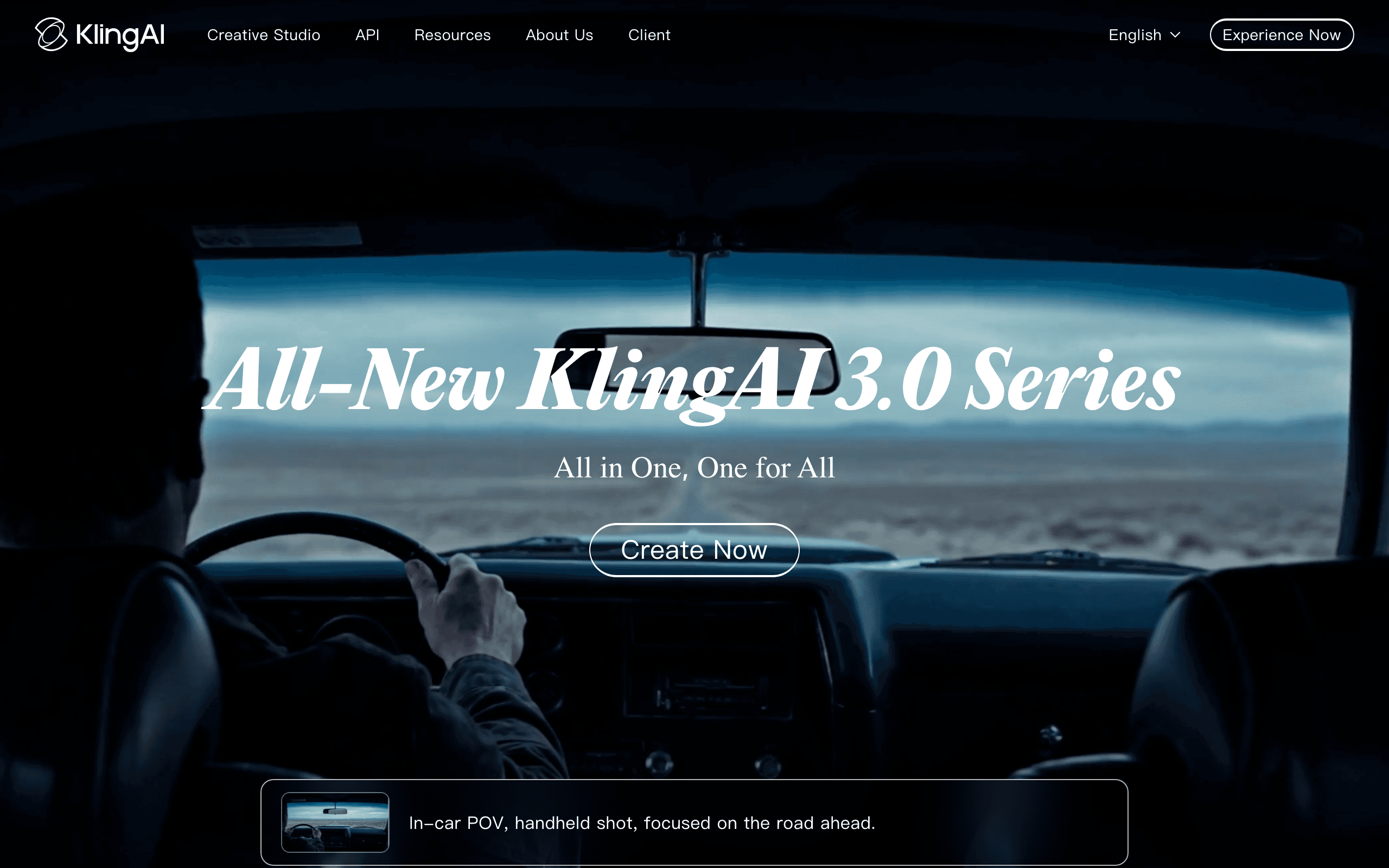
Realistic text/image-to-video generator with daily free credits
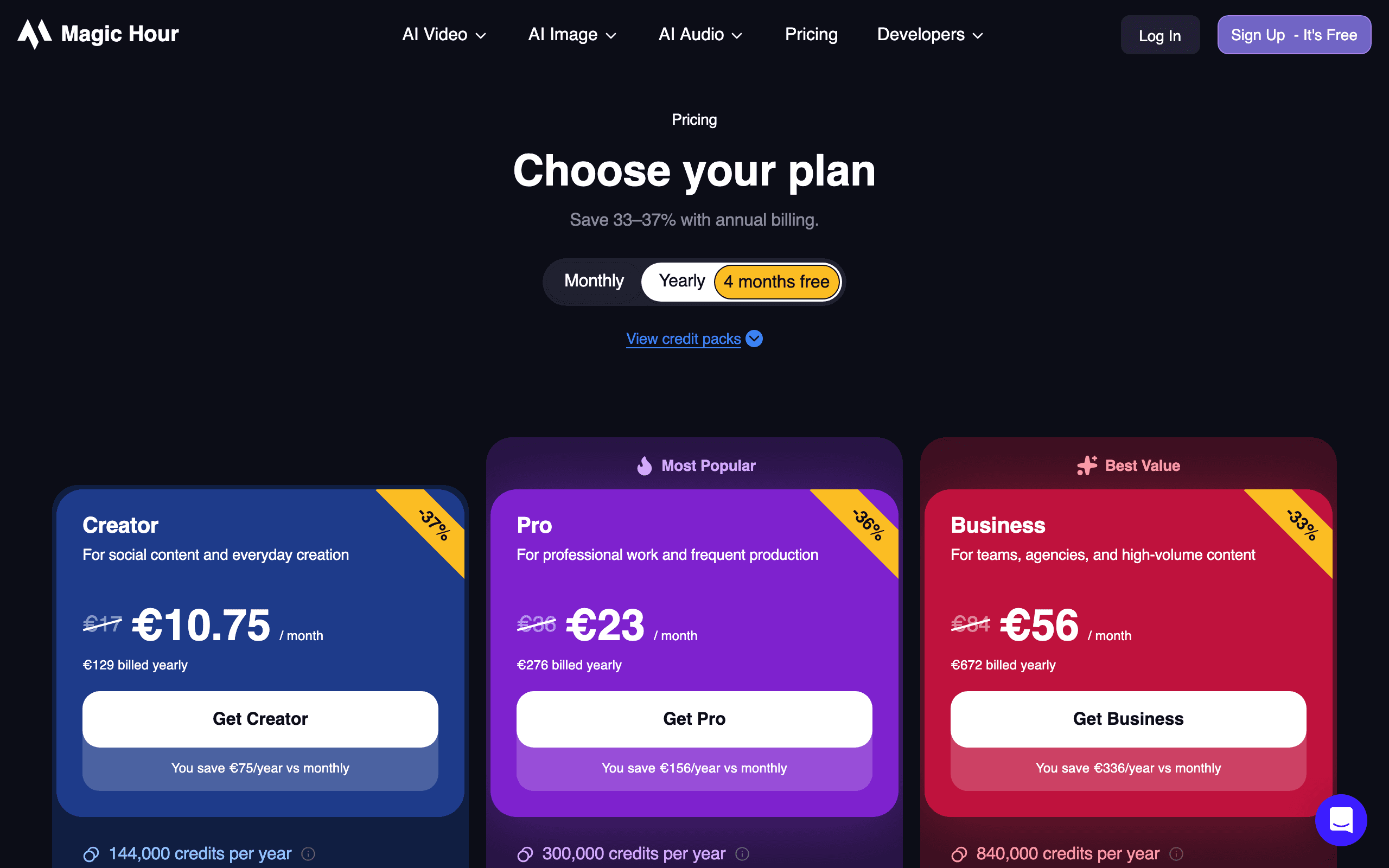

Magic Hour
Browser-based AI video, image and audio creator with daily free generations, no card required
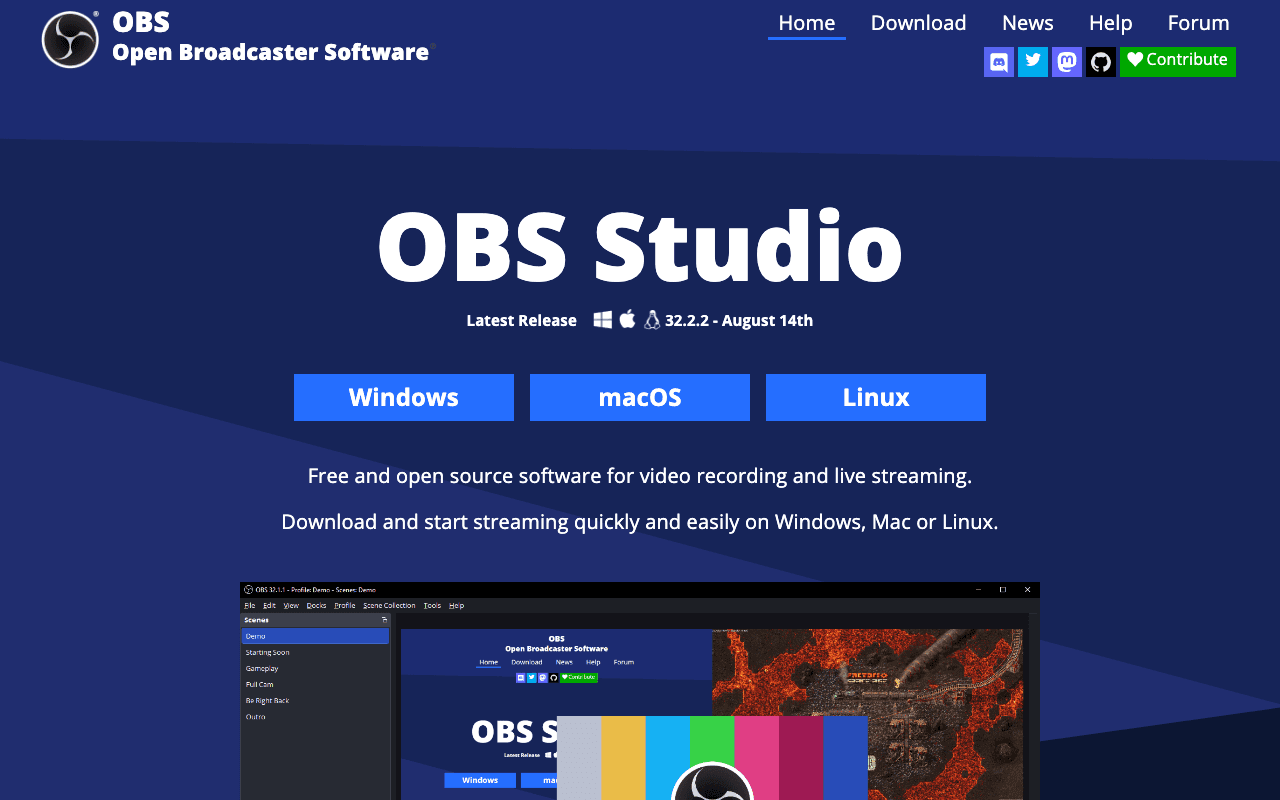

OBS Studio
OBS (Open Broadcaster Software) is free and open source software for video recording and live…
Something outdated or missing? Let us know