


Countly
Open SourceOpen source product analytics for mobile, web, and desktop apps.
Free plan checked against Countly's pricing page on . Re-checked monthly.
About Countly
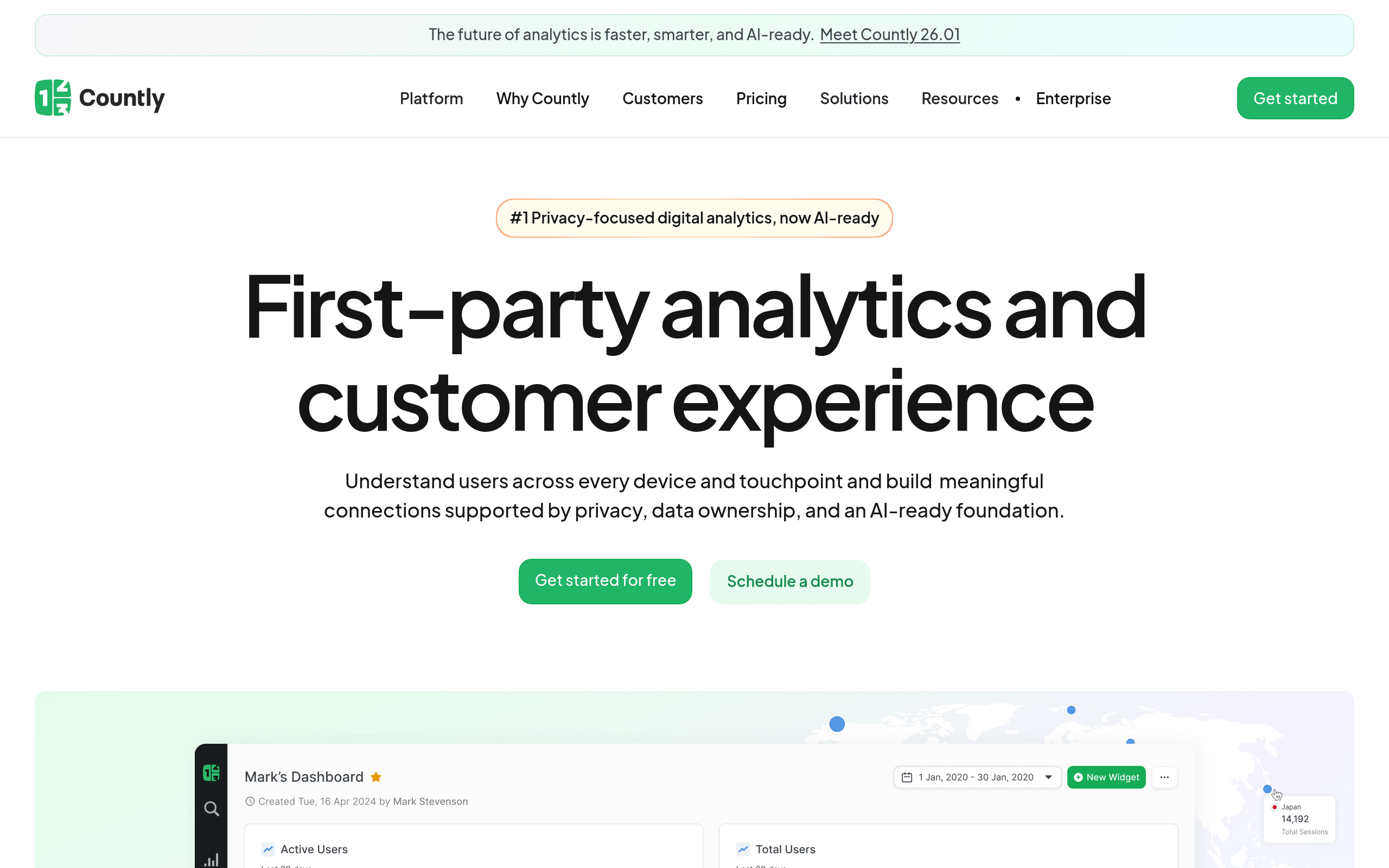
Countly is an open source product analytics platform designed specifically for mobile, web, and desktop applications. It goes beyond basic analytics with crash reporting, push notifications, and user profiles.
Built for Mobile Apps
While most analytics tools focus on websites, Countly was built from the ground up for mobile app analytics. It supports iOS, Android, Windows, and cross-platform frameworks with native SDKs.
What You Get
- Product analytics - Events, sessions, user flows, and engagement metrics
- Crash reporting - Capture and analyze app crashes with stack traces
- Push notifications - Send targeted push messages based on user behavior
- User profiles - Detailed profiles with event history and properties
- Funnels - Track conversion paths through your app
- Retention analysis - Measure how well you keep users coming back
- Remote config - Change app behavior without releasing new versions
Self-Host for Free
The Community Edition is free to self-host with no data limits. Enterprise features like drill-down analytics, cohorts, and revenue analytics require the paid edition.
Key Features
Pros & Cons
The free plan in practice
What you can actually do on Countly's free plan (Unlimited if self-hosted), where it stops, and when it's worth paying.
What you can do free
- Unlimited users
- Unlimited events
- Crash reporting
- Push notifications
- User profiles
Where it stops
- Self-hosting required for free plan
- Enterprise features locked
When to upgrade to a paid plan
Countly is open source, so self-hosting is free and unlimited. The only reason to pay is convenience: choose a hosted or cloud option when you'd rather not run and maintain it yourself, or need official support.
Categories
Tags
What's the free tier actually like?
Used Countly's free plan? Tell people what it was really like — what you hit, what surprised you, whether the limits held. No account needed.
No comments yet. If you've used the free plan, you know something the pricing page doesn't say.
Related Tools

Find Mining Pools
Free directory comparing Bitcoin mining pool fees, reward models and payout rules

GoatCounter
Free donation-supported hosted service, or self-host it

Google Analytics 4
Google's free analytics. Event-based tracking with AI insights. Unlimited.
Something outdated or missing? Let us know