
Clipchamp
FreemiumCreate videos with royalty-free music and stock footage, use video templates, and export in up…
Free plan checked against Clipchamp's pricing page on . Re-checked monthly.
About Clipchamp
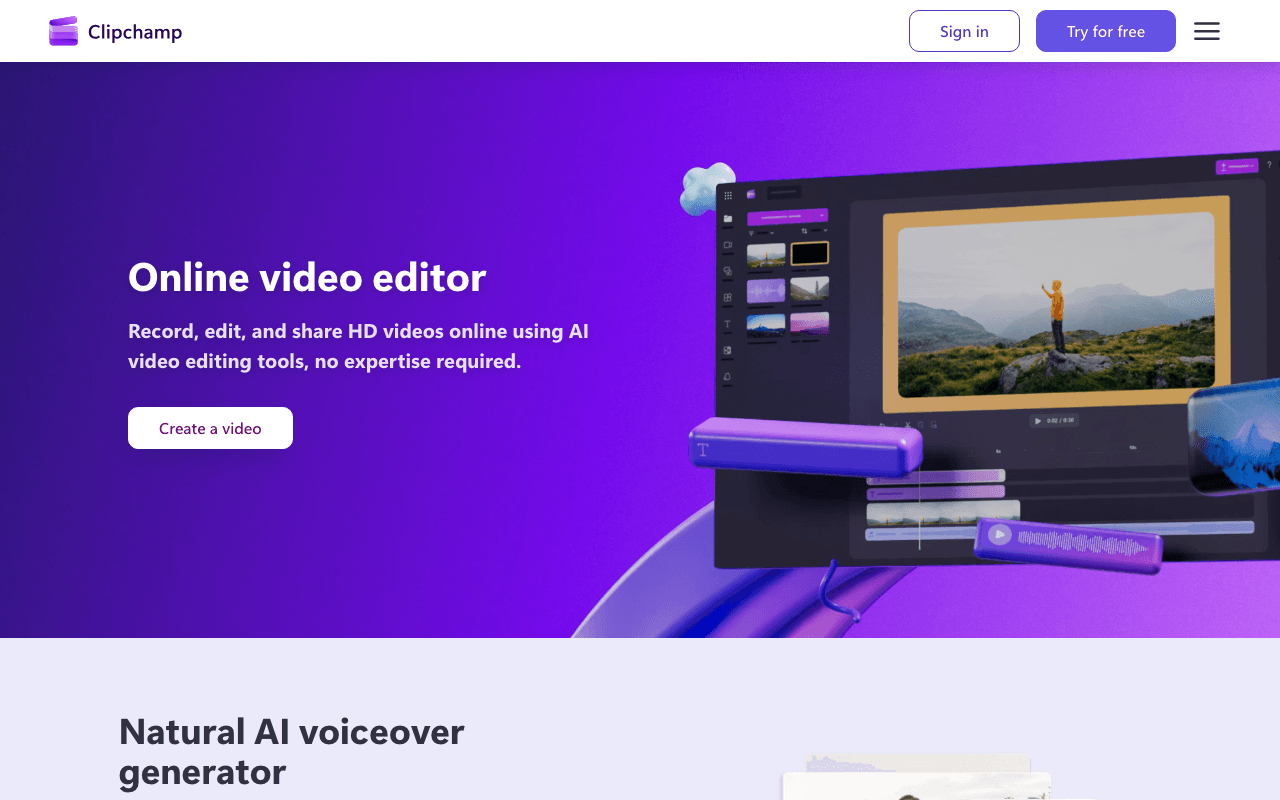
Clipchamp is Microsoft's browser and Windows video editor, bundled into Windows 11 and Microsoft 365. Students, small business owners and social media managers use it for quick cuts, captions and voiceovers. The free plan has no watermark, which sets it apart from most free editors.
What the free plan gives you
- Export up to 1080p HD with no watermark
- Trim, crop, resize, rotate and multi-track editing
- Screen, camera and voice recording
- AI voiceover, AI subtitles and AI-assisted editing tools
- Free stock video, music and image library
- Animated text, templates and audio-only export
- Content backup to OneDrive
Where the free plan stops
Three things push people to Premium: 4K export, the premium stock library, and a brand kit for consistent fonts, colours and logos. Premium is included with Microsoft 365 Personal and Family subscriptions, which Microsoft prices at $9.99/mo for Personal. It is also sold as a standalone Clipchamp Premium subscription; third-party price trackers put that at $11.99/mo, though Microsoft's support page does not print the figure. For work accounts, Clipchamp Standard ships with Microsoft 365 E3, E5, Business Standard and Business Premium, with Premium as an add-on.
Who it suits
If you already have Microsoft 365 Personal, you have Premium and should just use it. Without a subscription, the free plan still covers YouTube, TikTok and course videos at 1080p with no branding, which is more than Canva or CapCut give away. You only need to pay if 4K delivery or premium stock is a hard requirement.
Key Features
Pros & Cons
The free plan in practice
What you can actually do on Clipchamp's free plan (Free plan with 1080p exports), where it stops, and when it's worth paying.
What you can do free
- 1080p export with no watermark
- Screen, camera and voice recorder
- AI voiceover and AI subtitles
- Free stock video, music and images
- Templates, animated text and audio-only export
- OneDrive backup
Where it stops
- No 4K export
- Premium stock library locked
- No brand kit
When to upgrade to a paid plan
Stay on the free plan while you're comfortably under the free plan's limit (Free plan with 1080p exports). It's worth moving to a paid plan once you consistently bump into that ceiling, need to remove branding, or want features the free tier holds back. Paid plans start at $11.99/mo.
Categories
Free Plan Details
| Free Plan | |
| Free Tier | Generous Free Tier |
| User Limit | Free plan with 1080p exports |
| Open Source |
What's the free tier actually like?
Used Clipchamp's free plan? Tell people what it was really like — what you hit, what surprised you, whether the limits held. No account needed.
No comments yet. If you've used the free plan, you know something the pricing page doesn't say.
Related Tools
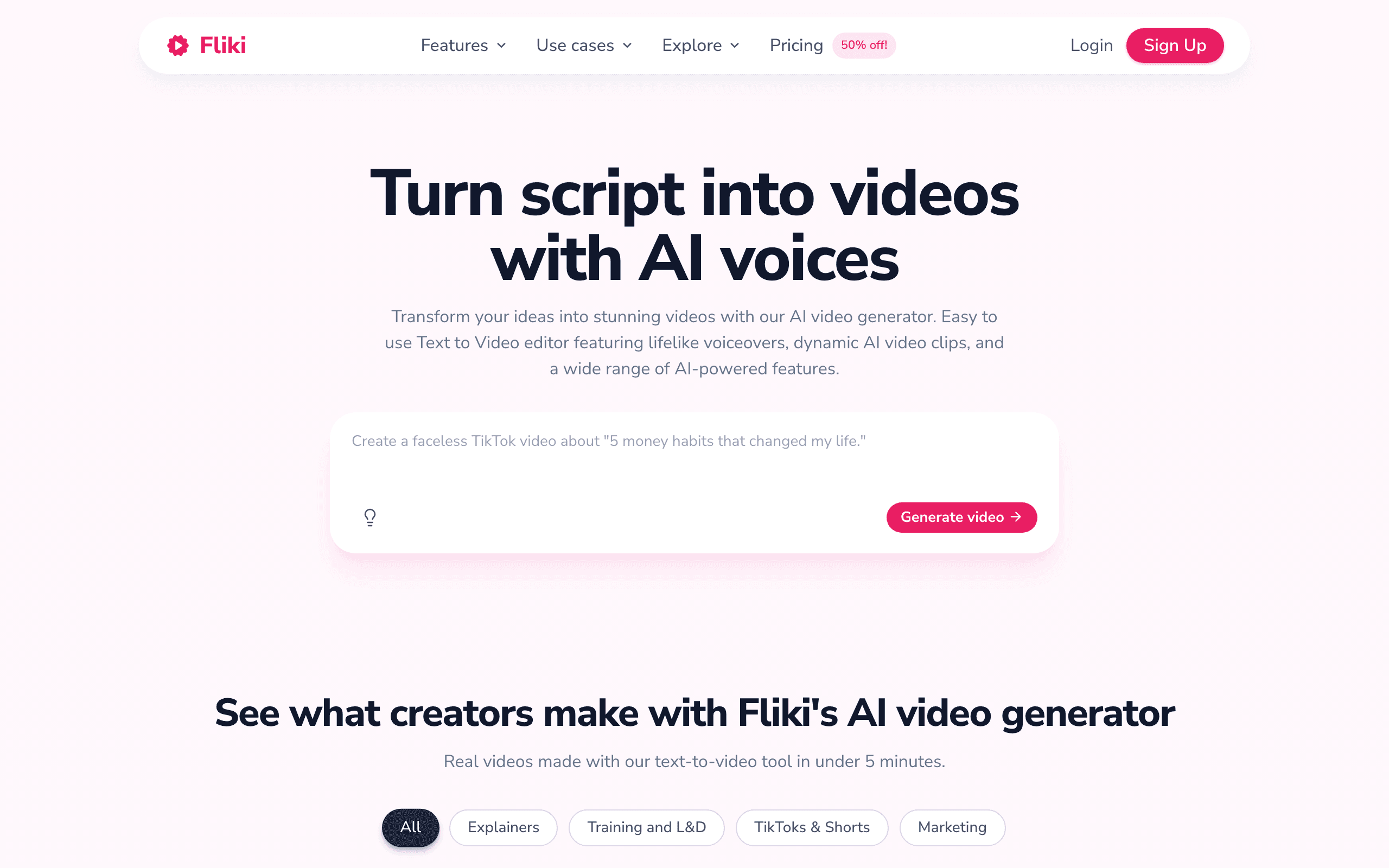

Fliki
Text-to-video and AI voiceover tool with lifelike voices

HeyGen
AI avatar video generator with realistic talking spokespeople

InVideo AI
Prompt-based AI video creator with natural-language editing
Something outdated or missing? Let us know