
Cap
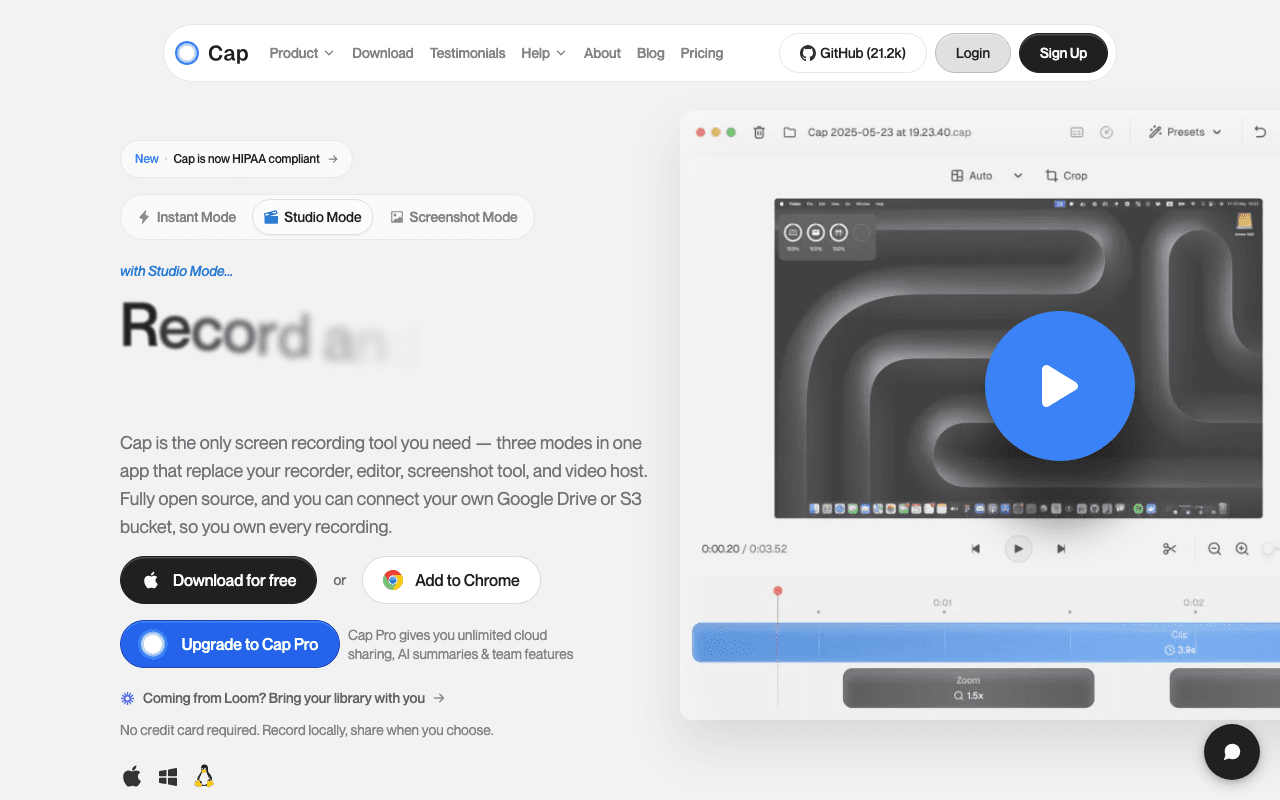
Open SourceCap is the open source alternative to Loom. Lightweight, powerful, and cross-platform. Record…
Free plan checked against Cap's pricing page on . Re-checked monthly.
About Cap
Cap is an open source screen recorder for macOS and Windows that positions itself as the Loom alternative you can self-host. Developers, founders and support teams use it for quick walkthrough videos. The Free plan is permanent for personal use and includes the full editor.
What the free plan gives you
- Unlimited local recordings with the desktop app
- Studio Mode editing with 4K and 60fps export
- Shareable cloud links for recordings up to 5 minutes
- Team workspaces and community support
- The full source on GitHub, so you can self-host the web app
Where the free plan stops
Two limits matter. Each recording is capped at 5 minutes, and the free licence is for personal use only, so recording for your job technically requires a paid tier. The Desktop License at $29/year removes the commercial restriction, allows unlimited local recording and editing, and gives 20 cloud share links a month (still 5 minutes each). Cap Pro at $12 per user per month, or about $8.16 on annual billing, adds unlimited cloud storage and links, AI titles, summaries, chapters and transcripts, a custom domain, password protection, viewer analytics, a Loom importer, and S3 or Google Drive storage. Enterprise adds SAML SSO, SCIM and managed self-hosting.
Who it suits
The free plan suits anyone recording short personal clips, or developers happy to self-host and skip Cap's cloud entirely. If you record at work, the honest minimum is the $29/year licence. Teams who want the Loom-style library with AI summaries are paying $12 a seat, which is close to Loom's own Business price, so compare features rather than assume Cap is cheaper.
Key Features
Pros & Cons
The free plan in practice
What you can actually do on Cap's free plan (Free and open source screen recorder), where it stops, and when it's worth paying.
What you can do free
- Unlimited local recordings
- Studio Mode with 4K/60fps export
- Shareable links up to 5 minutes
- Team workspaces
- Open source, self-hostable
Where it stops
- 5-minute cap per recording
- Personal use only, no commercial licence
- No cloud storage or AI features (Cap Pro $12/mo)
When to upgrade to a paid plan
Cap is open source, so self-hosting is free and unlimited. The only reason to pay is convenience: choose a hosted or cloud option when you'd rather not run and maintain it yourself, or need official support.
Categories
Free Plan Details
| Free Plan | |
| Free Tier | Unlimited Free Tier |
| User Limit | Free and open source screen recorder |
| Open Source |
What's the free tier actually like?
Used Cap's free plan? Tell people what it was really like — what you hit, what surprised you, whether the limits held. No account needed.
No comments yet. If you've used the free plan, you know something the pricing page doesn't say.
Related Tools
Clipchamp
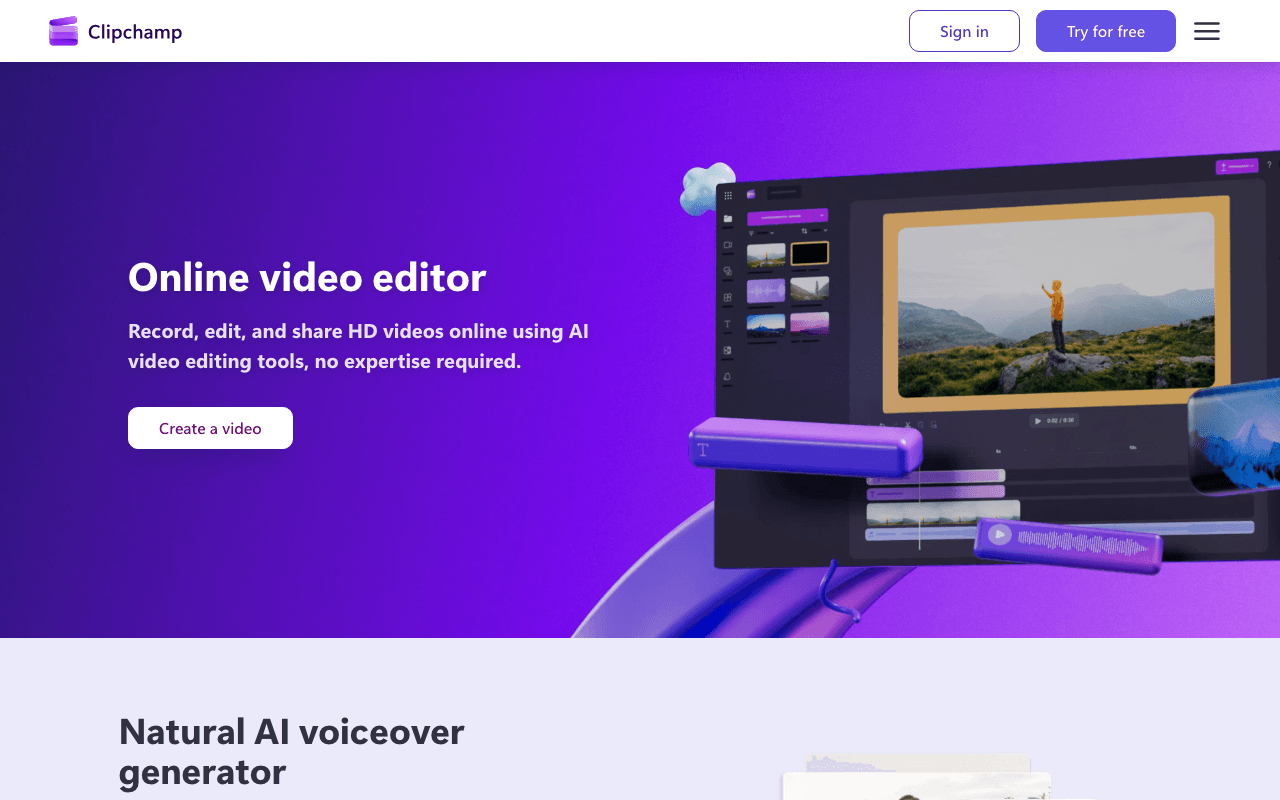
Create videos with royalty-free music and stock footage, use video templates, and export in up…

Fliki
Text-to-video and AI voiceover tool with lifelike voices

HeyGen
AI avatar video generator with realistic talking spokespeople
Something outdated or missing? Let us know