
Bitwarden
Open SourceBitwarden is the trusted, open source password manager for individuals, teams, and…
Free plan checked against Bitwarden's pricing page on . Re-checked monthly.
About Bitwarden
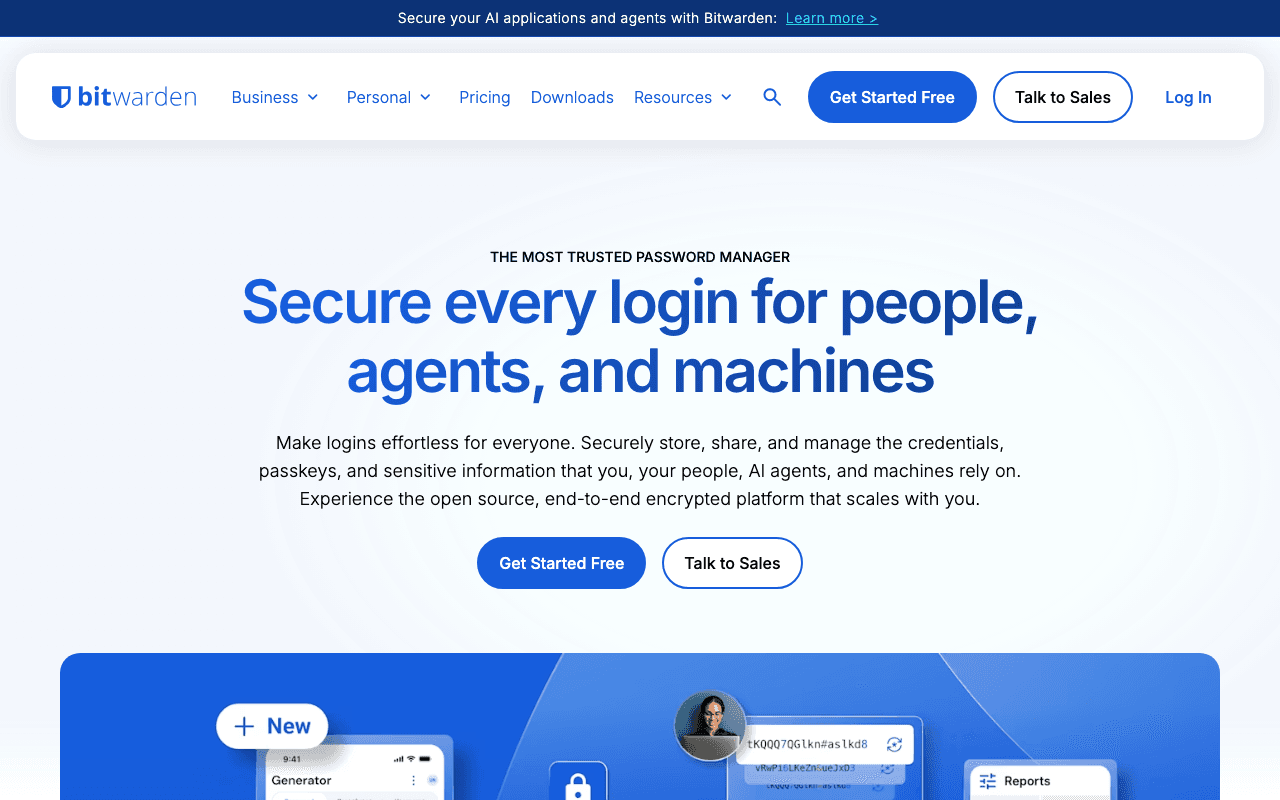
Bitwarden is an open source password manager with apps for every browser, desktop and mobile platform, used by individuals, families and companies that want audited code and the option to self-host. The individual Free plan is "always free" and is the plan most people actually run.
What the free plan gives you
Unlimited passwords, notes, cards and identities, synced across unlimited devices, with the browser extensions, desktop apps and mobile apps all included. You get the password generator, passkey storage, and free sharing with one other user through a two-person organisation. Self-hosting the server is also free. There are no limits on vault size or number of devices, which is the main difference from competitors that cap free users at one device type.
Where the free plan stops
Three features are Premium-only: the integrated TOTP authenticator (storing 2FA codes next to the login), file attachments, and emergency access for a trusted contact. Vault health reports and hardware-key (YubiKey) 2FA also sit in Premium. Premium costs $1.65 a month, billed annually at $19.80. Families at $3.99 a month covers 6 premium accounts with unlimited sharing. Teams and Enterprise for businesses are $4 and $6 per user per month, billed annually.
Who it suits
If you only need to store and autofill passwords across all your devices, the Free plan does the job indefinitely and there is no ad or nag pressure. Pay for Premium once you want TOTP codes in the vault or emergency access, and pick Families if you share logins with more than one person.
Key Features
Pros & Cons
The free plan in practice
What you can actually do on Bitwarden's free plan (Free plan with unlimited passwords and devices), where it stops, and when it's worth paying.
What you can do free
- Unlimited passwords and unlimited devices
- Browser, desktop and mobile apps
- Passkey storage and password generator
- Share vault items with one other user
- Self-hosting option at no cost
Where it stops
- No built-in TOTP authenticator
- No file attachments or emergency access
- Vault health reports need Premium
When to upgrade to a paid plan
Bitwarden is open source, so self-hosting is free and unlimited. The only reason to pay is convenience: choose a hosted or cloud option when you'd rather not run and maintain it yourself, or need official support.
Categories
Free Plan Details
| Free Plan | |
| Free Tier | Unlimited Free Tier |
| User Limit | Free plan with unlimited passwords and devices |
| Open Source |
What's the free tier actually like?
Used Bitwarden's free plan? Tell people what it was really like — what you hit, what surprised you, whether the limits held. No account needed.
No comments yet. If you've used the free plan, you know something the pricing page doesn't say.
Related Tools

DeployPass
Free passive website security scanner for pre-deployment checks
KeePassXC
KeePassXC Password Manager

Proton Mail
Proton Mail is the world’s largest secure email service with over 100 million users. Available…
Something outdated or missing? Let us know