KeePassXC
Open SourceKeePassXC Password Manager
About KeePassXC
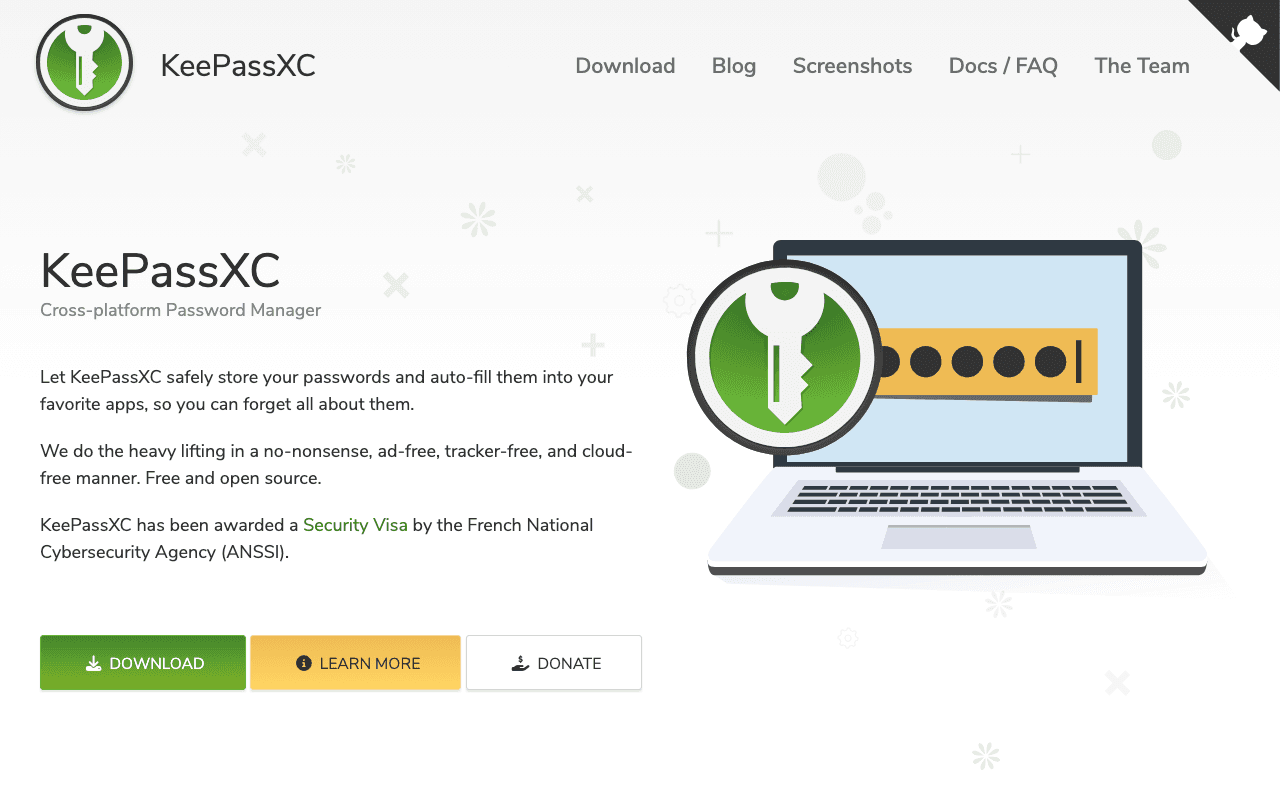
KeePassXC is a desktop password manager that keeps your vault in a single encrypted .kdbx file on your own machine, with no cloud account and no vendor server. Security-conscious users and IT staff who want offline credentials use it. The whole program is free software under the GPLv3, currently at version 2.7.12.
What the free plan gives you
Everything, since there is only one edition. You get the vault app for macOS 12 and later, Windows 10 and 11, and Linux via Flatpak, AppImage, Snap and distro packages, plus browser integration for Firefox, Chrome and Edge through the KeePassXC-Browser extension. Features include a password generator, TOTP code storage, SSH agent integration, auto-type, YubiKey challenge-response unlocking, passkey support, file attachments and import from other managers. There are no entry, device or feature limits, and the .kdbx format is readable by KeePass, KeePassDX and Strongbox on mobile.
Where the free plan stops
There is no paid tier, so the limits are architectural. KeePassXC does not sync: you put the vault file in Dropbox, Syncthing, iCloud or a USB stick yourself. There is no official mobile app, no shared team vaults and no web access, and support comes from the project's GitHub and community. Donations fund development but unlock nothing.
Who it suits
If you want full control, offline storage and a well-audited open source client, KeePassXC costs nothing and will keep costing nothing. If you need seamless phone sync, sharing with family or colleagues, or a browser-first experience, Bitwarden's free plan is the easier fit.
Key Features
Pros & Cons
The free plan in practice
What you can actually do on KeePassXC's free plan (Free and open source (GPLv3) password manager), where it stops, and when it's worth paying.
What you can do free
- Full desktop app on Windows, macOS and Linux
- Firefox, Chrome and Edge browser integration
- TOTP codes, SSH agent, passkeys and attachments
- YubiKey challenge-response unlock
- Unlimited entries in a local encrypted .kdbx file
Where it stops
- No built-in cloud sync
- No official mobile app
- No shared team vaults or web access
When to upgrade to a paid plan
KeePassXC is open source, so self-hosting is free and unlimited. The only reason to pay is convenience: choose a hosted or cloud option when you'd rather not run and maintain it yourself, or need official support.
Categories
Free Plan Details
| Free Plan | |
| Free Tier | Unlimited Free Tier |
| User Limit | Free and open source (GPLv3) password manager |
| Open Source |
What's the free tier actually like?
Used KeePassXC's free plan? Tell people what it was really like — what you hit, what surprised you, whether the limits held. No account needed.
No comments yet. If you've used the free plan, you know something the pricing page doesn't say.
Related Tools

Proton Mail
Proton Mail is the world’s largest secure email service with over 100 million users. Available…

Proton Pass
Store, share and sync passwords, passkeys, email aliases, and more, on any device, with our…

Bitwarden
Bitwarden is the trusted, open source password manager for individuals, teams, and…
Something outdated or missing? Let us know