


Open Web Analytics
Open SourceFree and open source, self-hosted
Free plan checked against Open Web Analytics's pricing page on . Re-checked monthly.
About Open Web Analytics
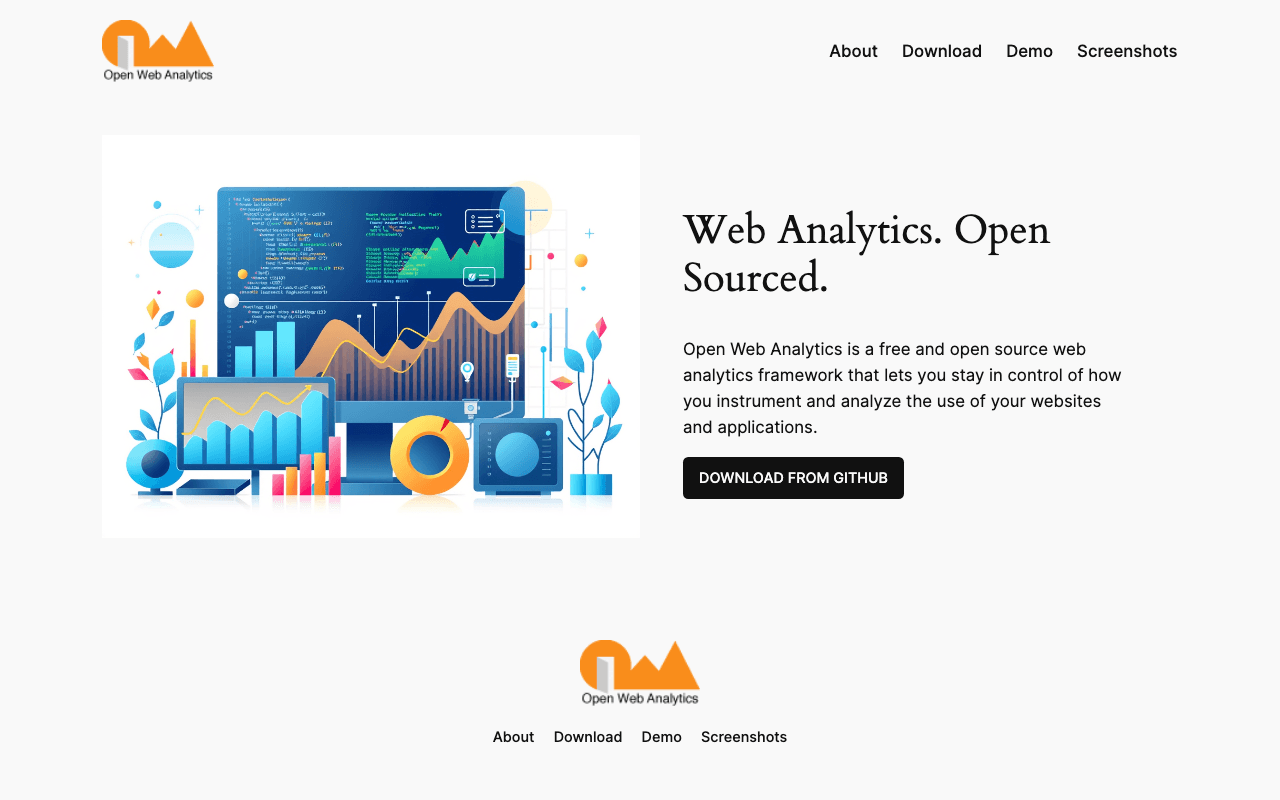
Open Web Analytics (OWA) is a self-hosted web analytics framework written in PHP that you install next to your site, giving you pageviews, visitor and e-commerce reporting without shipping data to a third party. It is popular with WordPress site owners and privacy-conscious teams who want a Google Analytics stand-in on their own server. The software is free under the GNU GPL v2 or later.
What the free plan gives you
Everything, because there is no paid edition. You get visitor, pageview and e-commerce transaction tracking, configurable custom actions, click heatmaps, session recording through the Domstream feature, visitor geolocation, a multi-user reporting interface, and a REST API for administration and data access. A WordPress plugin handles integration for that platform, and a PHP SDK covers other applications. Because data sits in your own MySQL database there are no event quotas, retention limits or site counts.
Where the free plan stops
The ceiling is operational rather than commercial. You need a PHP host with MySQL, you handle upgrades and backups, and the interface is dated compared with hosted tools like Plausible or PostHog. There is no vendor support contract; help comes from GitHub issues and the wiki, and the project asks for donations to fund development.
Who it suits
OWA is a sensible pick if you already run PHP hosting, want full data ownership and are comfortable maintaining a small server-side app. If you want a modern dashboard with zero maintenance, a hosted privacy-first analytics service will cost money but save time.
Key Features
Pros & Cons
The free plan in practice
What you can actually do on Open Web Analytics's free plan (Free and open source (GPL v2+), self-hosted), where it stops, and when it's worth paying.
What you can do free
- Unlimited sites, pageviews and events on your own server
- Click heatmaps and Domstream session recording
- E-commerce transaction tracking
- WordPress plugin and PHP SDK
- REST API and multi-user reporting
Where it stops
- Self-hosting on PHP and MySQL required
- No vendor support, community only
- Dated interface compared with hosted tools
When to upgrade to a paid plan
Open Web Analytics is open source, so self-hosting is free and unlimited. The only reason to pay is convenience: choose a hosted or cloud option when you'd rather not run and maintain it yourself, or need official support.
Categories
Free Plan Details
| Free Plan | |
| Free Tier | Unlimited Free Tier |
| User Limit | Free and open source (GPL v2+), self-hosted |
| Open Source |
What's the free tier actually like?
Used Open Web Analytics's free plan? Tell people what it was really like — what you hit, what surprised you, whether the limits held. No account needed.
No comments yet. If you've used the free plan, you know something the pricing page doesn't say.
Related Tools


Pirsch Analytics
Privacy-friendly, cookie-free analytics. Simple and lightweight.

Plausible Analytics
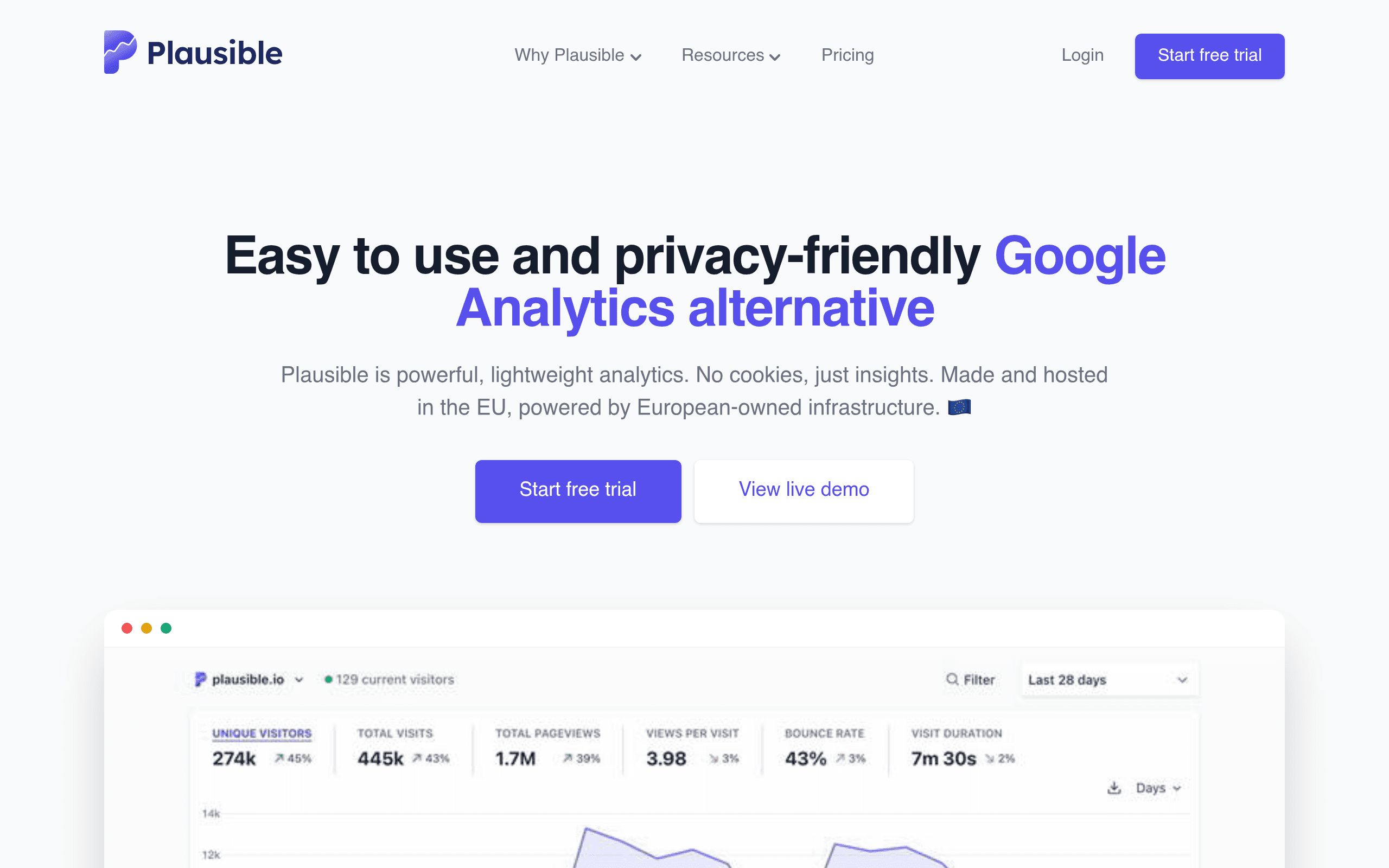
Privacy-friendly analytics. Free and unlimited if you self-host; the hosted version is paid.

PostHog
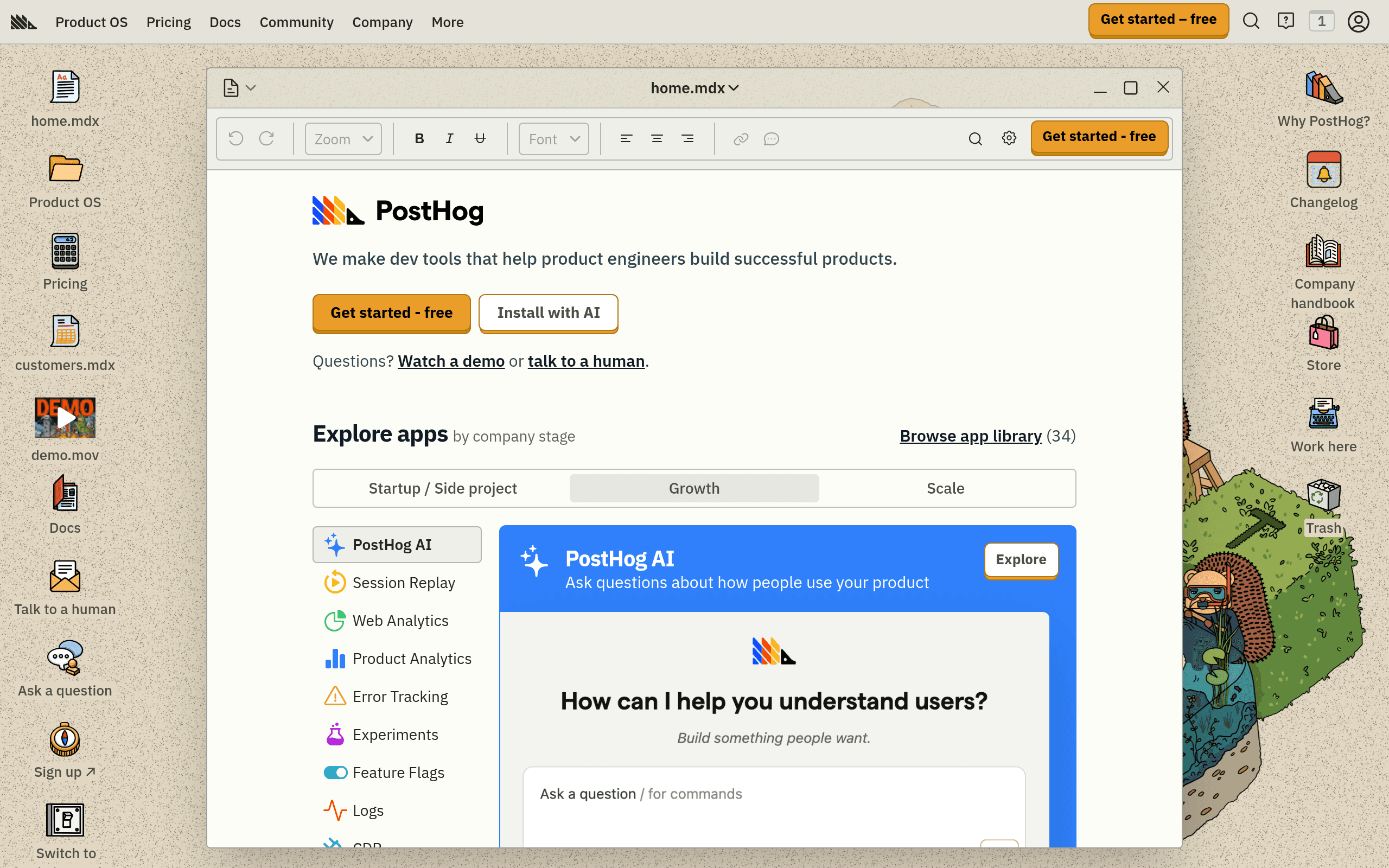
Open source product analytics with session recordings, feature flags, and A/B testing.
Something outdated or missing? Let us know