
Calendly
FreemiumCalendly connects and simplifies all of the work around meetings, from scheduling, payments…
Free plan checked against Calendly's pricing page on . Re-checked monthly.
About Calendly
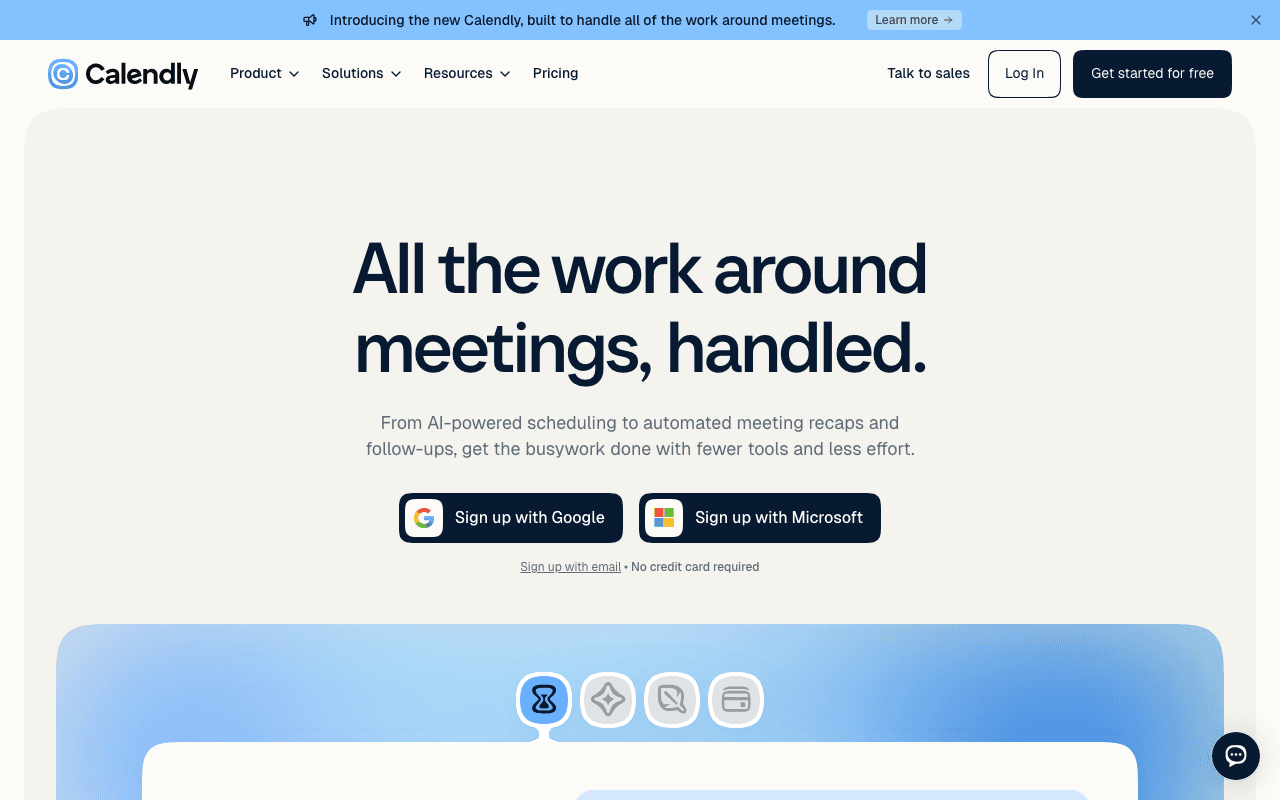
Calendly is the booking link most people already recognise: you share a page, invitees pick a slot, and the meeting lands on both calendars. Freelancers, recruiters and sales teams use it, and the Free plan is a permanent single-user tier.
What the free plan gives you
One event type, one calendar connection, and one-on-one scheduling. You can customise the booking page, embed it, use the browser extension, and connect Google Meet, Zoom or Microsoft Teams so a video link is added automatically. Basic email confirmations are included. That is enough to publish a "book a 30 minute call" link and never miss a slot.
Where the free plan stops
The single event type is the wall. As soon as you want a 15 minute intro and a 60 minute consultation, you need Standard. Automated reminders and follow-ups, multiple calendar connections, payment collection via Stripe or PayPal, and the HubSpot and Mailchimp integrations are also Standard-only. Standard costs $10 per seat per month billed monthly, about $8.33 billed yearly. Teams at $16 per seat per month adds round-robin, lead routing, Salesforce and centrally managed event types.
Who it suits
If you take one kind of meeting and your calendar lives in one place, Calendly Free is complete and you can stay on it for years. Anyone offering more than one meeting type, or relying on reminders to cut no-shows, will outgrow it within a week and should budget for Standard.
Key Features
Pros & Cons
The free plan in practice
What you can actually do on Calendly's free plan (Free plan with one event type and one calendar), where it stops, and when it's worth paying.
What you can do free
- 1 event type
- 1 calendar connection
- One-on-one scheduling
- Customisable booking page
- Browser extension and video conferencing links
Where it stops
- Only one event type
- No automated reminders or follow-ups
- No payments or CRM integrations
When to upgrade to a paid plan
Stay on the free plan while you're comfortably under the free plan's limit (Free plan with one event type and one calendar). It's worth moving to a paid plan once you consistently bump into that ceiling, need to remove branding, or want features the free tier holds back. Paid plans start at $10/mo.
Categories
Not sure Calendly fits EU data rules? See GDPR-compliant Calendly alternatives built in Europe on EuropeanMartech.
Free Plan Details
| Free Plan | |
| Free Tier | Limited Free Tier |
| User Limit | Free plan with one event type and one calendar |
| Open Source |
What's the free tier actually like?
Used Calendly's free plan? Tell people what it was really like — what you hit, what surprised you, whether the limits held. No account needed.
No comments yet. If you've used the free plan, you know something the pricing page doesn't say.

Something outdated or missing? Let us know