
Nextcloud
Open SourceThe most popular open source content collaboration platform for tens of millions of users at…
Free plan checked against Nextcloud's pricing page on . Re-checked monthly.
About Nextcloud
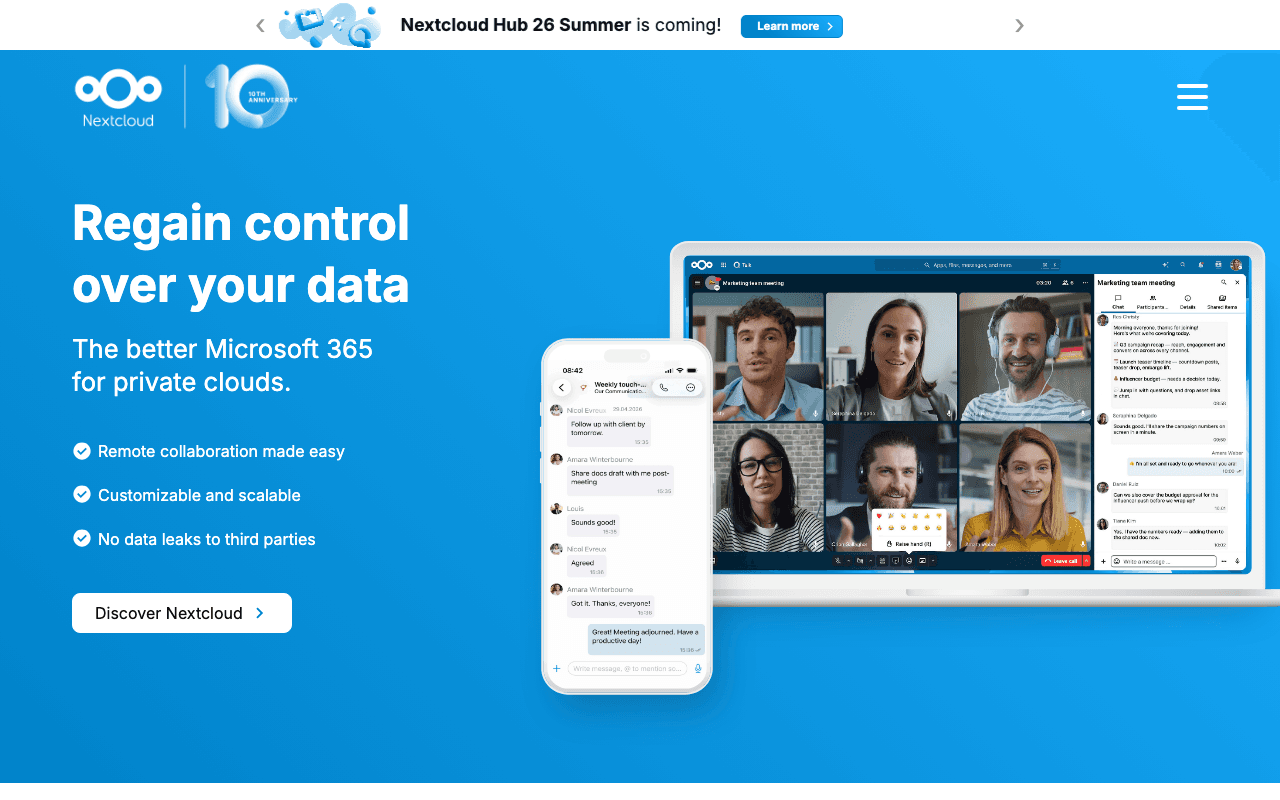
Nextcloud Hub is a self-hosted alternative to Google Workspace and Dropbox: file sync and share, calendar, contacts, mail, Talk video calls, Office document editing and a whiteboard, all on a server you control. Universities, public bodies and privacy-focused companies run it, as do home users. The free plan is the software itself, released under the AGPL with no user limit.
What the free plan gives you
- The complete Nextcloud Hub: Files, Talk, Groupware, Office and hundreds of community apps
- No limit on users, storage or devices beyond what your hardware provides
- Desktop clients for Windows, macOS and Linux, plus iOS and Android apps
- End-to-end encryption, sharing links, versioning and external storage connectors
- Community support through forums and documentation
- Free updates to every new major release
Storage costs are whatever your disk costs, so a small server can hold terabytes for less than one Dropbox seat.
Where the free plan stops
- No vendor support or SLA. If it breaks at 2am, the community forum is your help desk.
- Long-term maintenance branches, security hotfixes for older releases and enterprise integrations are part of the paid subscription.
- You need someone to install, back up and upgrade it.
Nextcloud Enterprise starts at EUR 71.29 per user per year on the Standard tier with a minimum of 100 users, rising to EUR 104.99 for Premium and EUR 204.75 for Ultimate, which adds the AI Assistant, Flow, Whiteboard and 24/7 support options. Smaller organisations are pointed to Nextcloud One, a managed service hosted in Germany, priced on request.
Who it suits
Self-hosted Nextcloud is a good fit for a home lab, a small team with a sysadmin, or any organisation that must keep files in its own jurisdiction. If nobody on the team can maintain a Linux server, the free edition will become a burden and a managed host is the better route.
Key Features
Pros & Cons
The free plan in practice
What you can actually do on Nextcloud's free plan (Free and open source to self-host, unlimited users), where it stops, and when it's worth paying.
What you can do free
- Full Nextcloud Hub: Files, Talk, Groupware, Office
- Unlimited users and storage, bounded by your hardware
- Desktop and mobile clients for every major platform
- End-to-end encryption and versioning
- Hundreds of community apps
- AGPL licence, free major upgrades
Where it stops
- No vendor support or SLA on the free edition
- You install, back up and upgrade it yourself
- Enterprise subscription needs a minimum of 100 users
When to upgrade to a paid plan
Nextcloud is open source, so self-hosting is free and unlimited. The only reason to pay is convenience: choose a hosted or cloud option when you'd rather not run and maintain it yourself, or need official support.
Categories
Free Plan Details
| Free Plan | |
| Free Tier | Unlimited Free Tier |
| User Limit | Free and open source to self-host, unlimited users |
| Open Source |
What's the free tier actually like?
Used Nextcloud's free plan? Tell people what it was really like — what you hit, what surprised you, whether the limits held. No account needed.
No comments yet. If you've used the free plan, you know something the pricing page doesn't say.
Related Tools

pCloud
Store, sync, and share your files securely with pCloud. Get up to 10 GB of free secure cloud…

Proton Drive
End-to-end encrypted file storage from Switzerland that lets you securely back up your files…

Dropbox
Discover Dropbox – secure, easy cloud storage for file sharing and collaboration. With Dash…
Something outdated or missing? Let us know