Back to Alternatives

Free Alternative to Jira

Simpler project management tools your team will actually use. Start free, upgrade when the complexity is worth it.

The best free alternative to Jira is Linear.

Linear logo

1. Linear

Freemium
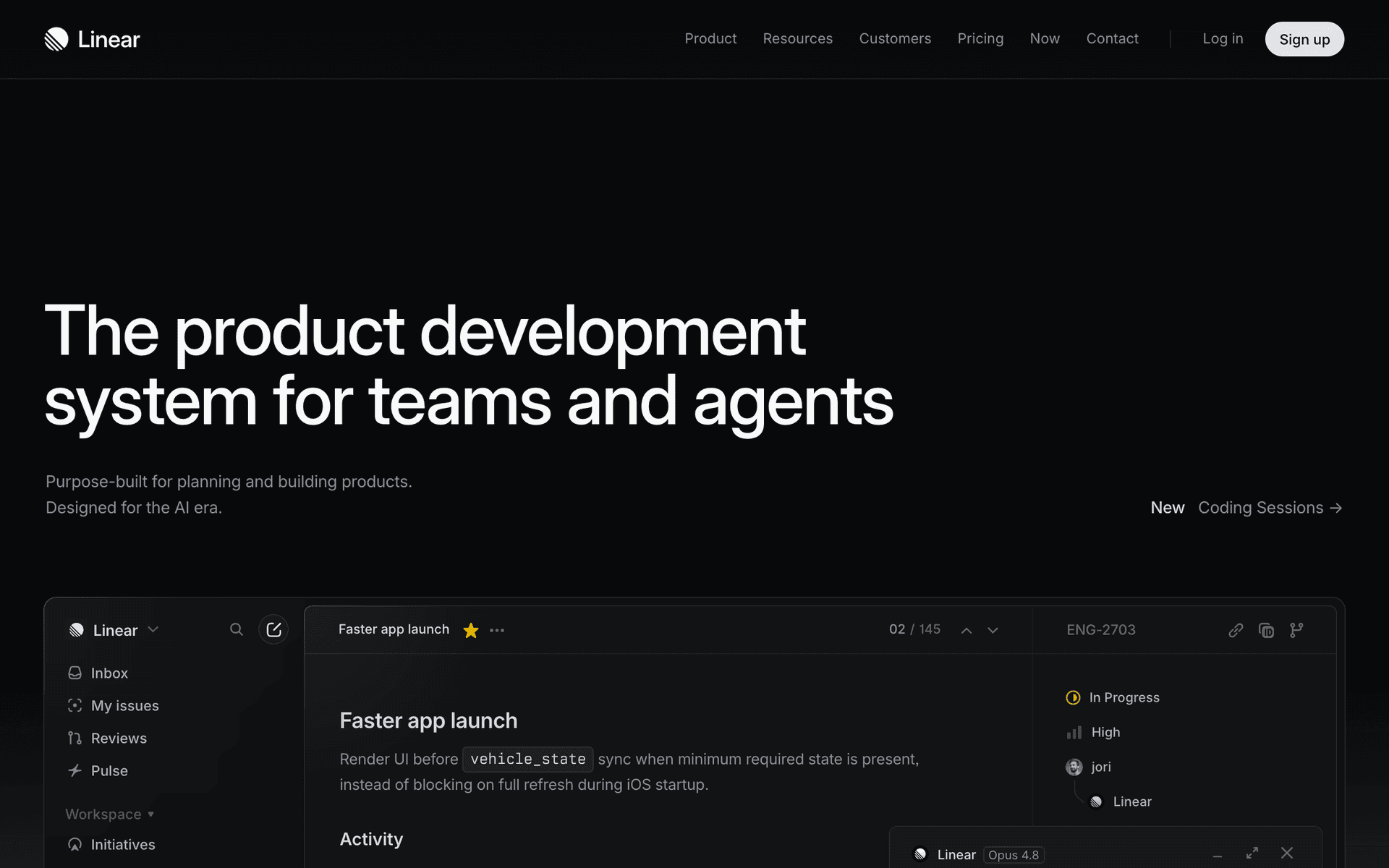
Linear screenshot

Linear is a project management tool built specifically for software teams. Founded in 2019, it has gained a cult following for its speed, keyboard-first design, and opinionated approach to issue tracking.

Why Developers Love It

Linear is fast. Not "fast for a web app" fast, but genuinely instant. Every interaction, from creating issues to searching, feels like using a native desktop application. The keyboard shortcuts let you navigate and manage your entire workflow without touching the mouse.

What You Get on the Free Plan

  • Unlimited members - Up to 250 members on the free plan
  • Unlimited issues - No cap on the number of issues you can create
  • Roadmaps - Plan and visualize your product roadmap
  • Cycles (sprints) - Organize work into time-boxed iterations
  • GitHub and GitLab integration - Link issues to pull requests and automate status updates
  • Slack integration - Create issues and get updates directly in Slack

Opinionated by Design

Linear has strong opinions about how teams should work: issues should be small, cycles should be short, and backlogs should be triaged regularly. If your team prefers flexibility over structure, Jira might be a better fit. But if you want speed and focus, Linear is hard to beat.

Key features include:

  • Issue tracking
  • Project roadmaps
  • Sprint cycles
  • GitHub integration
  • Slack integration
  • Custom workflows
  • API access
  • Keyboard shortcuts

Pros

Incredibly fast UI

Beautiful design

Excellent keyboard shortcuts

Great GitHub integration

Cons

Opinionated workflow

Less customizable than Jira

No free self-hosting

Read more
Plane logo

2. Plane

Open Source
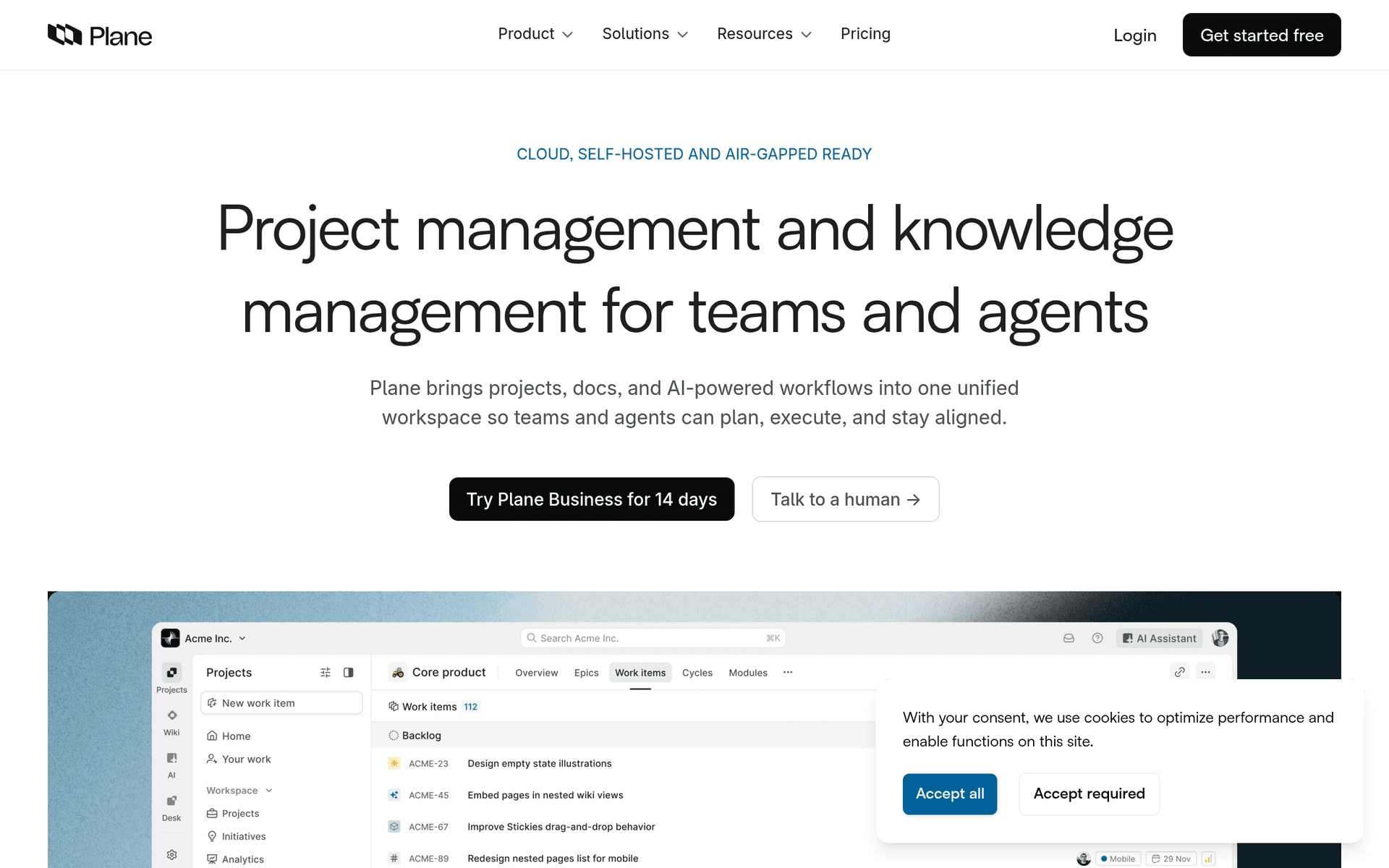
Plane screenshot

Plane is an open source project management tool built as a modern alternative to Jira. It combines issue tracking, sprints, wikis, and multiple view types in a clean interface that does not feel like enterprise software.

Open Source and Self-Hostable

Plane is fully open source under the AGPL license. Self-host it on your own infrastructure for complete control over your data, or use the cloud version with a generous free tier.

What You Get

  • Issue tracking - Create, assign, and track issues with custom properties
  • Cycles (sprints) - Plan and execute time-boxed work iterations
  • Modules - Group related issues into larger project themes
  • Pages (wiki) - Document processes, decisions, and knowledge alongside your work
  • Multiple views - Switch between kanban, list, spreadsheet, and calendar views
  • GitHub sync - Link pull requests and automate issue updates
  • Custom properties - Add fields that match your team's workflow

Still Growing

Plane launched in 2022 and is actively developed. It has fewer integrations and a smaller community than established tools, but the pace of development is fast and the feature set is already competitive.

Key features include:

  • Issue tracking
  • Cycles (sprints)
  • Modules
  • Pages (wiki)
  • Views (kanban, list, spreadsheet)
  • Custom properties
  • GitHub sync
  • Automations

Pros

Open source

Feature-rich

Modern UI

Self-hostable

Cons

Newer product, some rough edges

Smaller community than Jira

Read more
Trello logo

3. Trello

Freemium
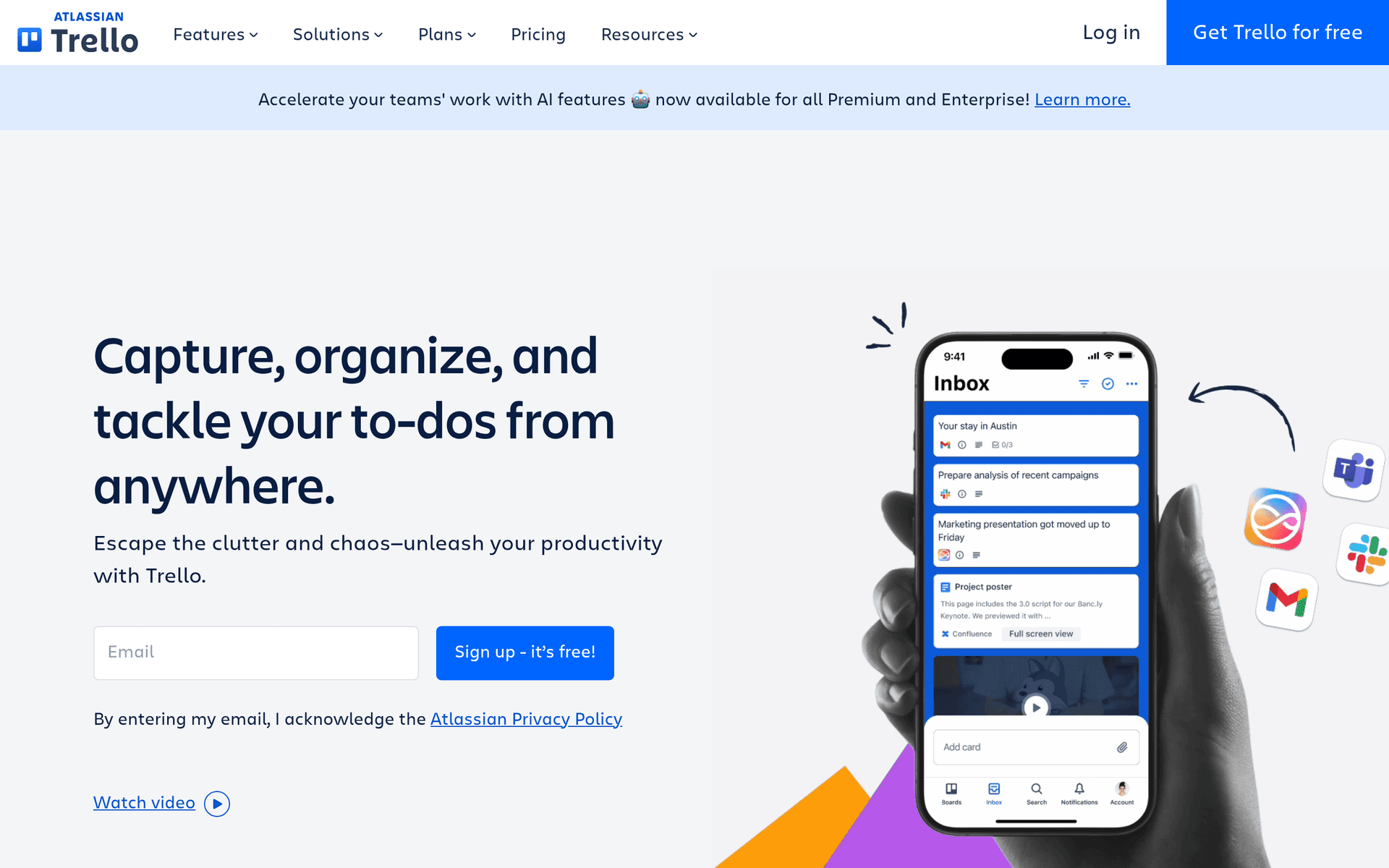
Trello screenshot

Trello is the original kanban board for project management. Its boards, lists, and cards system is so intuitive that millions of people use it for everything from software development to wedding planning.

Visual Project Management

Trello's strength is its simplicity. Create a board, add lists for stages (To Do, In Progress, Done), and move cards between them. No training required, no complex configuration.

What You Get on the Free Plan

  • Unlimited cards - No limit on the number of tasks
  • Up to 10 boards - Manage up to 10 projects
  • Unlimited storage - Attach files without worrying about limits
  • 250 automation runs per month - Automate repetitive tasks with Butler
  • Unlimited activity log - Full history of all changes
  • Assignees and due dates - Basic task assignment and scheduling

What to Know

The 10 board limit is the main restriction. You also cannot use timeline, calendar, or dashboard views on the free plan. Trello works best for small teams with straightforward workflows. If you need sprint planning, roadmaps, or advanced reporting, tools like Linear or Asana are a better fit.

Key features include:

  • Kanban boards
  • Checklists
  • Labels & filters
  • Automations (Butler)
  • Power-Ups
  • Calendar view
  • Templates
  • Mobile app

Pros

Extremely easy to use

Great for visual thinkers

Good mobile app

Cons

Limited views on free plan

Can get messy at scale

Board limit on free

Read more
Asana logo

4. Asana

Freemium
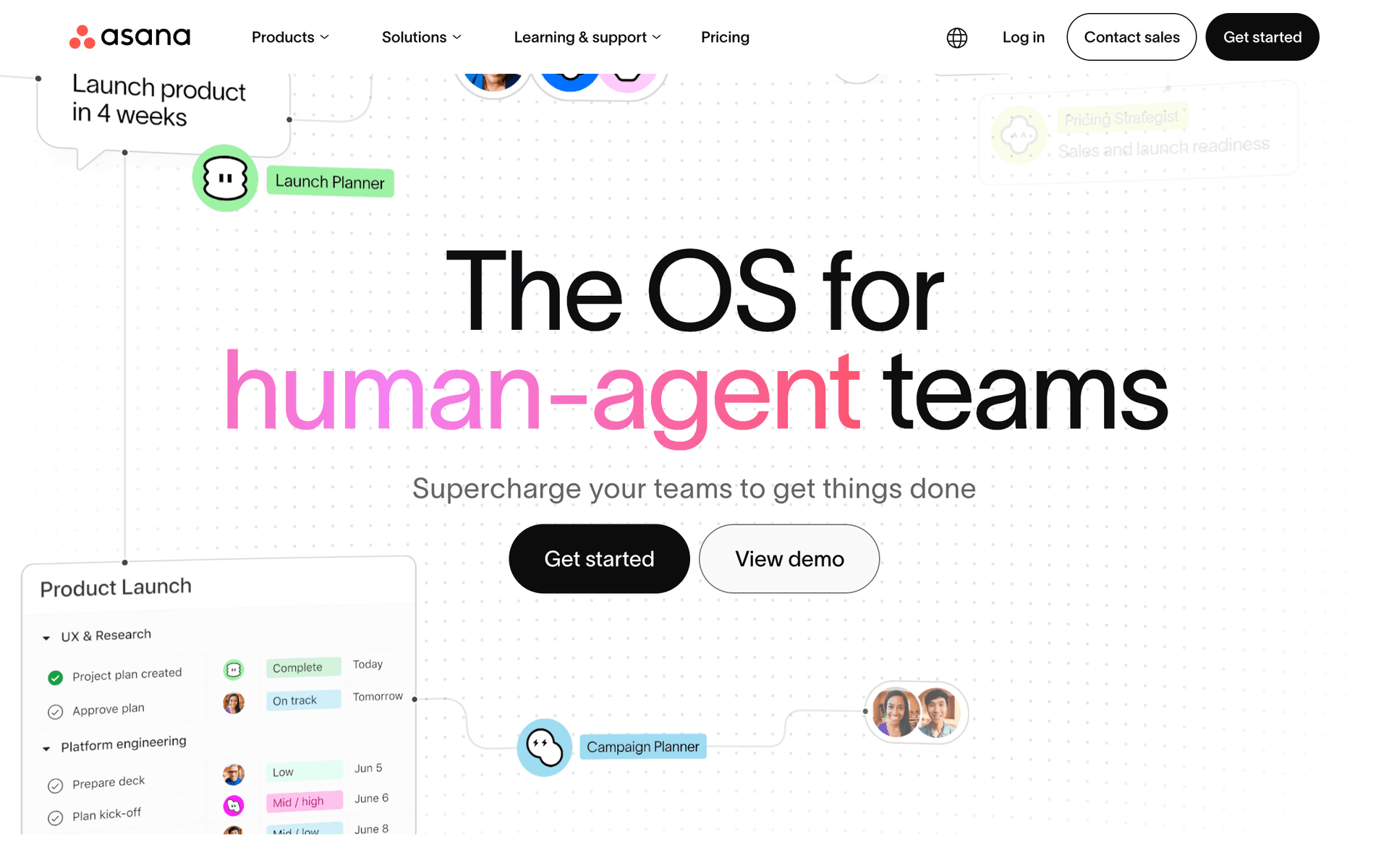
Asana screenshot

Asana is a work management platform used by teams to organize tasks, track projects, and manage goals. The free plan is generous for small teams, supporting up to 10 users with unlimited tasks and projects.

Built for Team Collaboration

Asana goes beyond simple task lists. It offers multiple project views (list, board, calendar), goals tracking, and enough structure to manage complex cross-functional work without being overwhelming.

What You Get on the Free Plan

  • 10 users - Enough for a small team
  • Unlimited tasks - No cap on the number of tasks you create
  • Unlimited projects - Organize work into as many projects as you need
  • List, board, and calendar views - Multiple ways to visualize your work
  • Assignees and due dates - Assign tasks and set deadlines
  • Mobile app - Manage tasks from your phone

What to Know

The free plan lacks timeline view, custom fields, milestones, and advanced reporting. These are available on the Premium plan at $10.99/user/month. For a team under 10 people that needs more than Trello but less than Jira, Asana's free plan hits a good middle ground.

Key features include:

  • Task management
  • Projects
  • Multiple views
  • Goals
  • Portfolios
  • Automations
  • Forms
  • Reporting

Pros

Feature-rich free plan

Multiple views

Great for small teams

Cons

10 user limit

Advanced features locked

Can feel overwhelming

Read more
ClickUp logo

5. ClickUp

Freemium
ClickUp screenshot

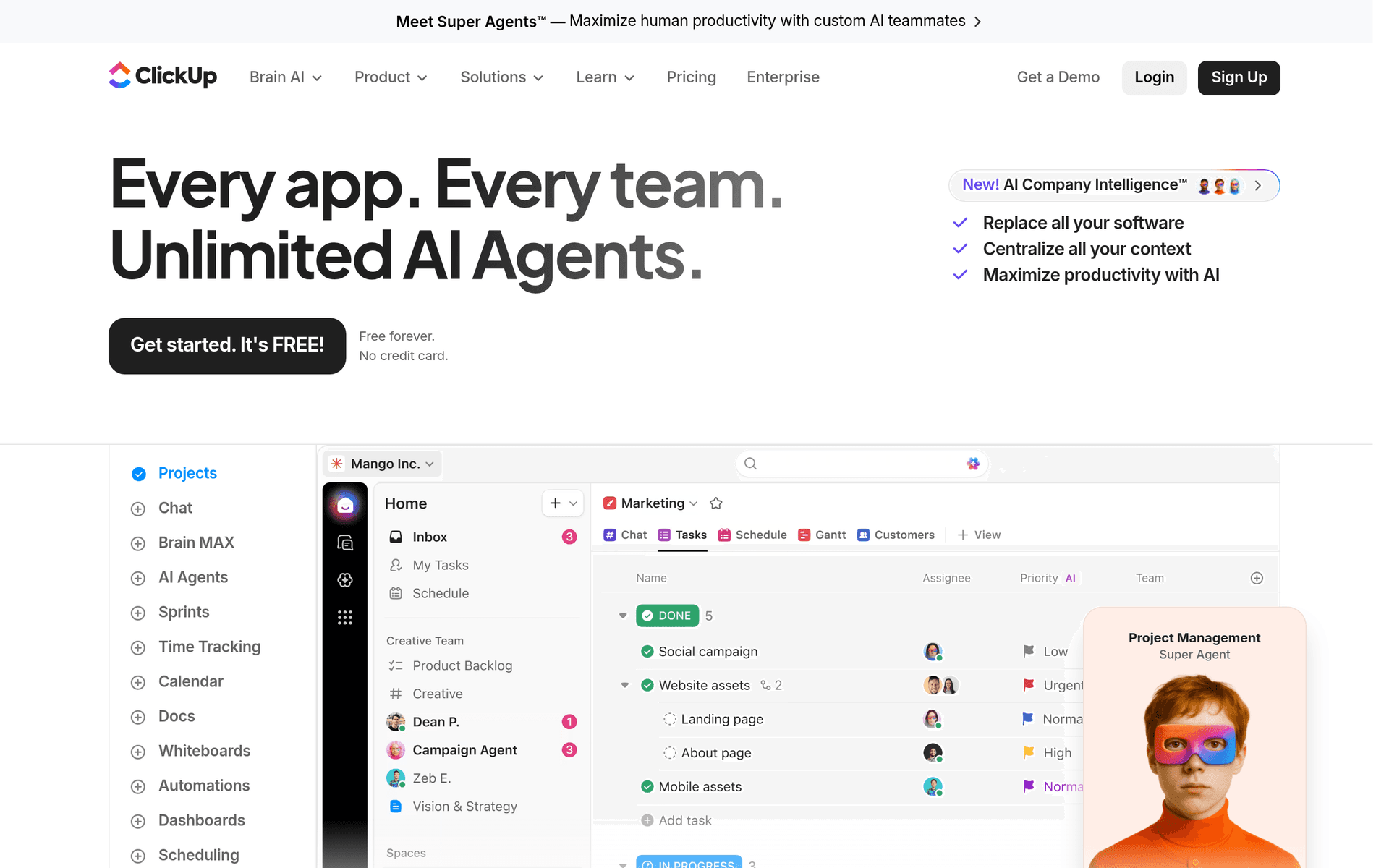
ClickUp is an all-in-one productivity platform that combines tasks, documents, goals, whiteboards, and time tracking. It positions itself as "one app to replace them all" and offers unlimited tasks and members on the free plan.

Everything in One Place

ClickUp tries to replace your project management tool, note-taking app, wiki, and time tracker with a single platform. The free plan includes access to most features, though with some limitations.

What You Get on the Free Plan

  • Unlimited tasks - No limit on tasks you can create
  • Unlimited members - No cap on team size
  • Docs - Built-in document editor with collaboration
  • Whiteboards - Visual collaboration for brainstorming
  • 24/7 support - Chat support even on the free plan
  • Collaborative editing - Real-time editing on docs and tasks

What to Know

The free plan limits storage to 100MB, restricts some views and automations, and does not include Gantt charts. ClickUp can also feel overwhelming because of how many features it packs in. If you value simplicity, consider Trello or Linear instead. If you want everything in one tool, ClickUp delivers.

Key features include:

  • Task management
  • Docs
  • Whiteboards
  • Goals
  • Time tracking
  • Automations
  • Dashboards
  • Mind maps

Pros

Unlimited members and tasks

All-in-one platform

Highly customizable

Cons

Can feel bloated

Steep learning curve

Storage limit on free plan

Read more
Taiga logo

6. Taiga

Open Source
Taiga screenshot

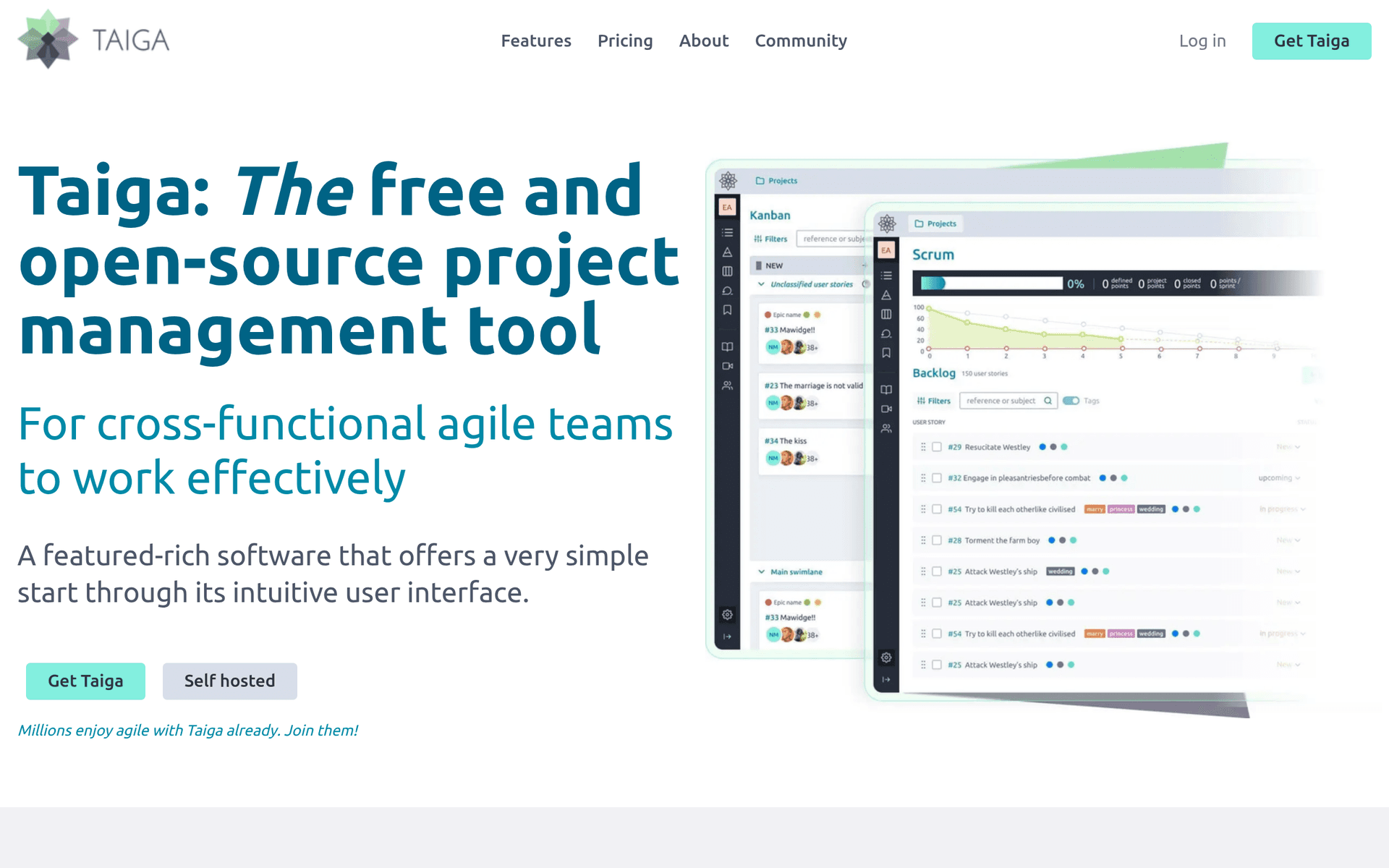
Taiga is an open source project management tool built specifically for agile development teams. It supports both Scrum and Kanban methodologies with a clean, focused interface.

True Agile Tool

Unlike general-purpose project managers, Taiga was designed around agile practices. Scrum teams get backlogs, sprints, and burndown charts. Kanban teams get configurable boards with WIP limits.

What You Get

  • Unlimited projects - No cap on the number of projects (self-hosted)
  • Scrum boards - Backlogs, sprints, user stories, and burndown charts
  • Kanban boards - Visual boards with swimlanes and WIP limits
  • Issue tracking - Bug and issue management with custom severities
  • Wiki - Built-in documentation for each project
  • Epics - Group related user stories into larger initiatives

What to Know

Self-hosting is free with no limits. The cloud free tier has restrictions on team size and features. Taiga has a smaller community than tools like Jira or Linear, but the agile implementation is solid and the interface stays focused on what matters.

Key features include:

  • Scrum boards
  • Kanban boards
  • Issue tracking
  • Wiki
  • Epics
  • Custom fields
  • Webhooks
  • Importers

Pros

True agile tool

Open source

Clean interface

Good Scrum support

Cons

Smaller community

Less polished than competitors

Read more

Why start free before committing to Jira?

Jirais a great product. But committing to a paid plan before you've tested it in your workflow means you're guessing about what you actually need.

The tools listed above let you start free and get real experience. You'll learn which features matter to your business, which ones you never use, and whether upgrading to Jira or staying with an alternative makes more sense long-term.

Start free, test thoroughly, and upgrade with confidence when the time is right.

Frequently Asked Questions

Why start with a free alternative to Jira?

Testing tools on a free plan lets you evaluate them in your actual workflow. You'll know exactly what you need before committing to a paid plan, whether that's Jira or one of these alternatives.

Are these tools good enough to grow with?

These tools are used by thousands of businesses at every stage. Their free plans are designed to let you evaluate thoroughly. When you're ready to scale, upgrading is straightforward.

When should I upgrade from the free plan?

Upgrade when you consistently hit the free plan's limits and a paid tier would save you meaningful time or unlock features your business needs. You'll know when it's time.